
Taggy
Image-aware caption and tag pluginSmart captions and tags for your posts
Highlights
What you can do with it
- Social media managers captioning posts quickly
- Bloggers adding tags to image-heavy articles
- Anyone who publishes regularly and dislikes writing captions
How to use it
- 1 Install the Taggy plugin.
- 2 Upload or select the image you want to describe.
- 3 Review the suggested captions and tags.
- 4 Add custom tags if you need them.
- 5 Insert the chosen tags into your post.
Who it is for
Pros
- Free to use with no payment step
- Saves time on caption writing
- Custom and multilingual tag support
Limitations
- The site redirected on our last check, so availability is uncertain
- Suggestions can be generic and need editing
- Image analysis sends your photos to a third party
- Depends on the platform the plugin runs in
What Taggy is
Taggy is a text recommendation plugin that works from image content rather than from a keyword box. You give it a photo, it analyzes what is in the picture, and it suggests captions and tags that fit. The pitch is straightforward: describing images well is tedious, and doing it consistently across a lot of posts is worse, so let the plugin read the image and propose options instead of staring at a blank caption field. It returns multiple tag choices, supports custom tags when you want something specific, works in several languages, and lets you insert the tags you pick straight into your post from the plugin interface. It is aimed at people who publish regularly and need consistent, reasonable tagging without a copywriter in the loop. The plugin is free to use, which makes it an easy thing to try on a batch of posts you were going to publish anyway.
What you can do with it
- Analyze a photo and get caption suggestions automatically
- Choose from multiple tag options per image
- Add custom tags alongside the generated ones
- Insert chosen tags directly into your post
- Work in more than one language
Who it is for
- Social media managers publishing image-heavy content
- Bloggers tagging posts without a dedicated copywriter
- Small teams that need consistent tagging with little effort
What to watch out for
Suggestions are a starting point. Generic captions read as generic, so plan to edit for tone and context, and image analysis will not understand an inside joke, a specific campaign, or a reference that only your audience gets. Analyzing photos means sending images to a third party, so be careful with anything private and avoid pictures of other people without their agreement. The address redirected on our most recent check, which means availability is uncertain and the plugin may have moved or changed since. Finally, plugin support depends on the platform you publish through, so confirm compatibility before you build a workflow around it, and expect to spend a few sessions comparing its suggestions against your own judgement before you trust them.
FAQ
What does Taggy do?
It analyzes the content of your photos and recommends captions and tags that fit, so you spend less time describing images by hand.
Is it free?
The plugin is described as free to use. Terms can change, so confirm on the site.
Can I add my own tags?
Yes, custom tags are supported alongside the generated suggestions, and multiple languages are available.
Why did the link not open directly?
The address redirected on our most recent check, so the service may have moved. Treat availability as uncertain.
Why it is free
What the official page says: free to use
Free limits, trial length and features are decided by the official site and can change at any time.
Product preview
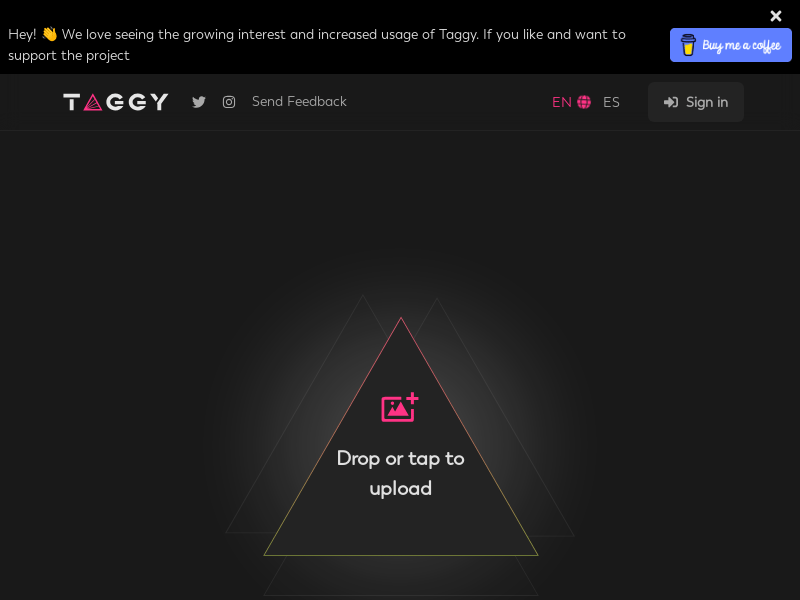
Screenshot archived from the listing page, for preview only.











