
Highlights
What you can do with it
- Sorting a crowded inbox and finding important mail
- Drafting quick replies that match your tone
- Tracking promises and follow-ups made by email
How to use it
- 1 Install or connect the assistant to your Gmail account.
- 2 Let it categorize and surface important emails.
- 3 Use it to draft replies and track commitments.
- 4 Manage subscriptions from the same place.
Who it is for
Pros
- Works inside Gmail as an assistant
- Drafts replies in your own style
- Has a free version for basic tasks
Limitations
- Free version is limited, and paid pricing may change
- Focused on Gmail, so other mail apps are out of scope
- Needs access to your mailbox, so review the privacy terms
What Tame My Inbox is
Tame My Inbox is an AI email assistant built for Gmail, also called IRIS. Its main purpose is to help with email overload so you can focus on the tasks that matter. It can sort messages into categories, draft replies in your own writing style, track commitments you make over email, and manage subscriptions in one place. A free version handles basic email tasks, while a paid version adds more advanced features. Because it works inside Gmail, there is no separate app to learn, and it is aimed at busy professionals and teams who want to move through their inbox faster without letting promises slip.
What you can do with it
The assistant stays close to your normal inbox so it does not disrupt how you already work.
- Sort and categorize your Gmail messages.
- Draft replies that match your tone.
- Track commitments and follow-ups.
- Manage subscriptions in one place.
Who it is for
- Busy professionals with heavy email volume.
- Teams that share and manage an inbox.
- Anyone who wants help writing clear replies fast.
What to watch out for
The free version only covers basic tasks, and the paid pricing and features can change over time, so confirm current plans before subscribing. The assistant is focused on Gmail, so other email apps are out of scope. Because it needs access to your mailbox, review the privacy and data terms carefully before you connect an account. AI drafts should still be checked and edited before you send them, since the tool can make mistakes. For best results, start with a small test file and review the output carefully before working on anything important.
FAQ
What is Tame My Inbox?
It is an AI email assistant for Gmail, also called IRIS, that helps sort mail, draft replies, and track commitments.
Is there a free version?
Yes. A free version handles basic email tasks, and paid plans add more advanced features.
Who is it for?
It is aimed at busy professionals and teams who want to process email more efficiently.
Why it is free
What the official page says: 免费使用免费版免费
Free limits, trial length and features are decided by the official site and can change at any time.
Product preview
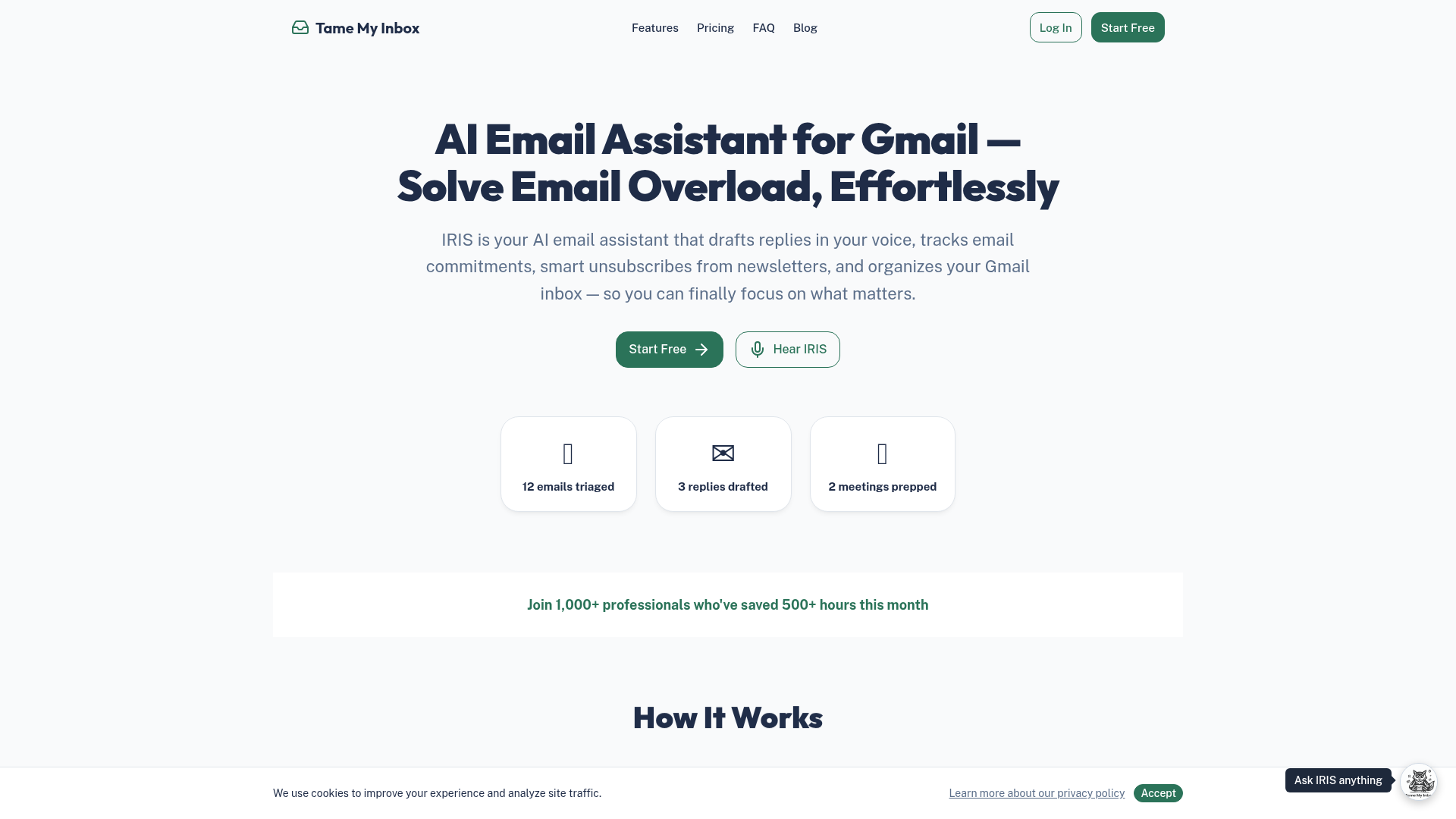
Screenshot archived from the listing page, for preview only.