
Teleporthq
Low-code frontend design and development platformBuild and deploy static sites with visual tools and code
Highlights
What you can do with it
- Build and deploy a headless static website
- Turn a Figma design into responsive code
- Create components and interfaces with low-code tools
How to use it
- 1 Sign up on the Teleporthq site.
- 2 Start a project from a template or Figma import.
- 3 Build the UI with visual tools and custom code.
- 4 Generate components and add interactions.
- 5 Deploy via Vercel, GitHub, free hosting, or download.
Who it is for
Pros
- Combines visual building with real code output
- Figma plugin for design-to-code
- Deploy via Vercel, GitHub, or free hosting
- Download clean code when you want to leave
Limitations
- Free hosting is limited and paid plans cost more
- Complex or dynamic sites may need custom code
- Generated code can need cleanup
- Depends on the vendor platform and integrations
What Teleporthq is
Teleporthq is a collaborative frontend platform that combines UI development and content modeling tools. You can quickly create and deploy headless static websites using its visual building tools, and a Figma plugin lets you translate designs into responsive websites, components, and interfaces. It supports low-code development for custom functionality, including custom code, visual modifications, widget creation, and interactions. You can deploy via Vercel, push to GitHub, host for free, or download your work as clean code. It is aimed at designers and developers who want speed without losing control of the code.
What you can do with it
- Build and deploy headless static websites visually.
- Turn a Figma design into responsive code with the plugin.
- Create components, widgets, and interactions with low-code tools.
- Deploy via Vercel or GitHub, host for free, or download clean code.
Who it is for
- Designers turning Figma files into live sites.
- Developers who want low-code speed with code control.
- Teams building headless static websites.
- Anyone who needs to deploy a static site quickly.
What to watch out for
Free hosting is limited, and paid plans cost more, and pricing can change over time. Complex or highly dynamic sites may still need custom code, and generated code can need cleanup before production. Because it relies on integrations like Figma, Vercel, and GitHub, changes there can affect your workflow. As a hosted platform, availability can vary, so download and keep copies of important projects and confirm current terms on the official site. Behavior may vary across browsers and devices, so test before production use and consult the help docs if errors appear.
FAQ
What is Teleporthq?
It is a collaborative frontend platform for UI development and content modeling, with low-code tools.
Does it work with Figma?
Yes. A Figma plugin turns designs into responsive websites, components, and interfaces.
Can I host for free?
You can host for free, deploy via Vercel, push to GitHub, or download clean code.
Who is it for?
It suits designers and developers who want visual speed with code control.
Why it is free
What the official page says: for free
Free limits, trial length and features are decided by the official site and can change at any time.
Product preview
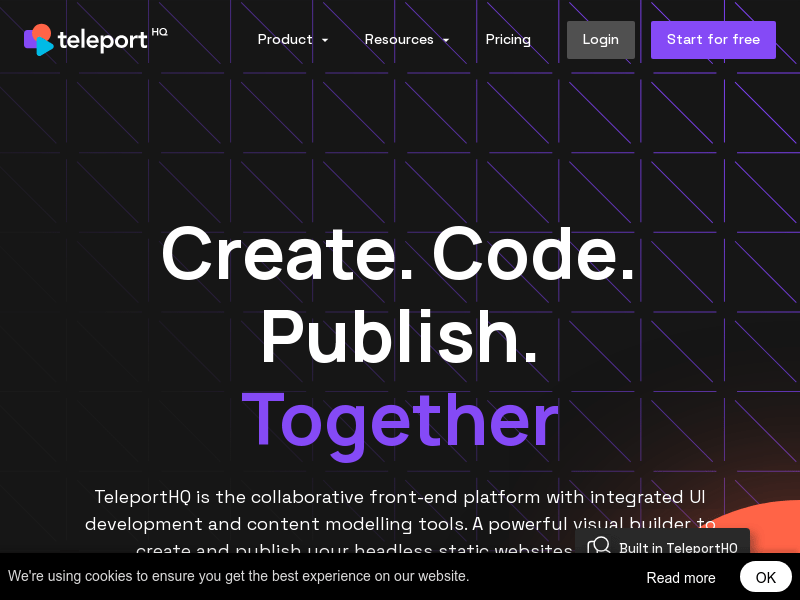
Screenshot archived from the listing page, for preview only.











