
Tencent Cloud AI Engine OCR Experience
Free OCR tool that converts files to MarkdownTurn images and PDFs into Markdown
Highlights
What you can do with it
- Students convert textbook formulas into editable Markdown
- Researchers turn paper figures and tables into text
- Office workers extract tables and text from documents
How to use it
- 1 Open the OCR Experience website.
- 2 Upload an image or PDF file.
- 3 Let the tool analyze and convert the document.
- 4 Review the Markdown output for tables and formulas.
- 5 Copy or download the converted text.
Who it is for
Pros
- Free document-to-Markdown conversion
- Handles tables, formulas, and images, not just plain text
- Rebuilds a sensible reading order for easier editing
Limitations
- As an experience product, it may have usage limits
- Complex layouts can produce conversion errors
- Accuracy depends on the quality of the source file
What Tencent Cloud AI Engine OCR Experience is
The Tencent Cloud AI Engine OCR Experience is a document analysis tool that uses OCR to convert images or PDF files into Markdown. It parses tables, formulas, images, and text, and converts content into a readable reading order so documents become easy to work with. It supports recognition of various document types. Use cases include students converting textbook formulas, researchers turning paper figures and tables into text, and office workers extracting tables from company documents. It is currently available for free.
What you can do with it
- Convert images and PDFs into Markdown format
- Parse tables, formulas, images, and body text
- Rebuild content into a sensible reading order
- Digitize notes, papers, and company documents
Who it is for
- Students digitizing formulas and study notes
- Researchers extracting text and tables from papers
- Office workers processing company documents
What to watch out for
Because it is an experience product, it may have usage limits or change without notice. Complex layouts, such as multi-column pages or mixed tables, can produce conversion errors, so always check the output against the original. Accuracy also depends on the quality of the source file, and blurry or low-resolution scans will convert poorly. Confirm current terms before using it for important work. Features and interface details may change between versions, so review the latest notes on the page before you start. For team use, agree on naming and editing conventions in advance to avoid version conflicts or duplicated work. For team use, agree on naming and editing conventions in advance to avoid version conflicts or duplicated work. Name and archive exported files consistently so you can find and reuse them, and keep a backup copy of key data.
FAQ
What does the OCR Experience do?
It converts images or PDF files into Markdown, including tables, formulas, and text.
Is it free?
It is currently available for free use.
Who is it for?
It suits students, researchers, and office workers who need to digitize documents.
Why it is free
What the official page says: for free
Free limits, trial length and features are decided by the official site and can change at any time.
Product preview
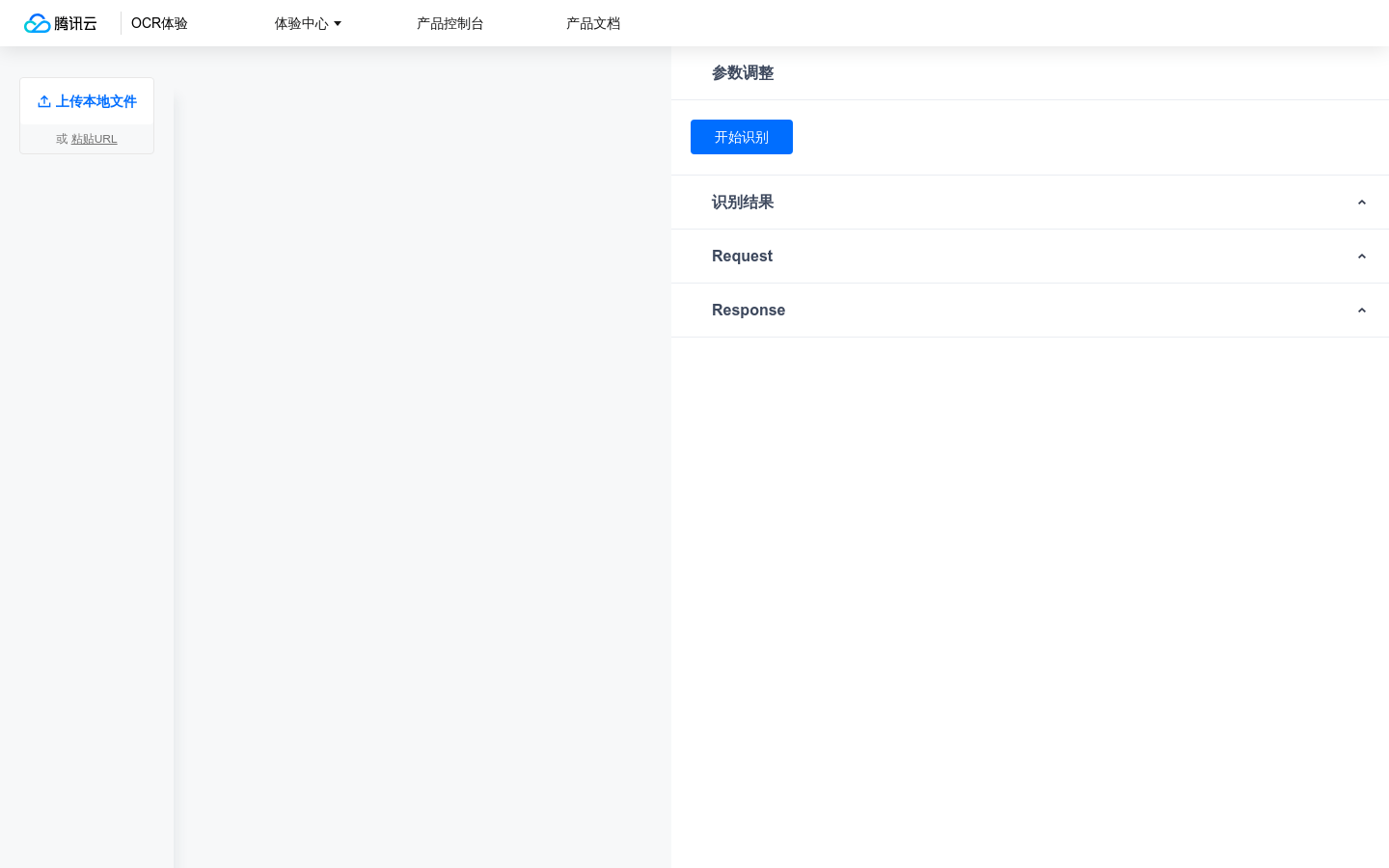
Screenshot archived from the listing page, for preview only.











