
Tern
AI trip planning assistantPlan a trip in minutes with AI
Highlights
What you can do with it
- Plan a five day trip to Paris with sights and food
- Find beach and diving activities in Southeast Asia
- Arrange a relaxing weekend getaway nearby
How to use it
- 1 Visit the Tern website and choose Plan new trip.
- 2 Enter your destination and how long you will stay.
- 3 Add preferences such as exploration or shopping.
- 4 Review the personalized itinerary Tern generates.
- 5 Log in or register to save and share the plan.
Who it is for
Pros
- Itineraries appear within moments of entering a destination
- Preferences shape the suggestions
- Plans can be saved and shared through an account
Limitations
- Pricing has not been announced and the free trial may change
- Suggestions are a starting point, not booked travel
- Coverage and depth depend on the destination
What Tern is
Tern is an AI travel planner that builds customized itineraries from a few inputs. Enter a destination and trip length, add preferences such as exploration or shopping, and the system generates a personal itinerary with travel options for different needs. The listing says users can log in or register to save and share itineraries, and it adds exploration and shopping features to enrich the experience. In practice, it turns the messy early stage of trip planning into a short conversation with the tool. The product is currently in a free trial phase, and specific pricing has not been announced yet.
What you can do with it
- Generate a personalized itinerary from a destination and duration
- Shape suggestions with personal travel preferences
- Choose from several travel options for the same trip
- Save and share itineraries through an account
- Explore attractions and shopping ideas around the plan
If you already know your dates and rough budget, Tern can fill in the rest quickly.
Who it is for
- Travelers who want a fast first draft itinerary
- People planning trips around specific interests
- Groups that need a shareable plan
- Anyone who prefers structure over open ended travel
The examples in the listing cover city sightseeing trips, beach and diving holidays, and relaxed weekend getaways.
What to watch out for
Pricing has not been announced, so the free trial may change or end, and you should treat current access as temporary. The itinerary is a starting point, not a booked trip, so flights and hotels still need to be arranged elsewhere. Coverage and depth depend on the destination, and popular cities will get richer suggestions than obscure ones. Saving and sharing plans requires an account, which means creating one before you can keep your work.
FAQ
How does Tern work?
Enter a destination and trip length, add preferences, and it generates a personalized itinerary.
Is Tern free?
The listing says it is in a free trial phase, and pricing details are not yet available.
Can I share my itinerary?
Yes, after logging in or registering you can save and share itineraries.
Why it is free
What the official page says: free trial
Free limits, trial length and features are decided by the official site and can change at any time.
Product preview
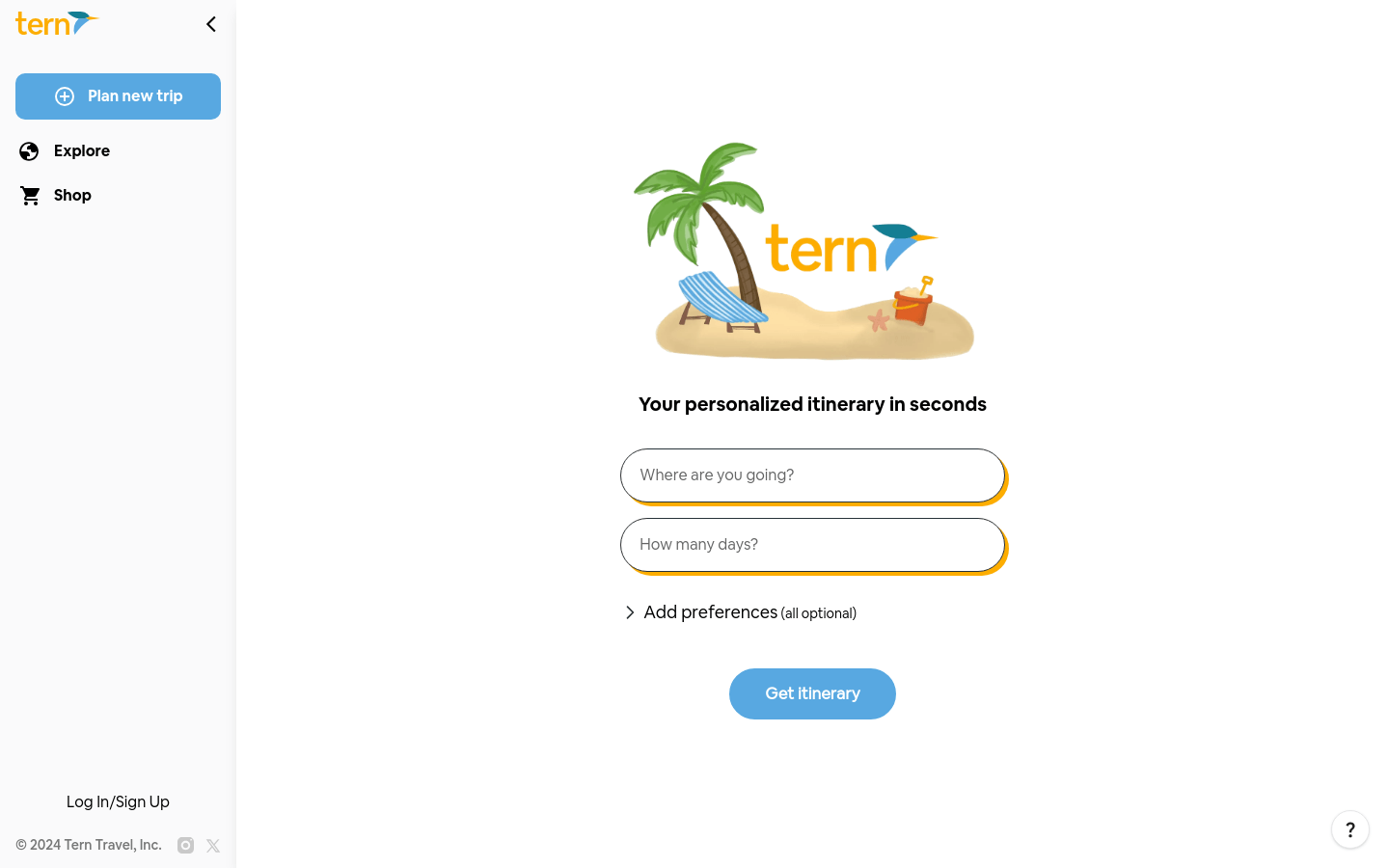
Screenshot archived from the listing page, for preview only.











