
Text Deblur
AI text deblur toolMake blurred text clear and readable
Highlights
What you can do with it
- A student sharpens a blurry photo of whiteboard notes taken from far away.
- An office worker clears up a low-resolution scanned document.
- A photographer fixes text labels blurred by camera shake.
How to use it
- 1 Upload an image in a supported format, such as a note, screenshot, scan, or label.
- 2 Complete a simple verification, then run the fixed-text enhancement model.
- 3 Compare the sharpened result, then download it before the private link expires.
Who it is for
Pros
- Completely free with no account needed.
- Handles many image formats.
- No watermark on results.
- Simple three-step process.
Limitations
- It is not meant to restore text that was deliberately blurred or covered up.
- Free use is capped at 20 images per day, and the cap and other terms can change.
- Private links expire after 24 hours, so you must download promptly.
- Results vary with the original image, so very low-quality photos may only improve partly.
What Text Deblur is
Text Deblur is a free online tool that uses AI to sharpen blurred text inside images such as screenshots, notes, scanned documents, and photos. It works by improving the contrast between the text and its background and by cleaning up the edges of the letters, so blurry words become easier to read. There is no registration and no watermark. The site says you can process up to 20 images for free each day, and results are kept as a private link for 24 hours. It is aimed at everyday blur from things like camera shake or low-resolution scanning, and it is explicitly not meant to restore text that was deliberately blurred or hidden. You just upload an image, run a simple check, and let the model enhance the text.
What you can do with it
- Upload images in many formats, including JPG, PNG, WebP, AVIF, GIF, BMP, TIFF, HEIC, and HEIF.
- Sharpen blurred text in notes, whiteboard photos, screenshots, labels, and scanned documents.
- Process up to 20 images a day for free without an account.
- Download results from a private link that expires after 24 hours.
Who it is for
- Students cleaning up photos of classroom notes or whiteboards.
- Office workers dealing with low-quality scans or unclear screenshots.
- Researchers working with low-resolution documents.
What to watch out for
It is not designed to recover text that was intentionally blurred or covered up, and it cannot read text that is not really there. Free use is capped at 20 images per day, and private links expire after 24 hours, so download promptly. The free daily limit and other terms can change over time. Results vary with the original image, so very low-quality or heavily blurred photos may improve only partially and still need a clearer source.
FAQ
Is Text Deblur free?
Yes. It is free to use without registration, and you can process up to 20 images per day.
Which image formats are supported?
It supports JPG, PNG, WebP, AVIF, GIF, BMP, TIFF, HEIC, and HEIF.
Can it recover text that was intentionally blurred?
No. It is designed for everyday blur from camera shake or low resolution, not for restoring deliberately hidden text.
How long are results kept?
Results are saved as a private link that expires after 24 hours, so download them during that window.
Do results have a watermark?
No. The tool states there is no watermark on processed images.
Why it is free
What the official page says: 免费无需注册
Free limits, trial length and features are decided by the official site and can change at any time.
Product preview
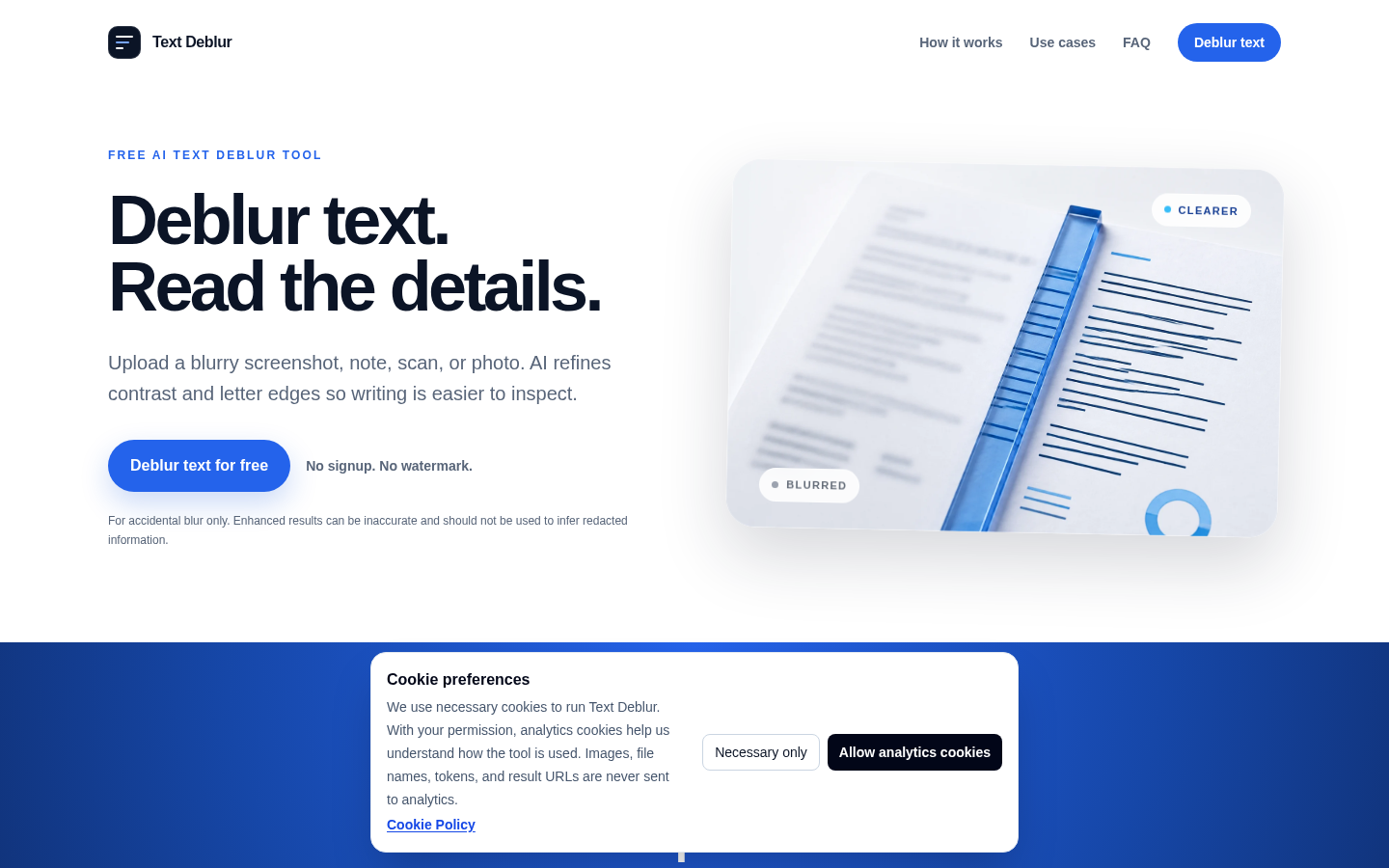
Screenshot archived from the listing page, for preview only.











