
The Visualizer
Turn dense text into mind maps with AISee complex topics as clear diagrams
Highlights
What you can do with it
- Turning a long explanation into a mind map for revision
- Mapping a research topic before writing about it
- Sketching the structure of a project plan
How to use it
- 1 Open The Visualizer site
- 2 Paste in the text you want to visualise
- 3 Let the AI build the map
- 4 Read and adjust the resulting diagram
- 5 Upgrade if you need more than the trial allows
Who it is for
Pros
- Visual form makes structure easier to grasp than paragraphs
- Works on text you already have
- Trial lets you judge the output quality first
Limitations
- Paid version is priced by usage time and features, so costs scale with volume
- Diagram quality depends on how clear the source text is
- Not every topic converts cleanly into a map
What The Visualizer is
The Visualizer is an AI tool that converts complex material into visual form. The typical input is a block of text, often something generated by a chatbot, and the output is a mind map or similar diagram that shows how the ideas connect. The stated benefit is comprehension and retention: reading a structured diagram is easier than re-reading paragraphs, and the shape of an argument becomes visible. The tool is positioned for students, researchers, project managers and creative thinkers, which covers a fairly wide range of use. Commercially, there is a free trial and a paid version priced according to usage time and features, so the cost scales with how much you convert.
What you can do with it
- Turn a long explanation into a mind map for revision
- Map a research topic before you start writing
- Sketch the structure of a project or a plan
- Reframe a problem visually to spot gaps
Who it is for
- Students revising dense or unfamiliar material
- Researchers structuring a topic before committing to an outline
- Project managers who need to see dependencies at a glance
What to watch out for
Diagram quality tracks the quality of the source text. If your input is vague, repetitive or badly organised, the map will be too, and you will spend as long cleaning it up as you would have spent making your own. The pricing model is usage based, so heavy use adds up in a way a flat subscription would not. Not every subject suits a mind map: some material is genuinely linear, and forcing it into branches can distort it. Try the trial on a real piece of your own work rather than a demo topic before you decide.
FAQ
Is there a free trial?
Yes, with a paid version priced according to usage time and features.
What does it produce?
Mind maps and other visual representations of complex topics.
Who is it for?
Students, researchers, project managers and creative thinkers.
Why it is free
What the official page says: free trial
Free limits, trial length and features are decided by the official site and can change at any time.
Product preview
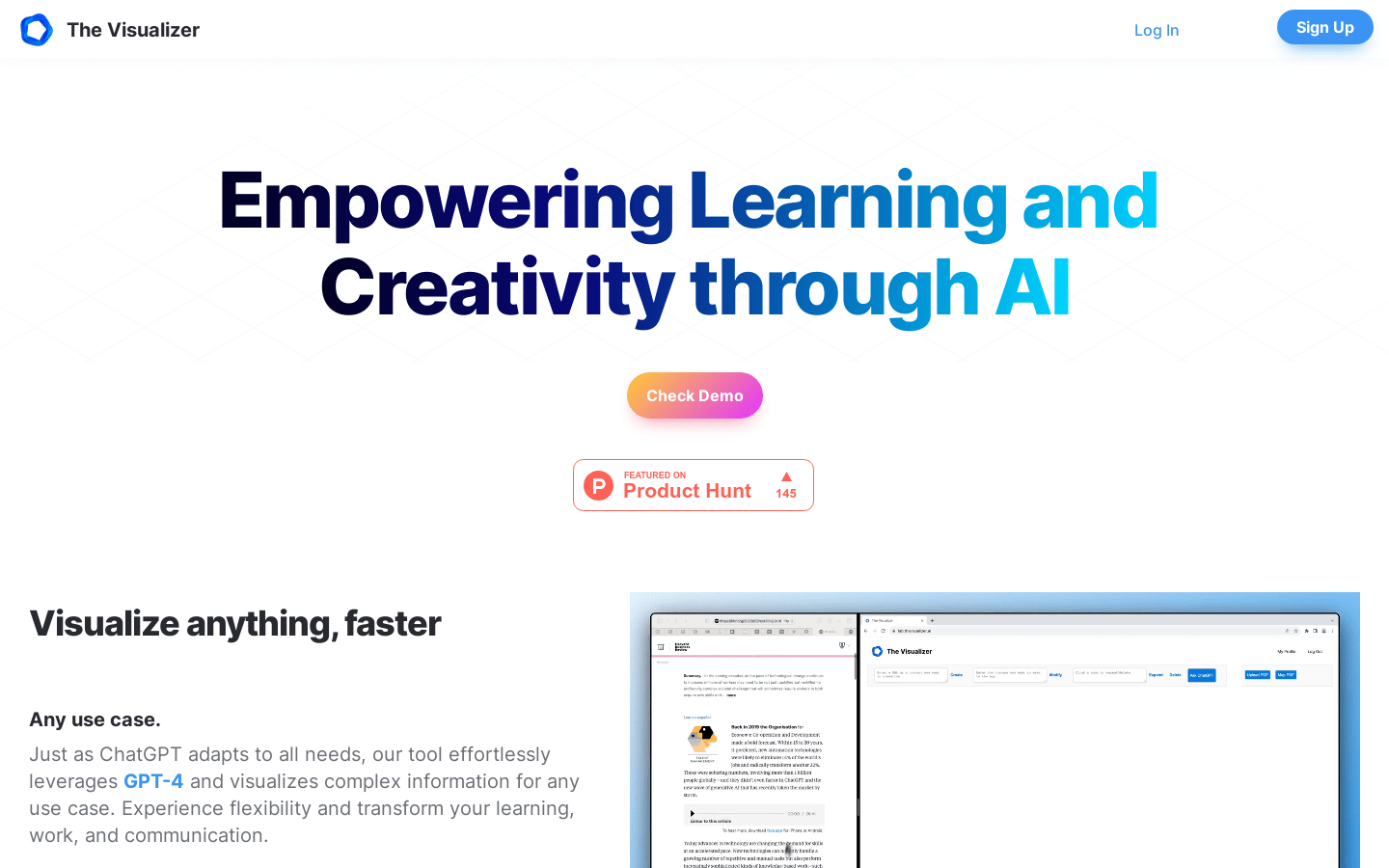
Screenshot archived from the listing page, for preview only.











