
Thumio
AI thumbnail maker and editor for YouTube creatorsTurn a video title into a clickable thumbnail
Highlights
What you can do with it
- Game streamers build thumbnails with their own photo and proven templates
- Marketers test thumbnail versions with A/B testing before a campaign
- Food bloggers extract a frame from video footage and optimize it
- Social media operators create cover images that stand out in crowded feeds
How to use it
- 1 Go to thumio.com and click Launch studio to enter the editor
- 2 Start a free trial as a new user, no card details required
- 3 Enter a video title, pick a template, or drag in a video file to extract a frame
- 4 Upload a selfie and use Insert Person if you want your face in the thumbnail
- 5 Optimize with the AI tools, then save, download and apply it to your video
Who it is for
Pros
- Free trial starts without credit card details
- Title-to-thumbnail generation removes manual design work
- Template library and 20 AI tools cover most editing needs in one place
- Video frame extraction saves shooting or sourcing a cover image
Limitations
- A/B testing is only available on paid plans
- Credits are consumed per use, so heavy publishing gets expensive
- Free trial terms and credit pricing can change, so check before you rely on them
- Results still depend on the source video and photo quality you supply
What Thumio is
Thumio is an AI thumbnail maker and editor aimed at YouTube creators. Instead of opening a design tool and laying out text, faces and effects by hand, you type a video title and the AI produces a thumbnail you can publish. You can also work from a library of templates and recipes built around patterns that historically earn clicks, or drag a video file in and let the tool pick a strong frame. A free trial is available for new users, and the site says no credit card information is needed to start it. Paid plans unlock extra features such as A/B testing, with credits starting from as low as $2.99, so the tool scales from a quick test to a full upload schedule.
What you can do with it
- Generate a thumbnail from a video title in a few steps
- Pull a frame from existing video footage and turn it into a publishable thumbnail
- Insert your own photo, with lighting and style adjusted automatically
- Edit with 20 AI tools covering layout, eye-catching elements, lighting and color
- Enlarge low-resolution images so they still look clean at thumbnail size
Who it is for
- YouTube creators who need fresh thumbnails for every upload
- Content marketers pushing video content across multiple channels
- Social media operators who compete for attention in busy feeds
- Creators without design experience who still want a professional look
What to watch out for
A/B testing sits behind a paid plan, so if comparing versions matters to your workflow, budget for it. Usage runs on credits, and the site lists credits starting from as low as $2.99, which means frequent publishing adds up over a month. Free trial terms and credit pricing can change at any time, so confirm current details before you plan a campaign around them. Thumbnail quality still depends on what you feed it: a weak source video or a badly lit selfie will limit the result no matter how good the editor is, and a strong thumbnail cannot rescue a video that does not deliver on the promise.
FAQ
Is there a free trial?
Yes, new users can start a free trial without providing credit card information.
Can I put my own face in a thumbnail?
Yes, upload a selfie and the Insert Person feature adjusts lighting and style to fit the scene.
What does A/B testing do?
On paid plans it generates different thumbnail versions and compares them so you can keep the one that attracts more clicks.
How much do paid credits cost?
Credits start from as low as $2.99 according to the site.
Why it is free
What the official page says: for freefree trial
Free limits, trial length and features are decided by the official site and can change at any time.
Product preview
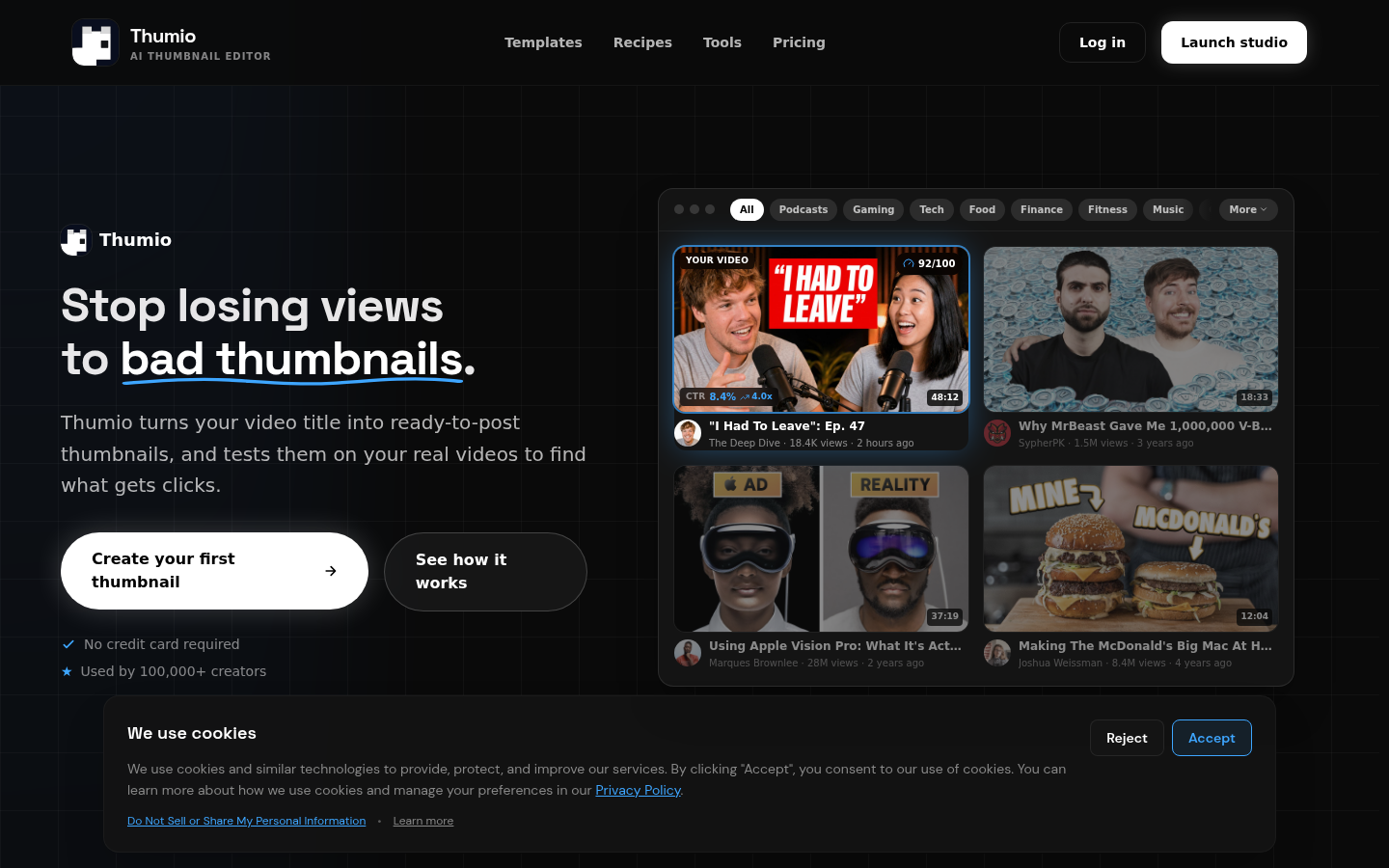
Screenshot archived from the listing page, for preview only.











