
TickClip
AI check on price, reviews, sellersBuy, wait, or skip, backed by data
Highlights
What you can do with it
- Check a big discount before buying to see whether the price was raised first.
- Compare review quality on an electronics listing before ordering.
- Look at competitor pricing and reputation when setting your own strategy.
How to use it
- 1 Open the TickClip website.
- 2 Paste the product link or enter its ASIN.
- 3 Submit and wait for the AI analysis to finish.
- 4 Read the price, review, and seller sections, then act on the Tick, Clip, or Skip call.
Who it is for
Pros
- Combines price history, review analysis, and seller reputation in one view.
- Results come as a simple decision instead of raw numbers.
- It is completely free to use.
Limitations
- Free access is the current offer and can change or gain limits later.
- Coverage depends on the listing data it can read, so not every store or region may work.
- The call is a suggestion, not a guarantee, and final decisions stay with you.
What TickClip is
TickClip is a trust layer for online shopping. You paste a product link or enter its ASIN, and the AI reviews the listing for price manipulation, review authenticity, and seller reputation. Price checks compare the current price against 30 day and 90 day averages and historical price data, and the result includes the historical low. Review analysis looks for suspicious reviews, incentivized purchases, and clustering, then shows an adjusted rating. The output is a plain call: Tick to buy, Clip to wait, or Skip to avoid. It is completely free to use.
What you can do with it
- Check whether a current price is a real discount or an inflated one.
- See which reviews look suspicious and what the adjusted rating is.
- Judge a seller's reputation before you order.
- Get a Buy, Wait, or Avoid suggestion for each product you check.
Who it is for
- Shoppers who want a second opinion before they buy.
- People looking for genuine discounts and better value.
- Buyers who want to reduce the risk of poor quality or unreliable sellers.
What to watch out for
Free access is the vendor's current offer, and it can change or gain limits later. The analysis depends on the listing data it can read, so coverage may be uneven across stores, categories, and regions. A Tick, Clip, or Skip call is a suggestion based on the data it can see, not a guarantee of quality or price, and the final decision stays with you. Merchants can also use it to study competitor pricing and reputation before adjusting their own strategy. For best results, start with a small test file and review the output carefully before working on anything important.
FAQ
What does TickClip check?
Price manipulation, review authenticity, and seller reputation for a product listing.
How does it judge price?
It compares the current price against 30 and 90 day averages and historical price data, and shows the historical low.
What do Tick, Clip, and Skip mean?
Tick suggests buying, Clip suggests waiting for a better price, and Skip suggests avoiding the product.
Is it free?
The site describes TickClip as completely free to use.
Why it is free
What the official page says: completely freefree to use
Free limits, trial length and features are decided by the official site and can change at any time.
Product preview
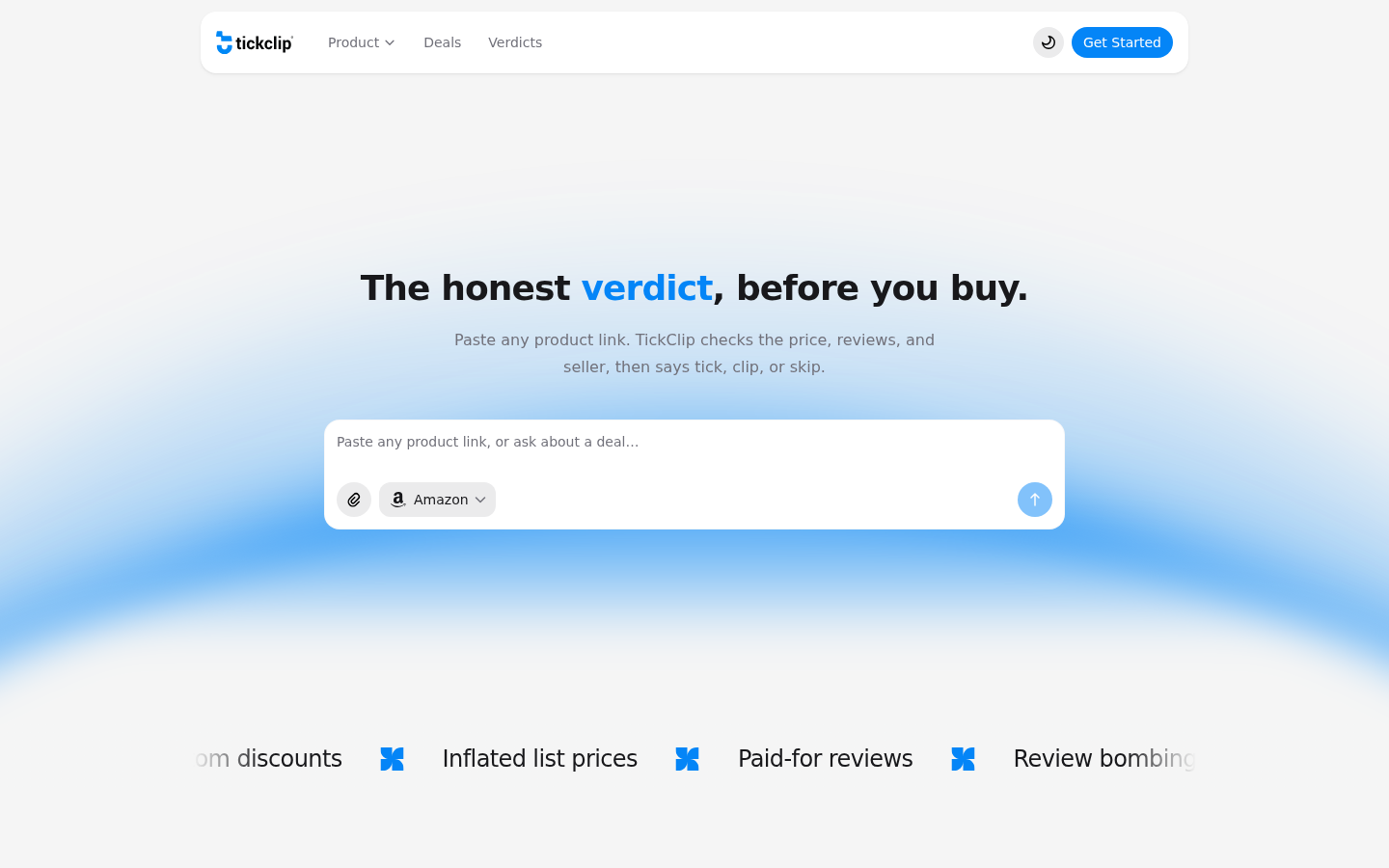
Screenshot archived from the listing page, for preview only.











