
Tineo
AI travel planner from your booking emailsTurn confirmations into a shared, organized itinerary
Highlights
What you can do with it
- A solo traveler auto-builds an overseas itinerary from bookings
- A family plans a holiday together and shares documents
- A business traveler manages meetings, flights, and hotels in one place
How to use it
- 1 Visit tineo.ai or download the Tineo app and sign up
- 2 Forward confirmation emails or paste booking details into the app
- 3 Let Tineo parse the details and build itinerary items
- 4 Invite others to plan together and share documents
- 5 Use the AI assistant during the trip for questions and edits
Who it is for
Pros
- Free to use, with an optional premium tier
- Automatic parsing saves manual itinerary entry
- Collaboration keeps everyone on the same plan
- Handles many booking types and file formats
Limitations
- Parsing can miss details, so review important bookings
- Depends on confirmation emails being readable and complete
- Premium features sit behind the Tineo Ultra plan
- Free access terms and features may change over time
What Tineo is
Tineo is an AI travel planner and itinerary manager founded in 2024. Its main job is to read your booking confirmation emails, such as flights, hotels, and car rentals, parse them automatically, and turn them into a structured itinerary you can view on both web and mobile devices. You can plan trips together with friends and family so everyone keeps the same travel details in one place, and you can attach travel documents, tickets, and useful files to each trip. A Tineo assistant can answer travel questions and add, edit, or remove itinerary items, and it can search across your itineraries and documents. The product is free to use, with a Tineo Ultra premium option.
What you can do with it
- Forward or paste confirmation emails to build an itinerary automatically.
- Upload PDFs, images, calendar invites, and Outlook emails as sources.
- Invite others to plan collaboratively and share documents.
- Use the AI assistant to answer questions and edit the itinerary.
Who it is for
- Individual travelers who want bookings organized without manual entry.
- Families and groups planning trips together and sharing details.
- Business travelers managing flights, hotels, and meetings in one place.
What to watch out for
Automatic parsing can miss or misread details, so review important bookings such as times, dates, and confirmation numbers before you travel. It depends on confirmation emails being readable and complete, and unusual formats may need manual fixes. Premium features sit behind the Tineo Ultra plan, so check what the free version covers. Free access terms and features may change over time, and because you forward booking emails, consider your privacy before sending sensitive travel details to the service.
FAQ
What is Tineo?
Tineo is an AI travel planner that turns booking confirmation emails into organized itineraries and supports collaborative trip planning.
Can I plan with others?
Yes. You can invite friends and family to plan together and share itinerary details and travel documents in one place.
Is it free?
The product is free to use, with a Tineo Ultra premium option for more features.
Why it is free
What the official page says: free to use
Free limits, trial length and features are decided by the official site and can change at any time.
Product preview
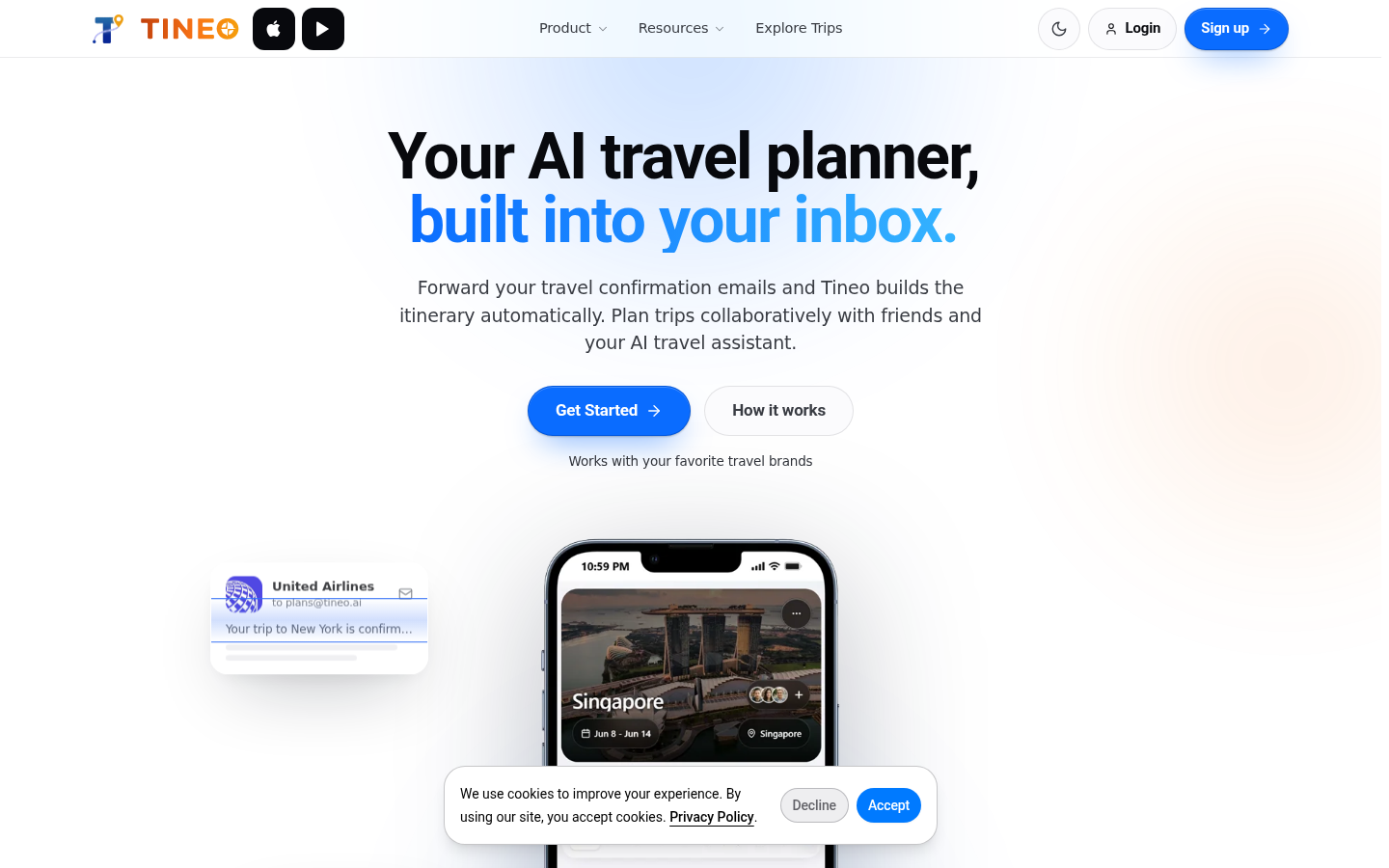
Screenshot archived from the listing page, for preview only.











