
tinyart
Free multi-model AI image editorGenerate, remove backgrounds, upscale, no card needed
Highlights
What you can do with it
- Removing product photo backgrounds for an online store
- Designing posters and thumbnails for social media
- Generating different design directions for a client
How to use it
- 1 Open the tinyart website
- 2 Start using it free without registering, or log in for more features
- 3 Pick the function you need, such as image generation or background removal
- 4 Enter a text prompt or upload the image to process
- 5 Edit the result further, then save it locally or share it
Who it is for
Pros
- Free to start with no credit card required
- Several models and tools in one platform
- Batch background removal on up to 30 files speeds up catalog work
Limitations
- Free access can change, and advanced use may require a paid plan
- Some tools such as face swap raise consent and platform rule issues
- Automated edits still need a human check before publication
What tinyart is
tinyart is an image editing platform that brings several AI models, including Gemini and OpenAI, into one interface. The goal is to let you produce visual work without professional design skills. You can generate images from text, remove backgrounds, raise resolution, strip watermarks, and delete objects you do not want in the frame.
You can start using it for free and no credit card is required, with the option to cancel anytime, which suggests paid tiers sit behind the free entry point. The site reports a large user base and claims cost savings on photo work, though those figures come from the operator and are not independently verified. Treat them as marketing claims rather than measured results.
What you can do with it
- Generate images from a text description for posters, thumbnails, or mockups
- Remove backgrounds automatically, with up to 30 files handled in one pass
- Enhance low-resolution images and remove watermarks or unwanted objects
- Use smart mini apps for ID photos, old photo restoration, and similar tasks
Who it is for
- Creative professionals who need to turn ideas into visuals quickly
- E-commerce sellers who process product photos at volume
- Social media operators and marketing teams producing posts and ads
What to watch out for
Free access is the starting point, not a permanent guarantee, and advanced features may sit behind paid plans. Tools such as face swap raise consent and platform policy questions: only use them on images you have the rights to, and note that misuse can violate platform rules or law, with consequences falling on the user. Automated edits are not always clean, so review edges, resolution, and artifacts before you publish. Finally, check how the platform handles uploaded images and what rights you retain over the output, since that varies by service.
FAQ
Is tinyart free?
You can start using it for free and no credit card is required. The site says you can cancel anytime, which implies paid tiers exist.
How many files can I process at once?
Background removal handles up to 30 files at once.
Which models does it use?
It supports multiple AI models, including Gemini and OpenAI.
Why it is free
What the official page says: for freeno credit card
Free limits, trial length and features are decided by the official site and can change at any time.
Product preview
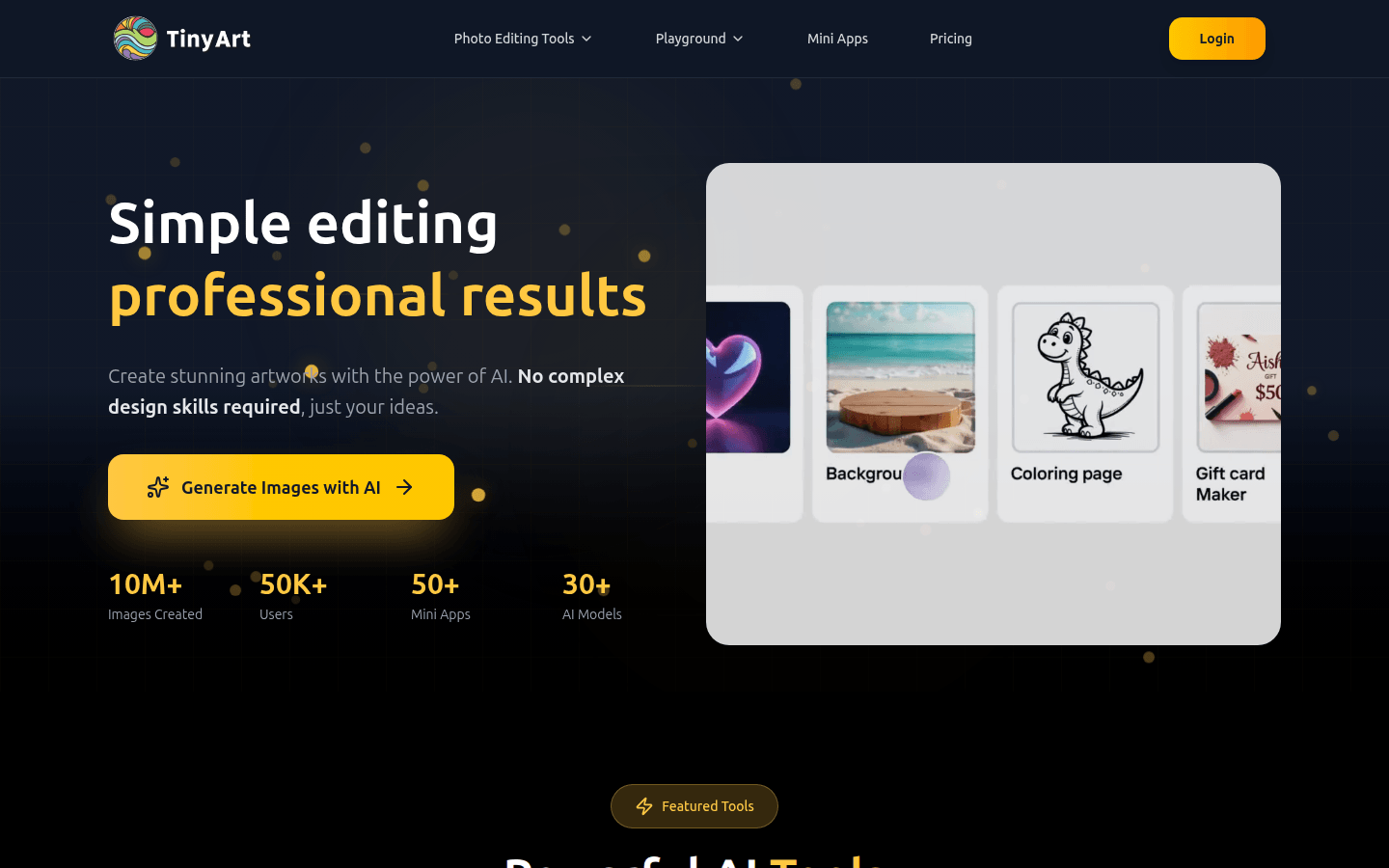
Screenshot archived from the listing page, for preview only.











