
tldraw.dev
Infinite canvas SDK for ReactAdd a collaborative whiteboard to your app
Highlights
What you can do with it
- Add a collaborative whiteboard to a product
- Build a canvas-based collaboration feature
- Prototype interactive diagram and design tools
How to use it
- 1 Install the tldraw package in your project
- 2 Import the tldraw CSS into your application
- 3 Render the Tldraw component in your React tree
- 4 Follow the quick start and examples for your use case
Who it is for
Pros
- Built for React with real components and APIs
- Real-time collaboration support included
- Used by known products such as Autodesk Forma and ClickUp
Limitations
- The free version adds watermarks to output
- Requires React knowledge to integrate
- Customization and backend sync work is on you
What tldraw.dev is
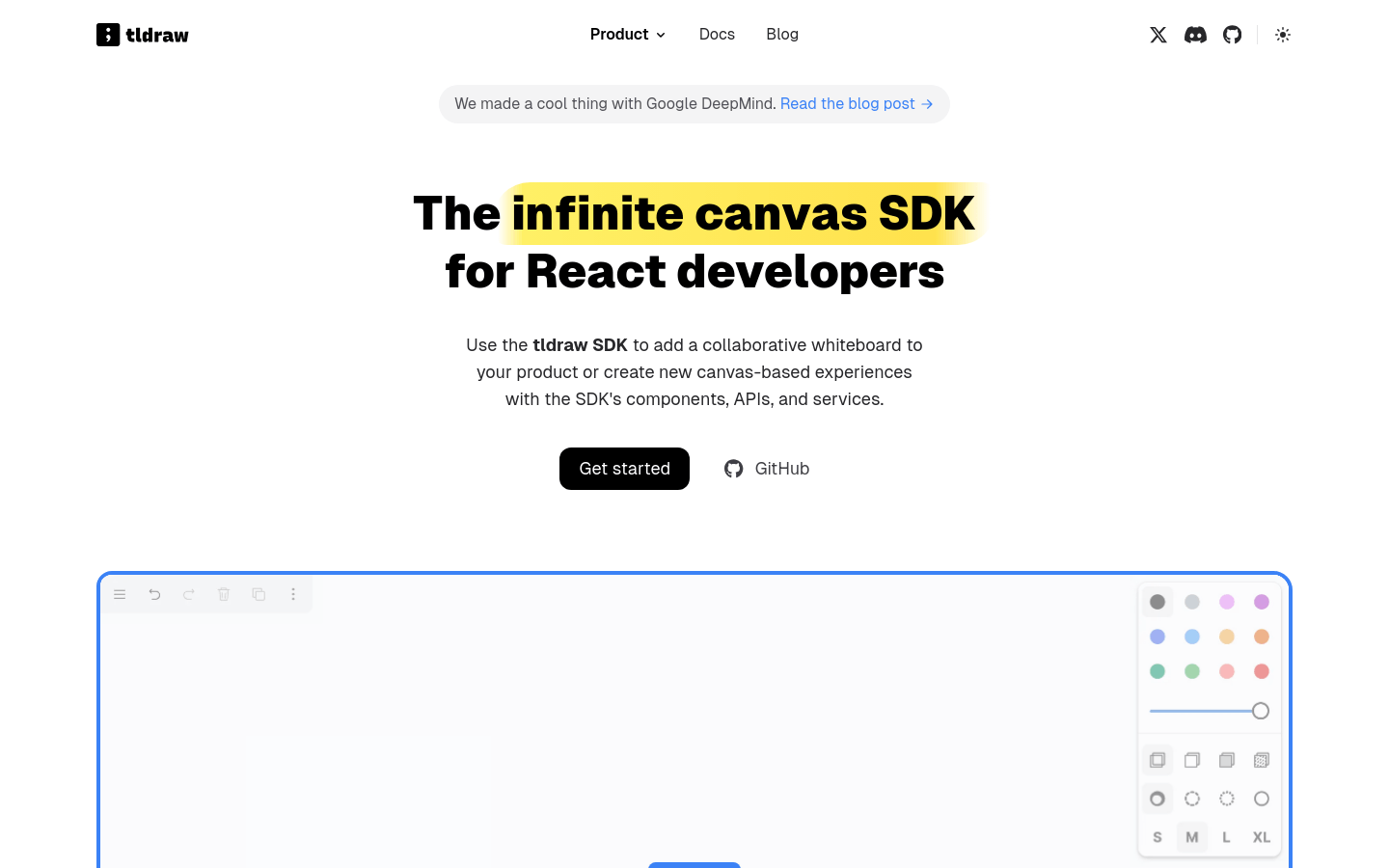
tldraw.dev is an infinite canvas SDK for React developers. Instead of embedding a generic whiteboard, you get components, APIs, and services you can shape into your own product. The canvas and everything on it are React components rendered with standard HTML and CSS, and the engine handles thousands of objects including images, interactive components, and embedded content. Real-time collaboration works through tldraw sync or your own backend, with shared cursors and presence.
What you can do with it
- Add a collaborative whiteboard to a React product
- Build entirely new canvas experiences
- Drop in images, videos, and interactive bookmarks
- Export canvas content as images and data
- Create custom shapes, tools, and interfaces
Who it is for
- React developers adding canvas to an existing app
- Product teams building collaboration features
- Developers prototyping diagram and design tools
- Teams that need real-time multiplayer canvas
What to watch out for
The free version adds watermarks, so anything customer facing requires a paid plan. This is a developer tool, not an end-user app: you need React knowledge, and integration, theming, and sync infrastructure are your responsibility. Performance is strong for thousands of objects, but very large canvases still need testing on target devices. Treat the SDK as a foundation you build on rather than a feature you switch on. Generated suggestions are for reference only, so verify anything that affects professional judgment or important data. Start with a small sample to confirm the output meets your expectations before processing the full batch. Save a backup of the original file before large batch jobs, and keep an exported copy of key results in case the page or service becomes temporarily unavailable.
FAQ
Is there a free version?
Yes, tldraw offers a free version with watermarks, and paid plans remove them.
Which products use it?
Autodesk uses it for Forma, ClickUp integrates its whiteboard, and Craft.do builds on it.
Can I customize the canvas?
Yes, custom elements, tools, interactions, and interfaces are possible through the Runtime Editor API.
Why it is free
What the official page says: free version
Free limits, trial length and features are decided by the official site and can change at any time.
Product preview
Screenshot archived from the listing page, for preview only.











