
TogetherForm
Real time collaborative forms for teamsFill forms together, no copy and paste
Highlights
What you can do with it
- Teams drafting a startup or grant application together
- Group documents where each person owns one section
- Internal forms that need input from several departments
How to use it
- 1 Open the TogetherForm website and start a form.
- 2 Add the fields your team needs to fill in.
- 3 Share the form with the people who should contribute.
- 4 Edit together in real time, then review the finished answers.
Who it is for
Pros
- Removes the copy and paste step between forms and docs
- Real time collaboration keeps everyone on the same version
- Free trial with no registration or payment to start
- Simple idea that is easy to explain to a team
Limitations
- The free access is a trial, so longer use likely needs a paid plan
- The listed feature set is small compared with mature form builders
- No detail on uploads, conditional logic, or integrations
- Live editing needs a stable connection for everyone involved
What TogetherForm is
TogetherForm is a form tool built for people who fill forms in together. Instead of one person collecting answers by email or chat, every field behaves like a small Google Doc, so several people can write and edit the same form at the same time. The product page gives the example of a YC application being drafted inside TogetherForm rather than copied into a shared document. That is the whole pitch: keep the work in one place and skip the copy and paste step that normally sits between a form and a doc. The site offers a free trial and says no registration and no payment are needed to try it.
What you can do with it
- Create a form that several people edit at the same time
- Write directly in each field, which behaves like a mini document
- Keep answers, drafts, and edits in one place instead of a shared file
- Use it for team documents such as applications that need many contributors
Who it is for
- Small teams drafting applications together
- Groups where each person owns a different section
- Anyone who dislikes copying form answers into a separate document
- Coordinators who want one live version instead of many copies
What to watch out for
Free access is described as a trial, so treat it as a test window rather than a permanent free plan; the site does not publish pricing or the trial length. The feature list is short: real time collaborative editing, mini document fields, and the free trial. There is no mention of conditional logic, file uploads, payment collection, or integrations with other tools, so check those before you move an important workflow over. Because editing happens live, every contributor needs a working connection, and you may still want a final reviewer to catch conflicting edits before the form is submitted.
FAQ
Is TogetherForm free?
It offers a free trial. The site says no registration and no payment are required to try it.
How is it different from a normal form tool?
Each field acts like a mini Google Doc, so people collaborate inside the form instead of pasting answers from elsewhere.
What is a good example of use?
The site mentions drafting a YC application inside TogetherForm rather than in a separate document.
Do all contributors need accounts?
The page does not say. It only states that registration is not required for the trial.
Why it is free
What the official page says: no registrationfree trial
Free limits, trial length and features are decided by the official site and can change at any time.
Product preview
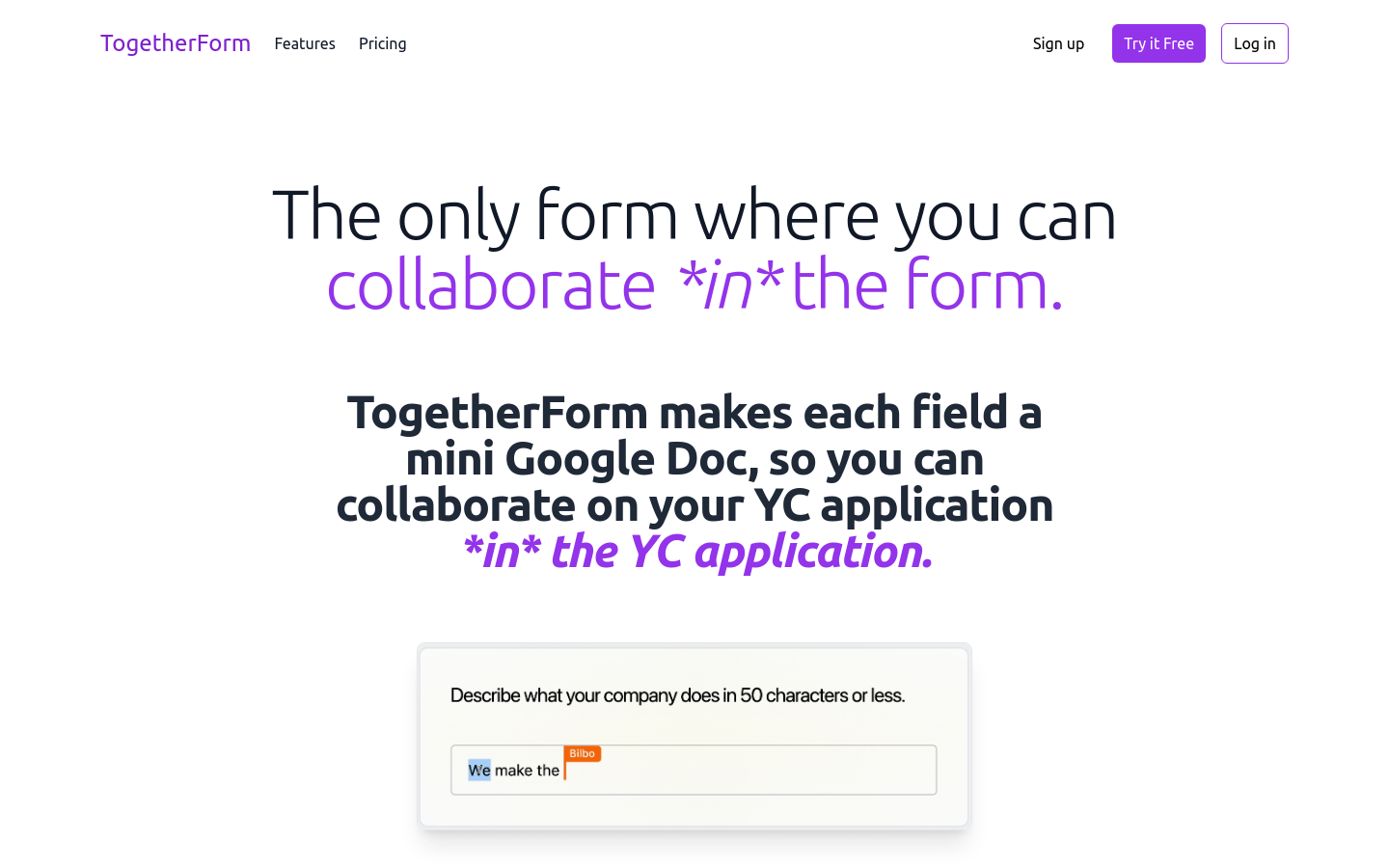
Screenshot archived from the listing page, for preview only.











