
リビデオ AI
Desktop app for unlimited AI face swap videosSwap faces in videos with no subscription
Highlights
What you can do with it
- Swap faces in a birthday video for a personal surprise
- Create playful social media videos with face replacement
- Produce anonymous content without showing your own face
How to use it
- 1 Download and install the Livideo desktop app.
- 2 Select the source video and the new face image.
- 3 Run the swap, then preview and save the result.
Who it is for
Pros
- No subscription and unlimited swaps lower the cost barrier
- Desktop processing is presented as privacy-friendly
- Short workflow: choose files and generate
Limitations
- Swapping real faces without permission may violate platform or school rules, and consequences fall on the user
- The permanently free and unlimited claims may change with updates
- Speed and quality depend on your hardware and source footage
What Livideo is
Livideo is a desktop application for AI face swap videos. It works without a subscription and is described as permanently free with unlimited swaps. Videos are processed through the desktop app rather than a cloud queue, which the makers frame as a privacy-friendly and lower-cost route. The basic flow is short: choose a video, choose a new face image, and the swapped clip is produced immediately with vivid effects. The service also allows anonymous content creation, so creators can publish without showing their own face. It is aimed at people who want unlimited face swap output without recurring fees or upload limits, and it is positioned for creative social content and personal videos.
What you can do with it
- Swap a face in a personal video such as a birthday clip
- Make playful or creative videos for social media
- Create content anonymously without showing your own face
- Experiment with different faces on the same clip
Who it is for
- Content creators who want unlimited face swap output
- Social media users making fun or anonymous videos
- Privacy-conscious users who prefer local processing over cloud uploads
What to watch out for
Swapping a real person's face without their clear permission may violate platform or school rules, and any consequences are the responsibility of the user. Consent from everyone appearing in the source video is the minimum standard before publishing. The permanently free and unlimited claims come from the provider and can change with future updates. Because processing runs on your own machine, speed and output quality depend on your hardware and on the source footage; when the face and video do not align well, the result looks weak. Use the tool only on material you have the right to edit, and check the rules of any platform before you post. Treat the privacy claims as the provider's own description and verify them if the material is sensitive.
FAQ
Is Livideo free?
The site describes it as subscription-free and permanently free, with unlimited face swap videos.
How does it protect privacy?
Videos are processed through a desktop application, and the service says it protects user privacy and allows anonymous creation.
What are the risks of face swapping?
Swapping real people's faces without permission may violate platform or school rules, and any consequences are borne by the user.
Why it is free
What the official page says: 免费使用免费
Free limits, trial length and features are decided by the official site and can change at any time.
Product preview
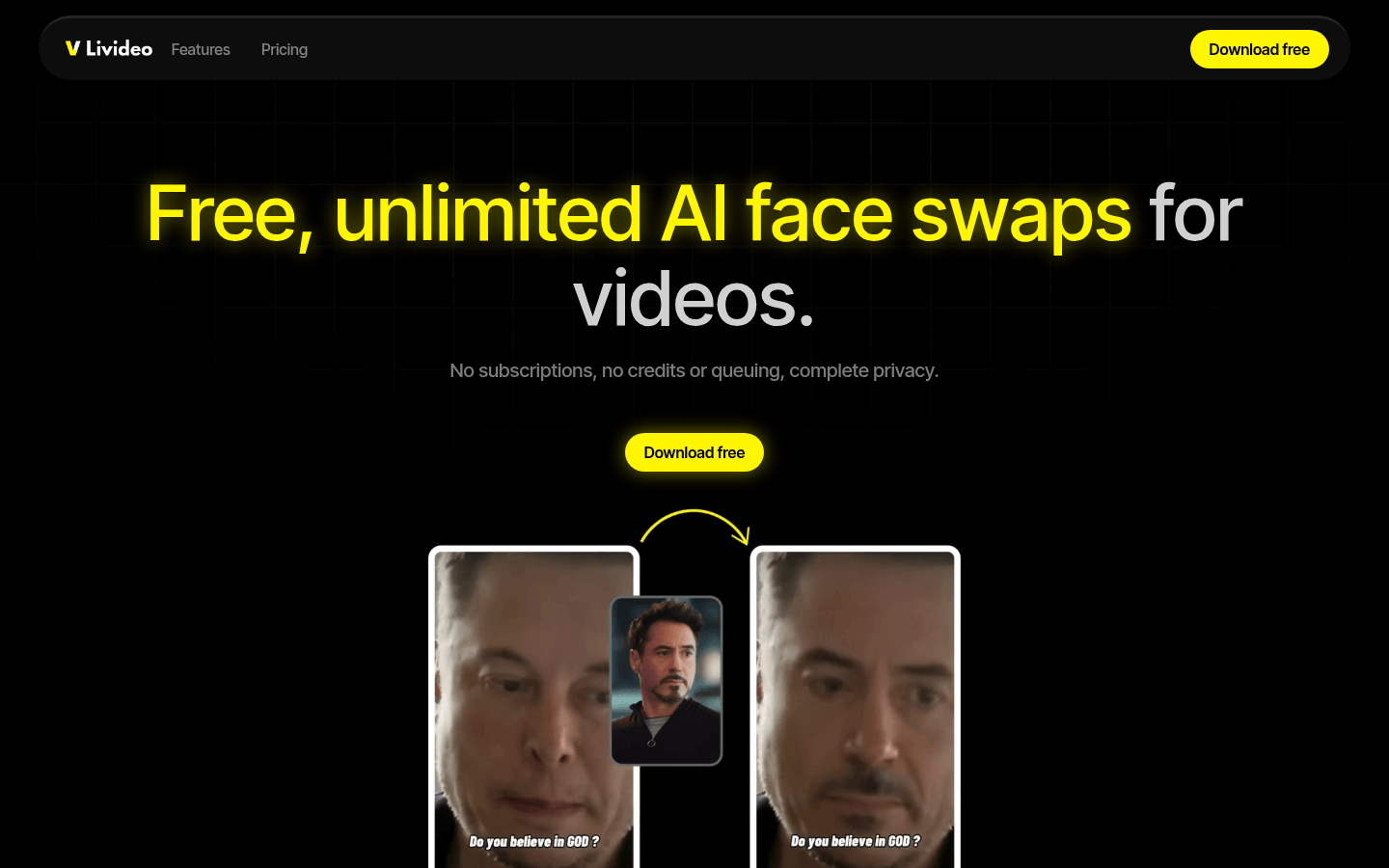
Screenshot archived from the listing page, for preview only.











