
AI
AI note app that summarizes and sorts your writingNotes that summarize themselves, free to start
Highlights
What you can do with it
- Condense lecture notes or a long article into a short review summary
- Keep research ideas sorted so concepts are not buried in long text
- Export clean notes to PDF or HTML to share with a study group or team
How to use it
- 1 Open ai-notez.fun and start with the free version
- 2 Create a note and write or paste the raw material
- 3 Let the app summarize it and list the key concepts
- 4 Edit the organized notes, then export to PDF or HTML when you need a file
Who it is for
Pros
- Removes the manual work of summarizing and sorting notes
- Free version lets you try it before paying for AI Basic or AI Pro
- Markdown editing plus PDF and HTML export keeps notes portable
Limitations
- Free version has limits and the paid tiers are billed monthly in rupees
- Free rules and quotas may change without notice
- AI summaries are drafts, so facts, numbers and quotes still need checking
What AI Notes is
AI Notes is an AI based note taking app at ai-notez.fun. Instead of asking you to file everything by hand, it takes the raw material you write or paste and does the tidying work: it summarizes the content, identifies key concepts, and organizes the information into something you can come back to. The point is to let you stay on the thinking side of note taking while the app handles the repetitive part. There is a free version you can start with, and paid AI Basic and AI Pro plans if you need more room later. The editor supports Markdown, notes stay synchronized in real time, and finished notes can be exported to PDF or HTML.
What you can do with it
- Write notes in Markdown and keep them synchronized as you work.
- Get a summary of a long passage without reading it again.
- Have key concepts pulled out and organized instead of left buried in text.
- Export the finished notes to PDF or HTML for sharing or printing.
Who it is for
- Students who need lectures and readings condensed into review notes.
- People in meetings who want a clean record without typing twice.
- Writers and researchers collecting ideas and references in one place.
What to watch out for
The free version is a starting point rather than an unlimited plan. AI Basic and AI Pro are paid monthly tiers, and the site lists their prices in rupees, so check the current numbers before you subscribe. Free tier rules and quotas can change without much notice, so do not build a long term workflow on a limit you saw today. Summaries are a draft, not a final answer: facts, figures, and direct quotes should be checked against the source before you rely on them. Export is convenient for reading, but complex formatting may not survive the conversion perfectly.
FAQ
Is AI Notes free to use?
There is a free version. The site also lists paid AI Basic and AI Pro plans at 100 and 200 rupees per month.
What formats does it support?
The editor supports Markdown, and notes can be exported to PDF and HTML.
Does it sync between sessions?
The product description mentions real time synchronization of notes.
Why it is free
What the official page says: 免费版免费
Free limits, trial length and features are decided by the official site and can change at any time.
Product preview
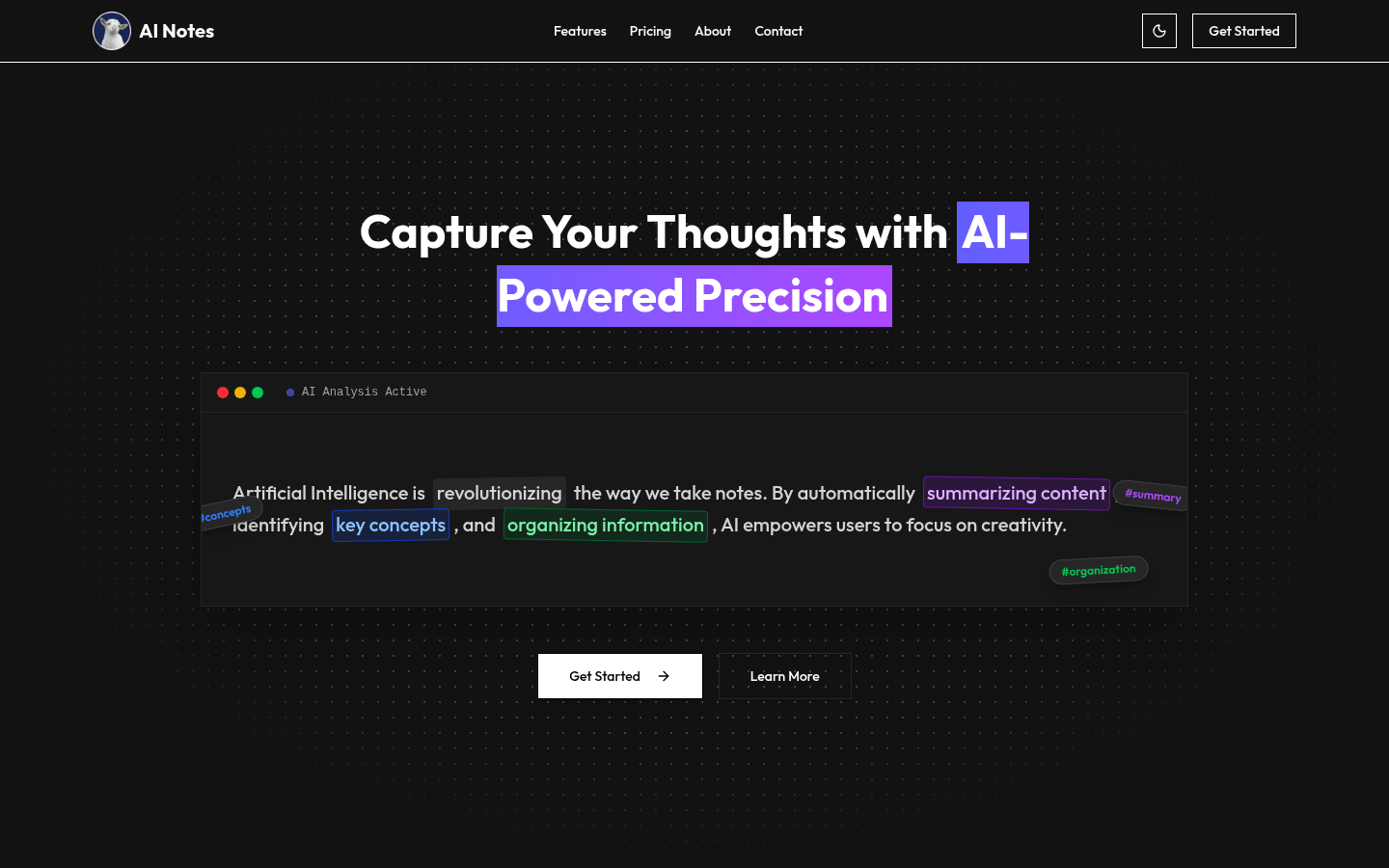
Screenshot archived from the listing page, for preview only.