
TopoAI
AI network topology diagram generatorDescribe the network, get an editable diagram
Highlights
What you can do with it
- System integrators unify drawing standards across technical staff
- Architects and pre-sales staff redraw a VPC sketch during a client meeting
- Operations and NOC teams generate snapshot topologies for incident reports
How to use it
- 1 Register on the site and start free with 5,000 credits
- 2 Input a command by voice or type a prompt to generate a topology
- 3 Use built-in vendor icons or upload your own SVG or PNG icons
- 4 Refine the diagram with conversational drawing and node insertion
- 5 Apply global style cleanup, smart cloning, or 3D visualization
- 6 Export as high resolution PNG, JPG, or editable PPTX
Who it is for
Pros
- A free version is available with 5,000 credits at signup
- Vendor icons plus custom uploads cover mixed environments
- Conversational editing avoids manual icon dragging
- Exports include editable PPTX for presentations
Limitations
- The site status record is poor, so availability may be inconsistent
- Automatic layout may still need manual adjustment for complex networks
- Credit consumption on the paid tiers depends on usage volume
- Free credits, pricing, and feature limits can change at any time
What TopoAI is
TopoAI is an AI network topology diagram generator that presents itself as an intelligent alternative to Visio and Draw.io. Instead of dragging icons by hand, you speak or type a command and the tool generates a laid out topology in seconds. Built-in icons cover vendor devices such as AWS cloud, Azure virtual machines, and Cisco routers, and you can upload your own SVG or PNG icons for a private library. Conversational drawing lets you insert nodes and reroute links without breaking connections, global cleanup standardizes messy imported diagrams, smart cloning rebuilds uplinks automatically, and a vision engine turns whiteboard sketches into editable diagrams. There is a free version, with Basic at 5 dollars per month and Pro at 10 dollars per month.
What you can do with it
- Generate a topology from a voice command or a text prompt
- Use vendor icons or upload custom icons for mixed environments
- Insert devices and reroute links conversationally
- Clean up and standardize imported diagrams in one click
- Convert a sketch into an editable architecture diagram
- Switch between 2D and 3D views for presentations
- Export as PNG, JPG, or editable PPTX
Who it is for
- System integrators and managed service providers standardizing documentation
- Architects and pre-sales engineers sketching live in client meetings
- Operations and NOC teams producing snapshot topologies and incident reports
What to watch out for
The site status record is poor, which suggests access may be inconsistent, so keep local copies of important diagrams. Automatic layout is fast but complex networks usually still need manual adjustment to read clearly. Credit consumption on paid tiers depends on how much you draw, so heavy use costs more than the headline monthly price. Free credits, prices, and feature limits are set by the operator and can change at any time.
FAQ
Is there a free version?
Yes, registering gives you 5,000 credits to start, and paid options are Basic at 5 dollars per month and Pro at 10 dollars per month.
Can I use my own icons?
Yes, alongside built-in vendor icons you can upload proprietary SVG or PNG icons to build a private icon library.
What can I export?
High resolution PNG, JPG, and fully editable PPTX files for presentations.
Does it handle sketches?
Yes, you can upload whiteboard sketches or old topology screenshots and its vision engine turns them into editable diagrams.
Why it is free
What the official page says: free version
Free limits, trial length and features are decided by the official site and can change at any time.
Product preview
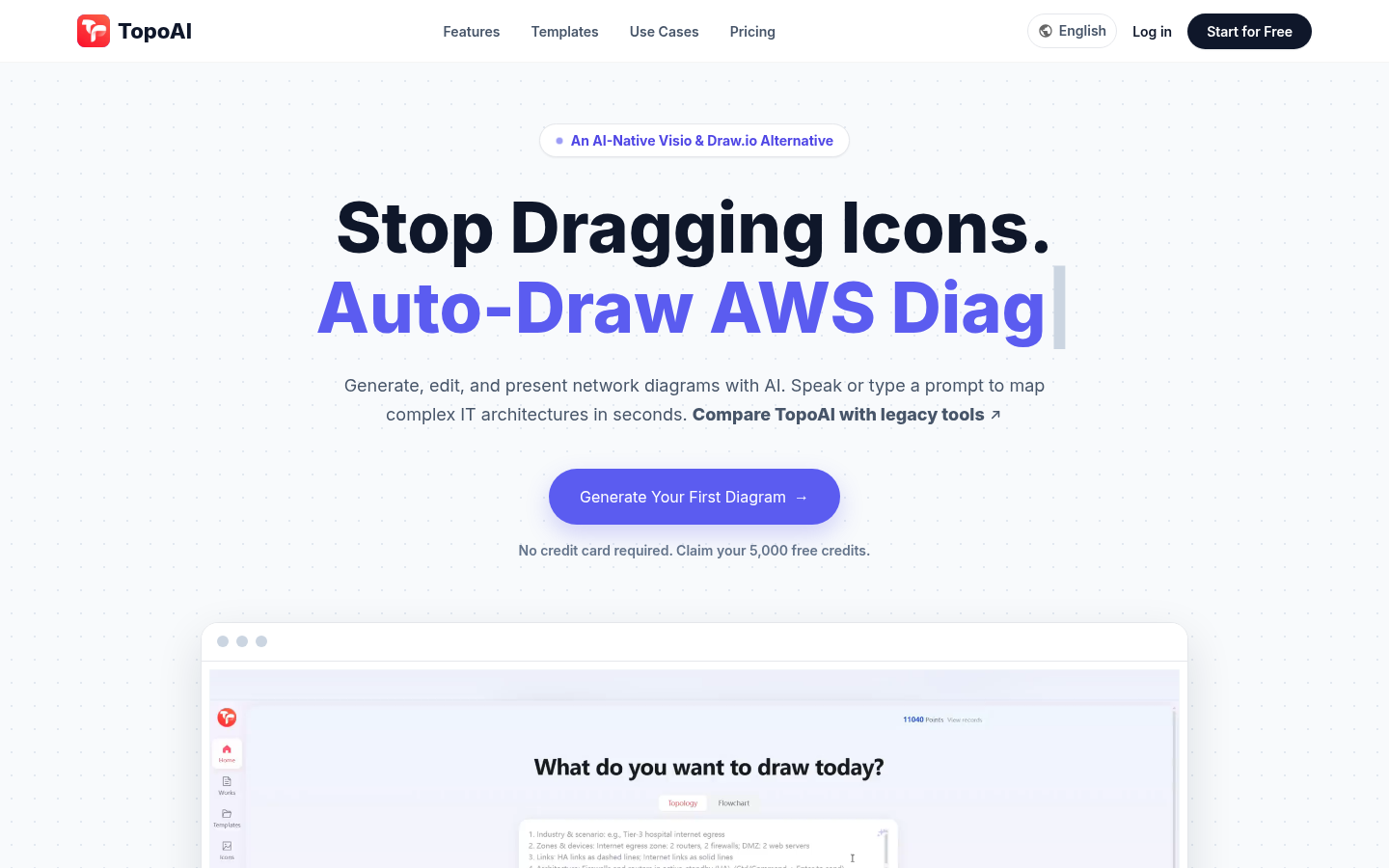
Screenshot archived from the listing page, for preview only.











