
Topyappers Free Sora Watermark Remover
Free Sora watermark toolStrip Sora watermarks from video, free
Highlights
What you can do with it
- A YouTube creator removes a watermark before publishing.
- A social media blogger cleans short clips for a professional look.
- A teacher removes watermarks from video material for a lesson.
How to use it
- 1 Open the Sora Watermark Remover page.
- 2 Upload the video file you want to clean.
- 3 Wait while the system detects and removes the watermark.
- 4 Download the watermark free video.
- 5 Share or use the finished clip.
Who it is for
Pros
- Free, with five videos available without registration.
- Automatic detection, no manual masking needed.
- Quality and audio are preserved.
- Fast, with a progress display.
Limitations
- Removing a watermark can break the terms of the service that produced the video and can infringe other people's rights; only use clips you own or have permission to edit, and the consequences rest with you.
- Five free videos for guests is a hard ceiling before you register.
- Results depend on where the watermark sits and how the clip is encoded.
- Free access and the deletion window can change.
What Topyappers Free Sora Watermark Remover is
The Topyappers Free Sora Watermark Remover is a free web tool that strips Sora watermarks out of video. You upload a clip, the AI finds the watermark and removes it on its own, with no manual masking or tracking. The site says picture quality is preserved through interpolation, the original audio is left unchanged, and both portrait and landscape formats are handled. Processing runs from 30 seconds to two minutes and shows live progress. Uploaded videos are deleted within 24 hours. Guests who have not registered can still process five videos for free.
What you can do with it
- Upload a Sora clip and remove the watermark automatically.
- Keep the original audio and the picture quality.
- Process portrait or landscape video.
- Watch a live progress bar while the file is handled.
- Download the clean clip and use it elsewhere.
Who it is for
- YouTube creators cleaning a clip before publishing.
- Social media bloggers producing short form content.
- Educators preparing video material for lessons.
What to watch out for
A watermark is usually there for a reason. Removing it can break the terms of the service that produced the video and can infringe the rights of whoever made the content, so only run it on clips you own or have permission to edit, and never to pass someone else's work off as your own. Any consequences of that choice rest with you. On the practical side, the free allowance is five videos for guests, results depend on where the watermark sits and how the clip is encoded, and both the free rules and the 24 hour deletion window can change.
FAQ
How much does it cost?
The tool is free. People who have not registered can still process five videos.
How long does it take?
Between 30 seconds and two minutes, with a real time progress display.
Does it hurt quality or audio?
The site says AI interpolation keeps video quality and the original audio is left unchanged.
Can I use it on any Sora video?
Only on clips you own or have permission to edit. Removing a watermark may break the terms of the platform that made the video and can raise rights issues, and the consequences are yours.
Why it is free
What the official page says: 完全免费免费
Free limits, trial length and features are decided by the official site and can change at any time.
Product preview
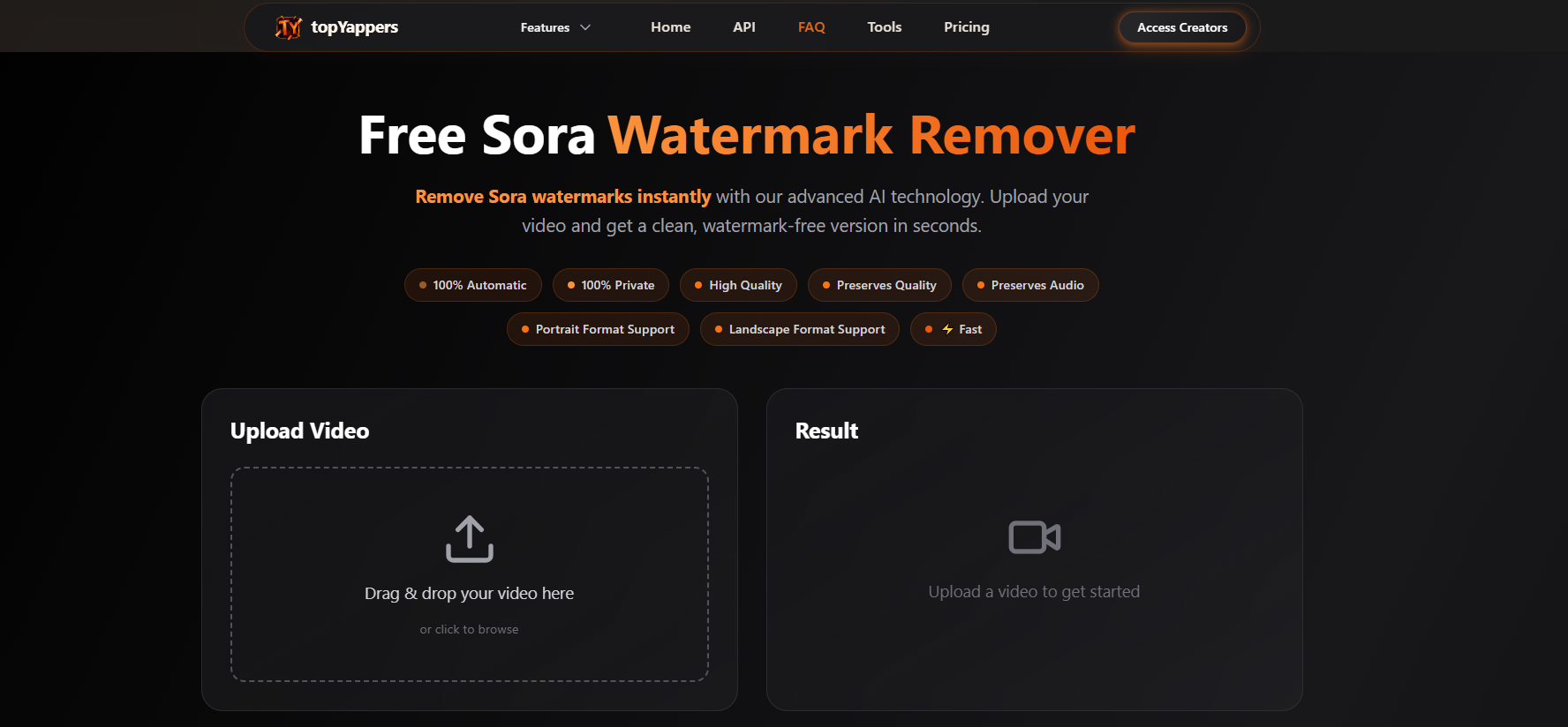
Screenshot archived from the listing page, for preview only.











