
TrackSensei
AI tutor for electronic music productionMixing and arrangement feedback in detail
Highlights
What you can do with it
- A producer is told the kick attack lacks strength and gets concrete compressor and sample advice
- A beginner learns that arrangement energy is uneven and is shown how to hold tension
- A studio is warned about a buildup near 400 Hz and gets a specific fix for the synth pad
How to use it
- 1 Upload an Ableton project file or an audio file by dragging it into the page
- 2 Read the immediate analysis with scores and visual breakdowns
- 3 Open the key insights list, which is ordered by severity
- 4 Ask the AI questions about any part of the track for targeted suggestions
Who it is for
Pros
- Concrete, actionable notes rather than vague praise
- Reads project files, not just bounced audio
- Feedback adapts to the electronic style you work in
- Free trial available
Limitations
- Focused on electronic music styles rather than all genres
- Requires uploading project or audio files
- Paid plans are needed for full use
- Trial terms and plan limits may change
What TrackSensei is
TrackSensei is an AI production tutor built for electronic music producers. It exists because producers often lose perspective after working on a track for hours and can no longer hear what is wrong. You upload an Ableton project file or a plain audio file, and the tool performs an immediate, deep analysis, scoring and visualizing the frequency spectrum, mixing balance, arrangement, MIDI patterns, and rhythm. It then lists the key insights in order of severity so you know what to address first, whether that is a weak kick attack, uneven arrangement energy, or a buildup in the mid range. You can also talk with the AI about any part of the track and get targeted suggestions. Because it opens an Ableton project and an audio file together, it can look at project structure, plugin chains, routing, sidechain, and MIDI, and feedback adapts to styles such as trance house, peak-time, and hardcore. A free trial is offered alongside paid plans.
What you can do with it
- Upload a project or audio file and get a scored breakdown of the mix
- See the biggest problems first, ranked by severity
- Discuss any part of the track with the AI and get specific fixes
- Get feedback that matches the electronic style you are making
Who it is for
- Electronic producers who lose objectivity after long studio sessions
- Beginners who cannot yet tell whether a mix actually works
- Studios that want a fast second opinion before a client hears it
- Producers who work in defined electronic styles and want style-aware notes
What to watch out for
The tool is aimed at electronic music, so producers in other genres may find the advice less relevant. It needs project or audio uploads, which means large sessions take time to transfer and process. The free trial is limited, and full use requires a paid plan whose terms can change. Most importantly, treat the notes as a second opinion rather than a verdict: your ears and the context of the track still decide whether a suggested fix is right.
FAQ
What files can I upload?
You can drag and drop an Ableton project file with the .als extension, or audio files such as .wav, .mp3, .flac, and .aiff.
How does it analyze my track?
It scores and visually displays spectrum, mixing balance, arrangement, MIDI patterns, and rhythm, then summarizes the most important findings in order of severity.
Can I ask it questions?
Yes. You can discuss any aspect of the work with the AI, and because it understands the details of the track, the advice is targeted.
Which styles does it understand?
It recognizes different electronic styles such as trance house, peak-time music, and hardcore, and gives feedback that fits the style.
Why it is free
What the official page says: free trial
Free limits, trial length and features are decided by the official site and can change at any time.
Product preview
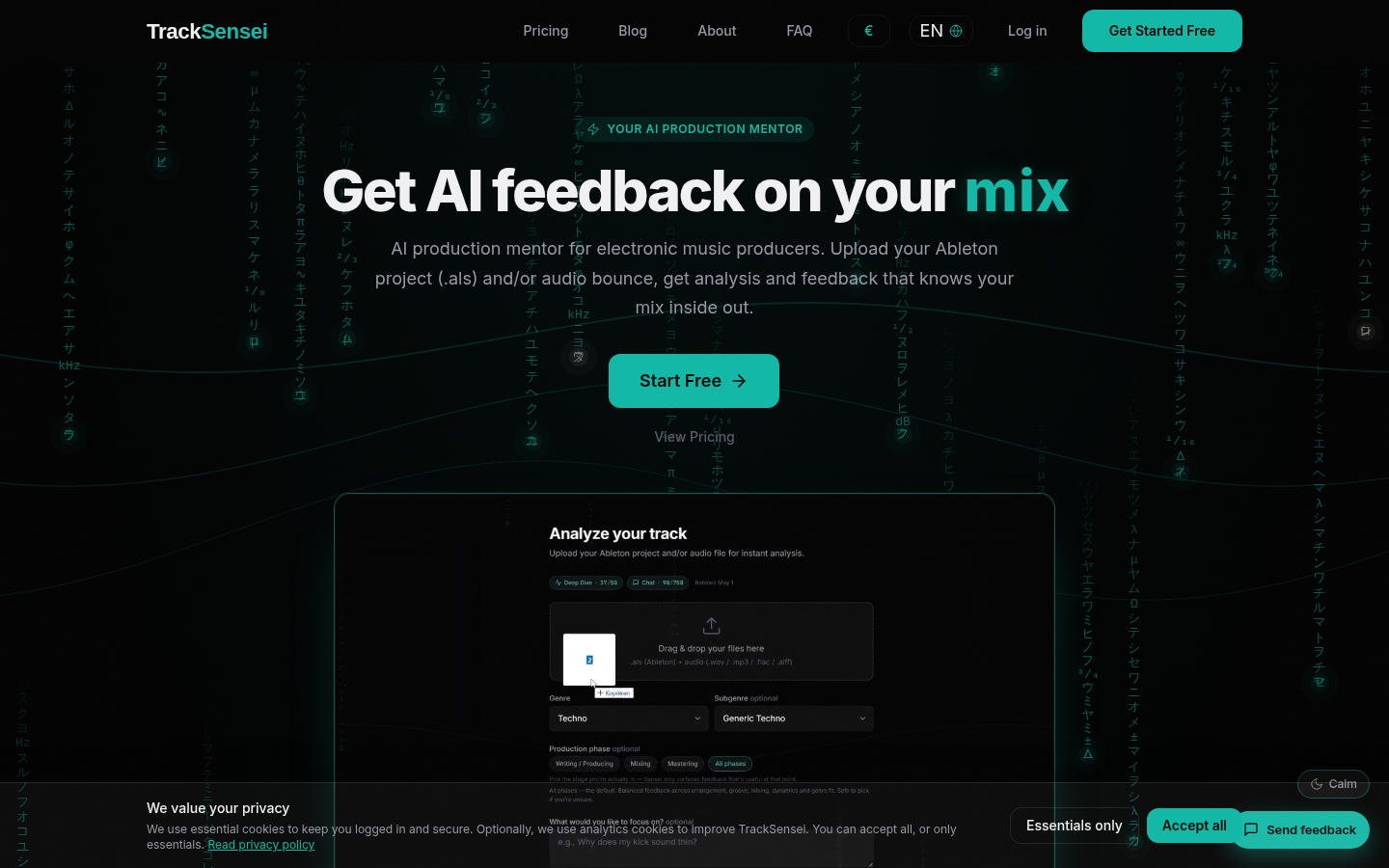
Screenshot archived from the listing page, for preview only.