
Trae
AI IDE for developersCode with an AI partner in your editor
Highlights
What you can do with it
- Writing code faster with real time completion in the editor
- Building a small project from a natural language description
- Uploading an image to make a requirement clear before coding
- Getting suggestions that fit the project already on disk
How to use it
- 1 Visit the official Trae site and download the desktop client for macOS or Windows.
- 2 Install it, launch Trae and follow the initial setup prompts.
- 3 Open an existing project or create a new one so Trae can analyze the codebase.
- 4 Write code in the editor and use the real time completion suggestions.
- 5 Switch to chat mode, describe the requirement and let Builder break the work into tasks.
- 6 Upload an image when a picture explains the requirement better than words.
- 7 Use the community and documentation for extra tips and support.
Who it is for
Pros
- Free version is available, so the entry cost is low
- Context analysis covers the whole codebase, not one open file
- Multimodal input helps when a screenshot says more than a sentence
- Builder mode turns a request into concrete tasks and code
Limitations
- Free version features and limits can change as the product develops
- The listed download covers macOS and Windows only
- Chat based building has a learning curve before it feels natural
- Generated code still needs review before it reaches production
What Trae is
Trae is an AI driven integrated development environment, or IDE, made for developers. It is described as adaptive: the editor works alongside you instead of only autocompleting lines. The core pieces are intelligent code completion that predicts intent as you type, multimodal interaction that lets you upload an image to clarify a requirement, and contextual analysis across the whole codebase so suggestions fit the project you are in. A chat based Builder mode breaks a request into tasks and writes code for them, and the client supports multiple programming languages and frameworks. Community support is offered through channels such as Discord, and documentation sits alongside the client. A free version is available for macOS and Windows.
What you can do with it
- Write code faster with real time completion that follows your intent.
- Upload an image to explain a requirement and get a better answer.
- Ask Builder in chat to break a task down and generate code.
- Get suggestions that take the full codebase into account.
Who it is for
- Developers who want AI help inside the editor rather than a browser tab.
- People with little coding experience who want to build a small project.
- Teams working across more than one language or framework.
What to watch out for
The free version is the entry point, and its feature set or limits can change as the product develops. The desktop client is offered for macOS and Windows, so other platforms are not covered by the listed download steps. Chat based building has a learning curve, and generated code still needs review before it goes into production. Suggestions are only as good as the context you give, so keep requirements clear rather than vague.
FAQ
Is Trae free?
The page says a free version is currently offered. What it includes can change, so check the site for the current terms.
What makes Trae different from a plain editor with a plugin?
It combines code completion, multimodal input, whole codebase context analysis and a chat Builder that decomposes tasks inside one IDE.
Which platforms can I install it on?
The listed steps cover downloading the desktop client for macOS or Windows.
Can a beginner use it?
One listed example describes creating a complete game project without prior programming experience, though you should still expect to learn as you go.
Why it is free
What the official page says: free version
Free limits, trial length and features are decided by the official site and can change at any time.
Product preview
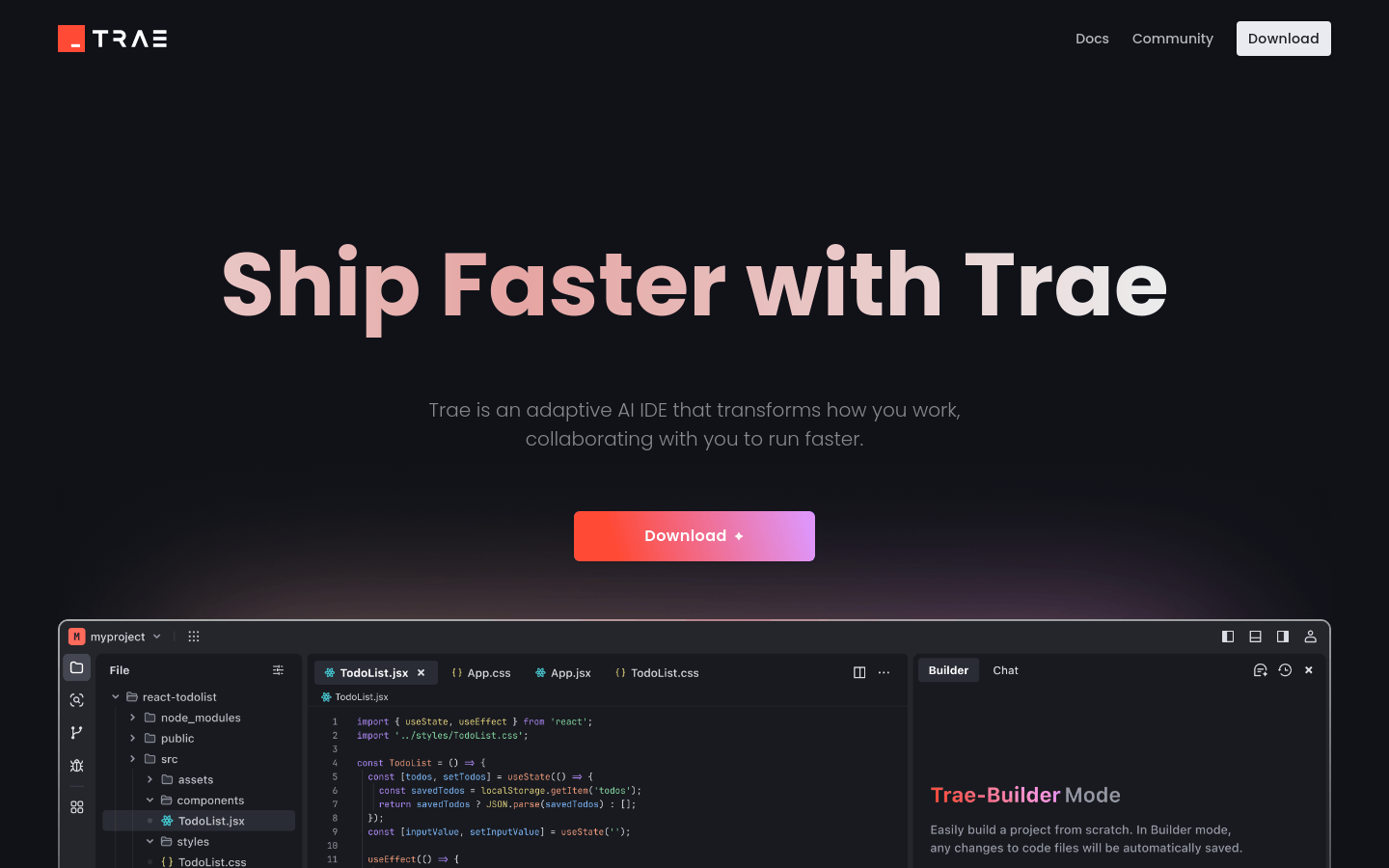
Screenshot archived from the listing page, for preview only.











