
Transcriptik AI
Free TikTok video to text transcriberConvert TikTok videos to text, 50 plus languages
Highlights
What you can do with it
- Turn a TikTok video into text for subtitles
- Extract spoken content for copywriting or blog posts
- Collect text from multiple TikToks for research or notes
How to use it
- 1 Open the Transcriptik AI website in your browser
- 2 Paste the link to the TikTok video you want to transcribe
- 3 Wait for the tool to detect the language and convert the audio to text
- 4 Copy or download the transcript for your use
Who it is for
Pros
- Free to try with no registration required
- Automatic language detection across 50 plus languages
- Fast processing for quick transcripts
Limitations
- Free version has a daily transcription limit
- Batch transcription and rewriting require the paid plan
- Free quotas and paid pricing may change over time
What Transcriptik AI is
Transcriptik AI is a free AI-based tool that quickly converts TikTok videos into text. It supports over 50 languages and automatically detects the language spoken in the video. The free version has a daily transcription limit, and users can try it for free without registration. For heavier use, the paid unlimited version costs 20 dollars per month or 200 dollars per year. The paid plan removes all limits, provides faster processing and an ad-free experience, and unlocks batch transcription and text rewriting features. The product is suitable for users who need text content from TikTok videos, such as for subtitles, copywriting, and more.
What you can do with it
- Turn a TikTok video into text for subtitles or captions
- Extract spoken content for copywriting or blog posts
- Collect text from multiple TikToks for research or notes
Who it is for
- Creators who need subtitles or captions from TikToks
- Writers and marketers gathering copy or research text
- Anyone who wants a quick transcript without registering
What to watch out for
The free version has a daily transcription limit, so it works for occasional use but not for large batches. If you need unlimited transcriptions, batch processing, or text rewriting, you will need the paid plan, and the stated pricing of 20 dollars per month or 200 dollars per year may change over time. Only respect the rights of the original video creators and follow TikTok's terms when you reuse transcripts. Transcription accuracy can vary with audio quality, accents, and background noise, so review the text before you publish it. Check the current free daily limit on the site before you plan a workflow around it.
FAQ
Is Transcriptik AI free?
There is a free version with a daily transcription limit, and you can try it without registration. The paid unlimited version costs 20 dollars per month or 200 dollars per year.
How many languages does it support?
It supports over 50 languages and automatically detects the language used in the video.
What can I use the transcripts for?
The tool is suited for creating subtitles, copywriting, and other text content from TikTok videos.
Why it is free
What the official page says: 免费版免费试用免费无需注册
Free limits, trial length and features are decided by the official site and can change at any time.
Product preview
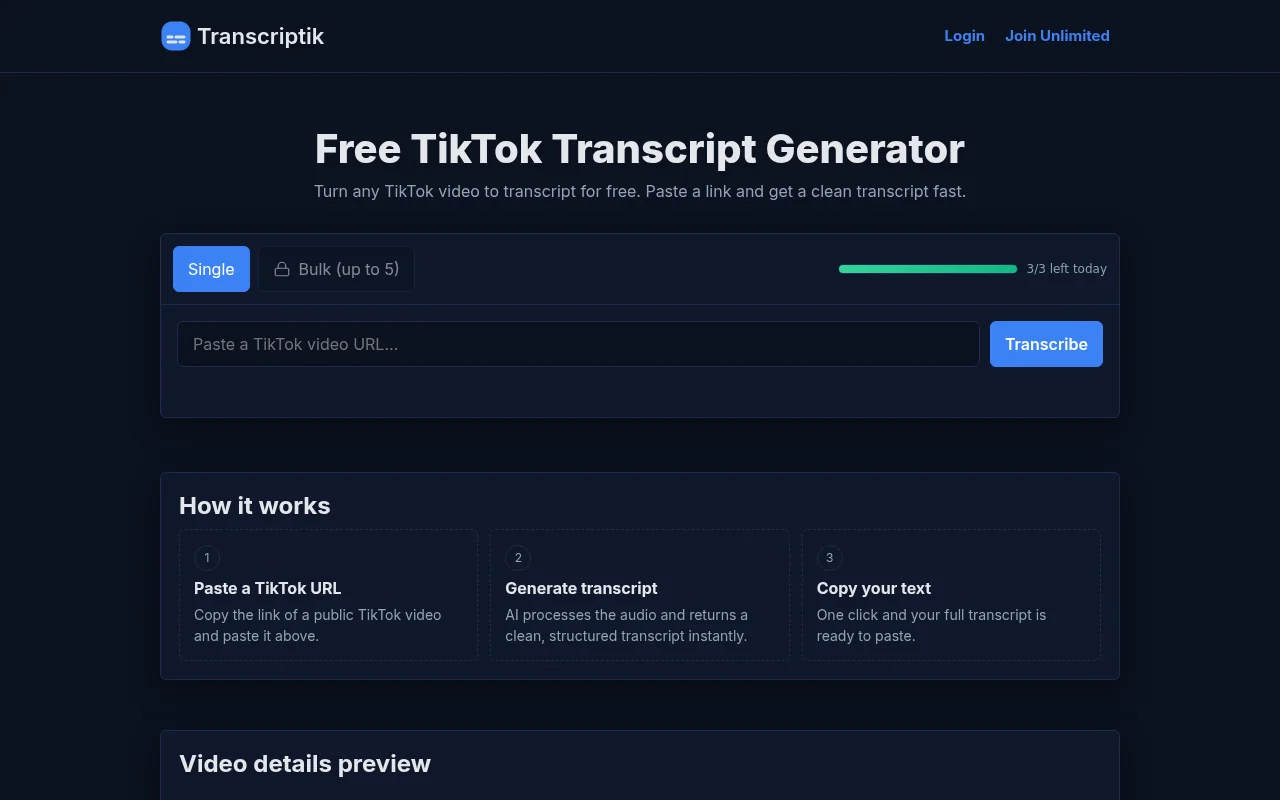
Screenshot archived from the listing page, for preview only.