
Tripo 3D
Text and image to 3D3D models in seconds, free to try
Highlights
What you can do with it
- Turn a concept sketch into a game asset
- Generate a printable model from a photo
- Prototype product visuals quickly
How to use it
- 1 Open tripo3d.ai in your browser.
- 2 Enter a text prompt or upload an image.
- 3 Generate the model and wait a few seconds.
- 4 Refine with textures or rigging, then export.
Who it is for
Pros
- Fast turnaround from prompt to model
- Common export formats included
- Free trial needs no account
Limitations
- Free trial limits and paid tiers need checking
- Generated meshes may need cleanup before production
- Printing requires a watertight mesh, which is not guaranteed
What Tripo 3D is
Tripo 3D is an online AI 3D model generator. You either type a description, such as a character in a fighting pose, or upload an image in JPG, PNG, or WEBP format up to 5MB, and it returns a 3D model in seconds. Beyond raw generation it offers intelligent segmentation for splitting a model into editable parts, one click 4K PBR ready textures with local redraw, and automatic rigging and animation with clean bones and skinning weights. Exports come out as GLB, STL, or OBJ, and a free trial is available without registration.
What you can do with it
- Generate a 3D model from a text prompt or a reference image.
- Split a complex model into structured, editable parts.
- Apply high resolution PBR textures and repaint locally.
- Rig and animate a model, then export it for an engine or a printer.
Who it is for
- Game artists who need assets fast.
- 3D printing engineers prototyping parts from photos.
- Industrial designers who want quick product visualisation.
What to watch out for
Speed is the selling point, not final quality, so production assets usually need retopology, UV work, and texture cleanup before they ship. For 3D printing, check that the mesh is watertight and manifold, since a model that looks fine on screen can still fail to slice. Free trial limits and paid tiers are not detailed in the listing, so confirm them on the site. Uploaded images are also sent to a third party service, so do not use anything confidential. For team use, agree on naming and editing conventions in advance to avoid version conflicts or duplicated work.
FAQ
What input does it accept?
Text descriptions, or JPG, PNG, and WEBP images up to 5MB, uploaded by drag, upload, or paste.
What can I export?
GLB, STL, and OBJ formats, suitable for games, 3D printing, and other uses.
Are the models print ready?
Not automatically. The description mentions watertight meshes in one example, but you should check and repair any mesh before printing.
Why it is free
What the official page says: free trial
Free limits, trial length and features are decided by the official site and can change at any time.
Product preview
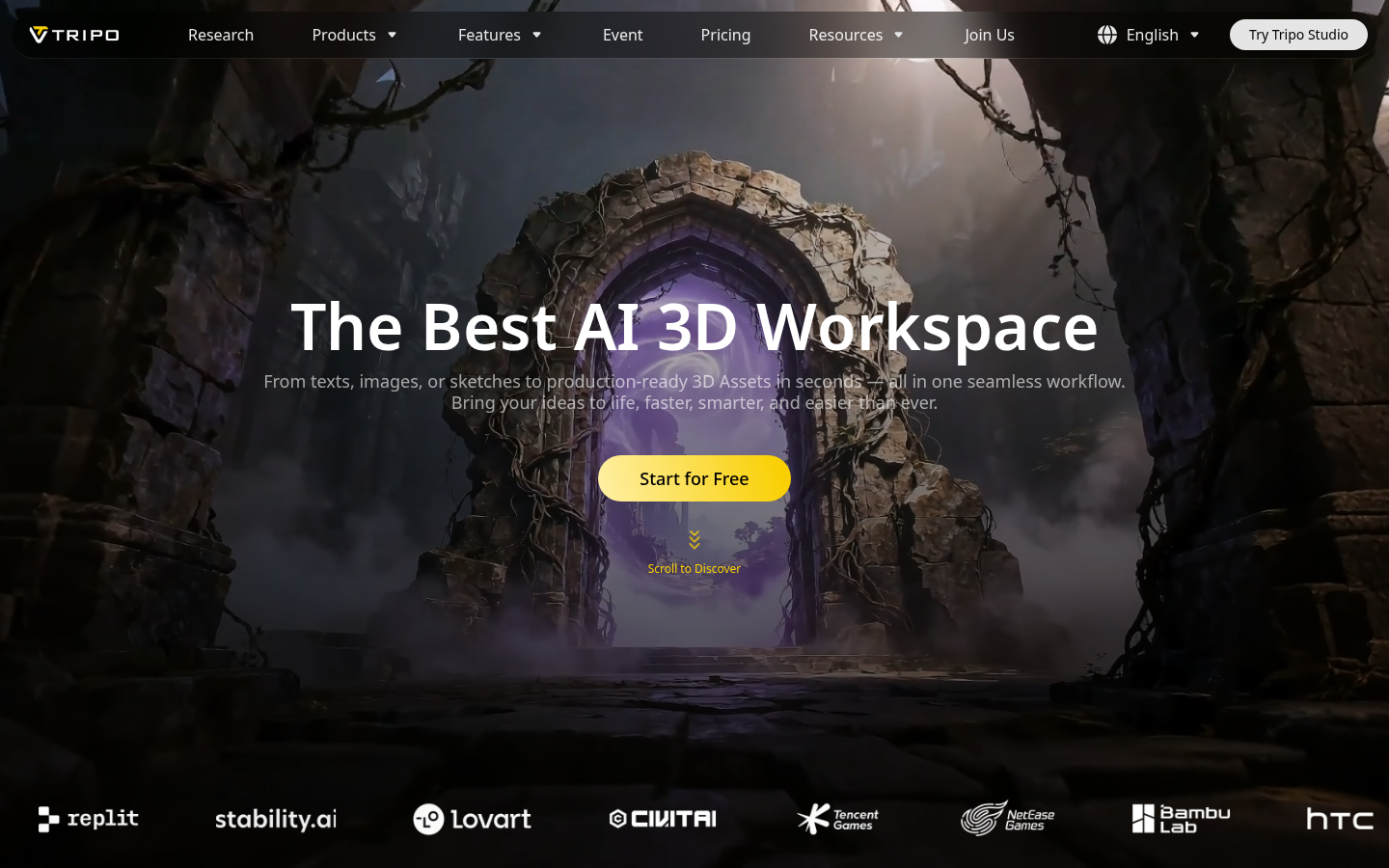
Screenshot archived from the listing page, for preview only.











