
Triverse AI
AI 3D model generator with PBR texturesTurn text and photos into textured 3D models
Highlights
What you can do with it
- An indie game developer generates many prop variations in minutes instead of days
- A 3D printing enthusiast turns a text description into a printable model
- A concept artist converts a rough 2D sketch into a viewable 3D draft
How to use it
- 1 Open the Triverse AI website and start free or log in
- 2 Pick text to 3D or image to 3D and enter a description or upload a file
- 3 Wait for the model to generate
- 4 Adjust the result and add AI generated PBR textures
- 5 Export the GLB file for use in Unity, Unreal, or Blender
Who it is for
Pros
- No 3D modeling background required to get a first model
- Both text and image inputs are supported
- PBR textures are generated automatically
- API access allows automated batch generation
Limitations
- Free trial coverage is limited and heavier use requires payment
- Output quality depends heavily on input clarity and prompt detail
- Models usually need manual cleanup before production use
- License terms for commercial use should be checked before shipping assets
What Triverse AI is
Triverse AI is a web based 3D model generator built around two inputs: text prompts and photos. You describe what you want or upload a picture, and the service returns a 3D model you can refine. The site says a free trial is available, so the basic workflow can be tested before any payment. Its selling point is speed for people who cannot spend days on manual modeling, whether that is a single prop for a game or a batch of variations for a project review.
What you can do with it
- Convert an uploaded photo into a 3D model, with depth read from the image
- Turn a written prompt into a 3D model or a concept image to iterate on
- Generate PBR textures, including diffuse, roughness, metallic, and normal maps, without manual UV unwrapping
- Export GLB files for Unity, Unreal, and Blender, or call the API and Webhooks for automated generation at volume
Who it is for
- Indie game developers who need many prop or character variations quickly
- 3D printing enthusiasts who want printable models from a written description
- Concept artists and VFX teams turning sketches into viewable 3D drafts
- XR designers who need usable assets on a short schedule
What to watch out for
The free trial covers a limited amount of generation, and continued use means paying for a plan whose pricing can change. Quality tracks your input: clear, well lit photos and detailed prompts do far better than vague ones. Generated models are drafts, so expect to clean up topology and textures before anything ships. Check the license terms before using assets in commercial work, and treat the current free offer as a snapshot rather than a guarantee, because tool pricing and limits move often in this category.
FAQ
Does Triverse AI need any 3D experience?
The site says no 3D skills are needed. You upload an image or type a description and the system builds the model for you.
What file formats can I use afterwards?
Models export as GLB, which works in common tools such as Unity, Unreal, and Blender.
Is there a free option?
A free trial is offered according to the product page. Confirm current limits on the official site before planning a project.
Why it is free
What the official page says: free trial
Free limits, trial length and features are decided by the official site and can change at any time.
Product preview
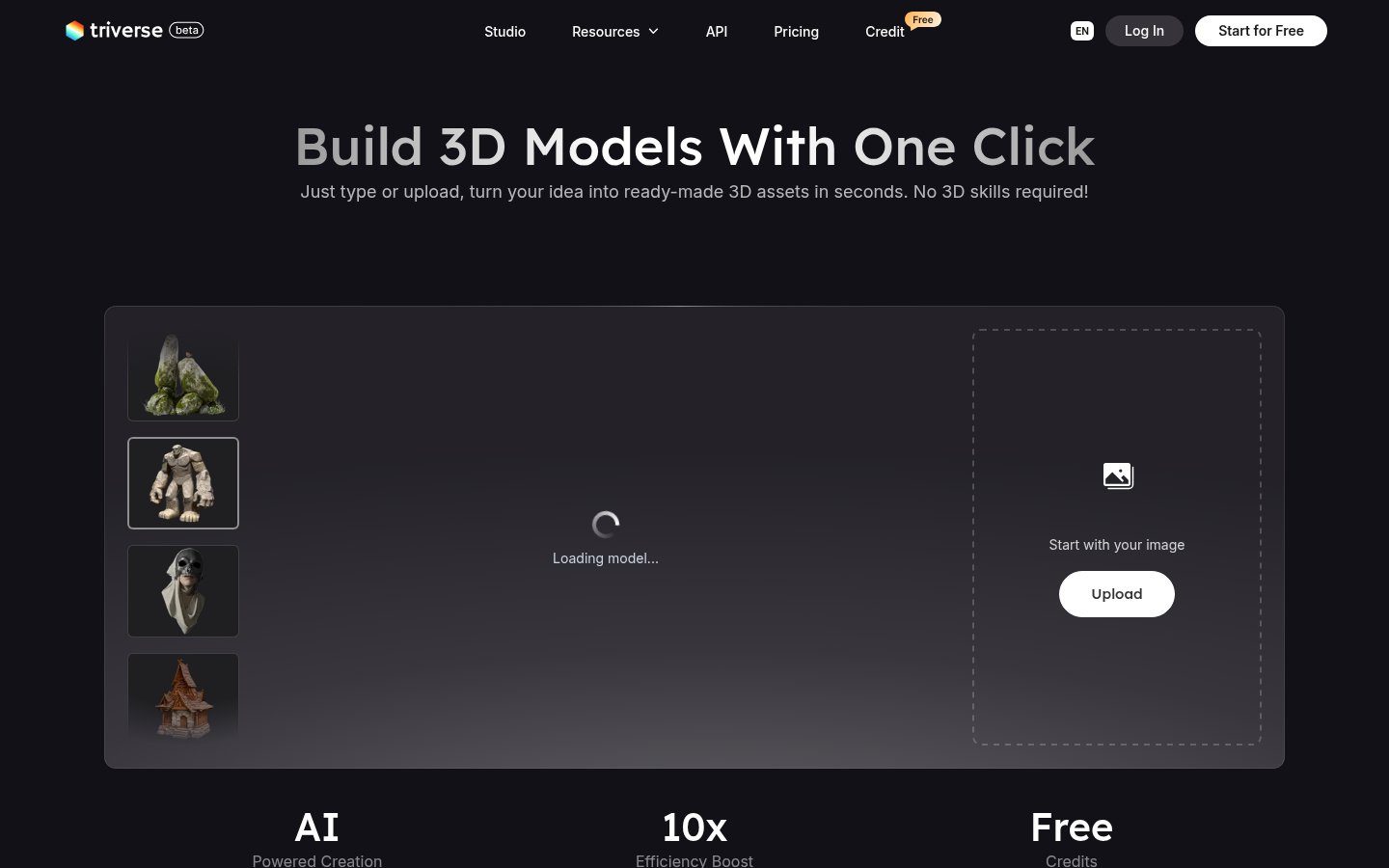
Screenshot archived from the listing page, for preview only.











