
Turner AI
Free AI photo editor, no loginEdit photos with simple prompts, free
Highlights
What you can do with it
- A travel enthusiast replaced a cluttered photo background with a clean landscape using a simple prompt.
- An e-commerce seller removed distracting items from product photos and adjusted product colors.
- A graphic designer quickly added text and icons to a poster and cleaned up small details.
How to use it
- 1 Open turner.art in a web browser.
- 2 Upload the photo you want to edit.
- 3 Describe the change in clear, simple text, for example changing the background to the seaside.
- 4 Click edit and wait; users without an account may see a short queue and can check progress in real time.
- 5 Review the result and re-edit with a new description if you are not satisfied.
- 6 Download the finished photo.
Who it is for
Pros
- Completely free, with unlimited edits and no watermark.
- Works without an account, so there is nothing to sign up for.
- Natural, realistic results with precise local control.
- Fast, browser-based workflow with no software to install.
- Built around local modification, so your images stay private.
Limitations
- The free, no-login model may change; limits or accounts could be introduced later.
- Users without an account can face a short processing queue during busy times.
- It edits existing images rather than generating new scenes from scratch, so scope is limited to photo retouching.
- Complex, multi-layer professional work may still need traditional editing software.
What Turner AI is
Turner AI is a free AI image editor built for photos you already have. Rather than generating new pictures, it takes an existing photo and changes what you ask it to change: a new background, a removed object, a different color, warmer light, or cleaner details. You work by typing plain instructions, so no professional editing skills are needed. The tool runs in the browser, requires no login, adds no watermark, and allows unlimited editing. It is designed to lower the barrier to image editing so more people can fix and improve their own pictures quickly.
What you can do with it
- Replace backgrounds: place a subject in a new scene without reshooting the whole picture.
- Remove objects: erase distracting elements while keeping the rest of the image natural.
- Change colors: adjust specific colors, such as nails to red, without altering texture, shape, or lighting.
- Adjust light and atmosphere, and add or clean up text, icons, and small marks.
Who it is for
- Ordinary users without professional editing skills who want simple, quick fixes.
- Designers who need fast creative verification and local adjustments.
- Business people who polish product photos and promotional images.
- Anyone who wants watermark-free edits without installing software or creating an account.
What to watch out for
The completely free, no-login model is the current positioning, not a permanent guarantee; usage limits or account requirements could appear later, so check the site for current terms. Users without an account may meet a short processing queue, and wait times can vary. The tool focuses on editing existing photos, so it will not create entirely new scenes for you, and heavy multi-layer professional work may still call for traditional editing software. Prompt quality matters: vague descriptions tend to produce vague results, so be specific about what should change and what should stay the same.
FAQ
Does Turner AI cost anything?
No. The tool is completely free, editing is unlimited, and downloads carry no watermark.
Do I need an account?
No login is required. You can upload a photo and edit immediately, although users without an account may wait in a short queue.
What kinds of edits can it make?
It can replace backgrounds, remove objects, change colors, adjust light and atmosphere, and add or clean up text and small details.
How do I ask for an edit?
Type a clear, simple description such as changing the background to the seaside or removing the cup on the table, then click edit.
What if I do not like the result?
You can rewrite your description and edit again as many times as you like before downloading.
Why it is free
What the official page says: completely free
Free limits, trial length and features are decided by the official site and can change at any time.
Product preview
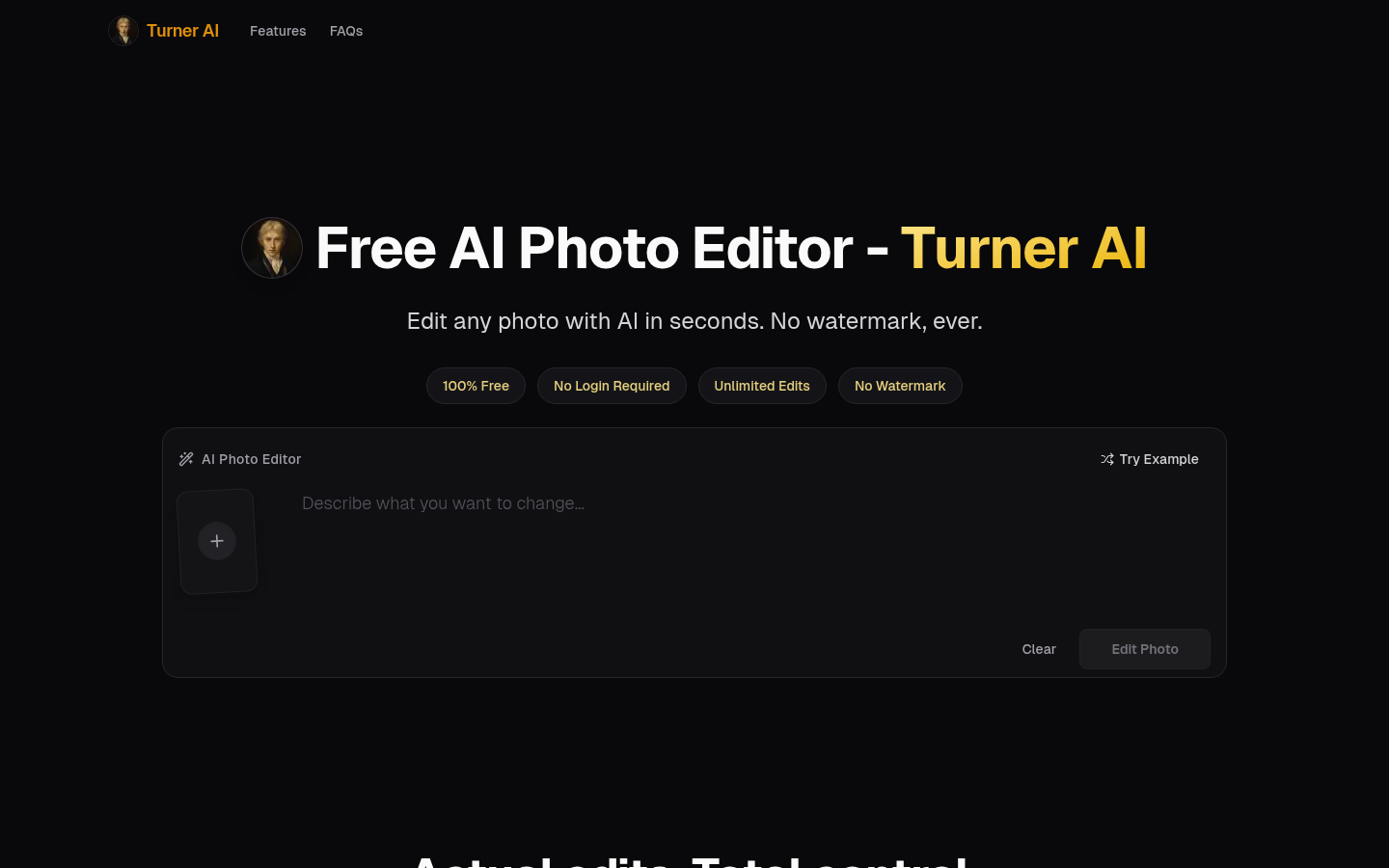
Screenshot archived from the listing page, for preview only.











