
UGCraft AI
AI tool for creating Roblox UGC items fastTurn text or images into Roblox-ready accessories
Highlights
What you can do with it
- A novice creator designs a Gothic Lolita-style skirt from a text description
- A professional creator quickly generates a series of cyberpunk accessories
- A Roblox enthusiast designs a pet hat from an idea and lists it on the market
How to use it
- 1 Visit ugcraft.ai and click Start Creating, or Sign In if you have an account
- 2 Choose text-to-UGC and describe the item, or image-to-UGC and upload a reference
- 3 Wait for the AI to generate a 3D model ready for the market
- 4 Download the item as FBX or GLB if you want to edit it further
- 5 Upload the item to the Roblox market following the platform instructions
Who it is for
Pros
- No 3D experience required
- Fast prototypes and variations
- Commercial rights included, free version available
Limitations
- The free version is limited compared with professional and creator plans
- Generated items still need review before publishing
- Roblox marketplace rules apply to anything you sell, so compliance is your responsibility
- Commercial rights come from platform terms that can change
What UGCraft AI is
UGCraft AI is an AI platform for Roblox creators who want to make UGC clothing and accessories without 3D modeling skills. You describe an item in text or upload a reference image, and the AI generates a 3D project that can be listed on the Roblox market. The tool produces prototypes and variations within minutes instead of weeks, and it supports export in FBX and GLB formats for further editing in tools like Blender or Maya. A built-in compliance check helps ensure items meet Roblox technical requirements, and users keep full commercial rights to what they create. Pricing includes a free version plus professional and creator plans.
What you can do with it
- Turn text descriptions into 3D UGC items
- Convert reference images into Roblox-compatible projects
- Generate prototypes and variations in minutes
- Export FBX and GLB files and check compliance before publishing
Who it is for
- Beginners who want to create Roblox items without 3D skills
- Professional creators producing series of accessories
- Roblox enthusiasts turning ideas into marketplace items
What to watch out for
The free version is limited compared with professional and creator plans, so active sellers will likely need to upgrade. Generated items still need review before publishing, because quality varies with the detail of your description or reference image. Anything sold on the Roblox market must follow Roblox rules, so compliance is your responsibility even with the built-in check. Commercial rights come from the platform's terms, which can change, so keep records of what you create and under which plan. Name and archive exported files consistently so you can find and reuse them, and keep a backup copy of key data.
FAQ
Do I need 3D modeling skills?
No. UGCraft AI is designed for creators without 3D experience.
What can I create?
Roblox UGC clothing and accessories from text descriptions or reference images.
Can I sell what I make?
Users keep full commercial rights to items created with UGCraft AI, subject to Roblox marketplace rules.
Why it is free
What the official page says: free version
Free limits, trial length and features are decided by the official site and can change at any time.
Product preview
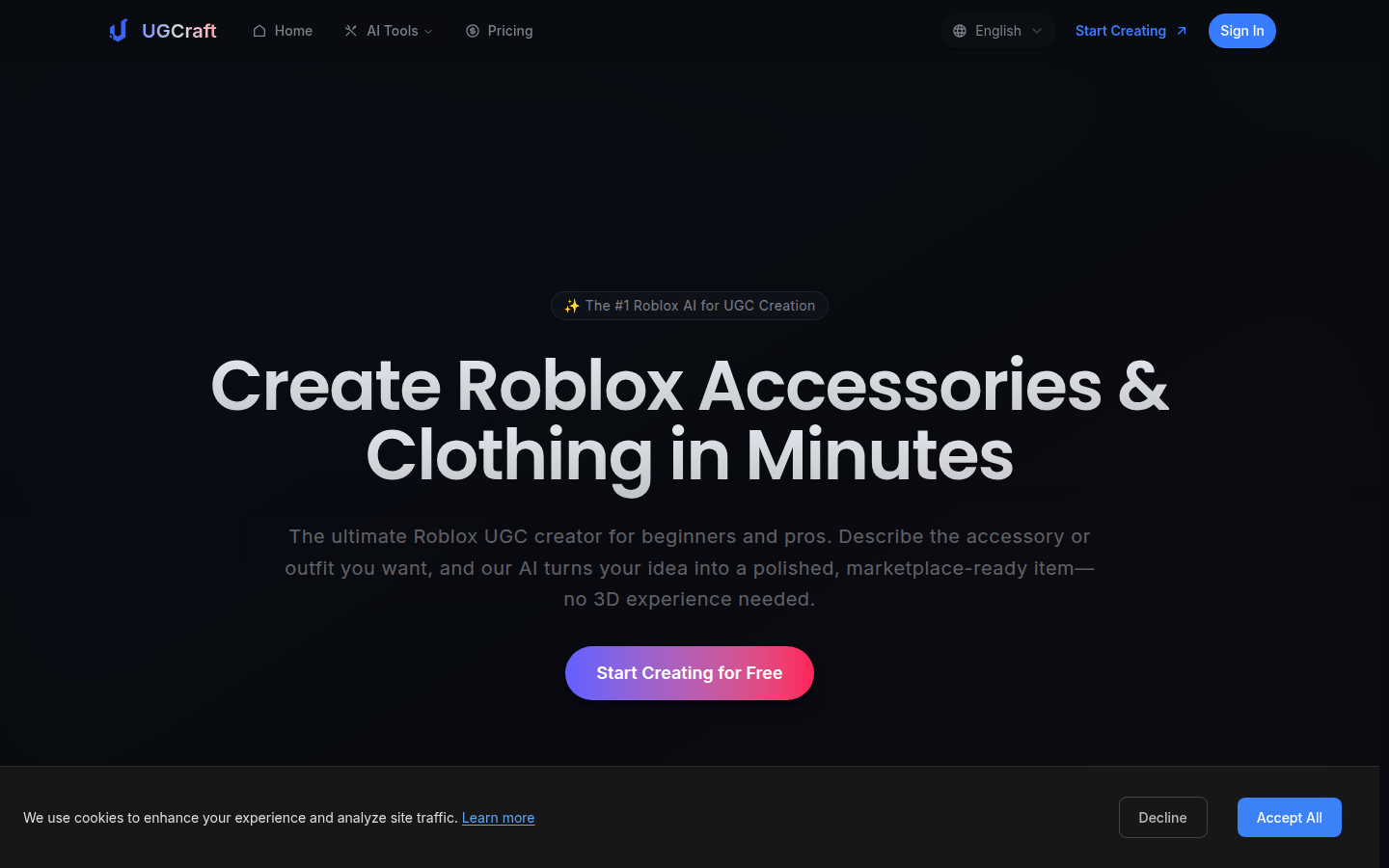
Screenshot archived from the listing page, for preview only.











