
UI Faces
Free AI-generated avatar libraryFree AI avatars for design projects
Highlights
What you can do with it
- Fill UI mockups with realistic avatar placeholders
- Add profile images to design prototypes
- Browse categorized avatars for a creative project
How to use it
- 1 Open the UI Faces library
- 2 Browse or search the categorized avatars
- 3 Download the avatar you want
- 4 Place it in your design or prototype
Who it is for
Pros
- Free to use
- High-resolution AI-generated images
- Organized collection that is easy to browse
Limitations
- Free access can change; check the site for current terms
- AI-generated faces may not fit every brand or realism need
- Confirm usage terms before using avatars in commercial work
What UI Faces is
UI Faces is a free library of AI-generated, high-resolution avatars, presented as part of the Design Model. The collection keeps growing, and every avatar is curated and categorized so you can find a face that fits your project. Designers can freely use these avatars in their work to add personality and a finished look to mockups, prototypes, and other creative projects without paying for stock photos.
What you can do with it
- Browse a categorized library of AI-generated avatar images
- Pick high-resolution faces for UI mockups and prototypes
- Add profile-style images to design presentations
- Build a consistent set of characters across a project
Who it is for
- UI and product designers filling mockups and screens
- Teams prototyping apps that need profile images
- Creators looking for ready-made avatar assets
What to watch out for
The library is free, but free access can change, so check the site for the current status before building a long project around it. Because faces are AI-generated, they may not match a specific brand tone or the level of realism you need, so review options at full size before placing them. Confirm the usage terms before using avatars in commercial deliverables, and keep downloaded files organized since the collection keeps growing over time. For best results, start with a small test file and review the output carefully before working on anything important. Free tiers can change over time, so it is worth checking the current limits on the official page before you rely on the tool daily. If the result is not quite right, try adjusting your input description or settings and run the task again.
FAQ
Is UI Faces free?
Yes. The avatar library is described as free to use in designs.
Are the avatars high resolution?
Yes. They are AI-generated high-resolution images.
How is the library organized?
Avatars are curated and categorized, and the collection keeps growing.
Why it is free
What the official page says: 免费使用免费
Free limits, trial length and features are decided by the official site and can change at any time.
Product preview
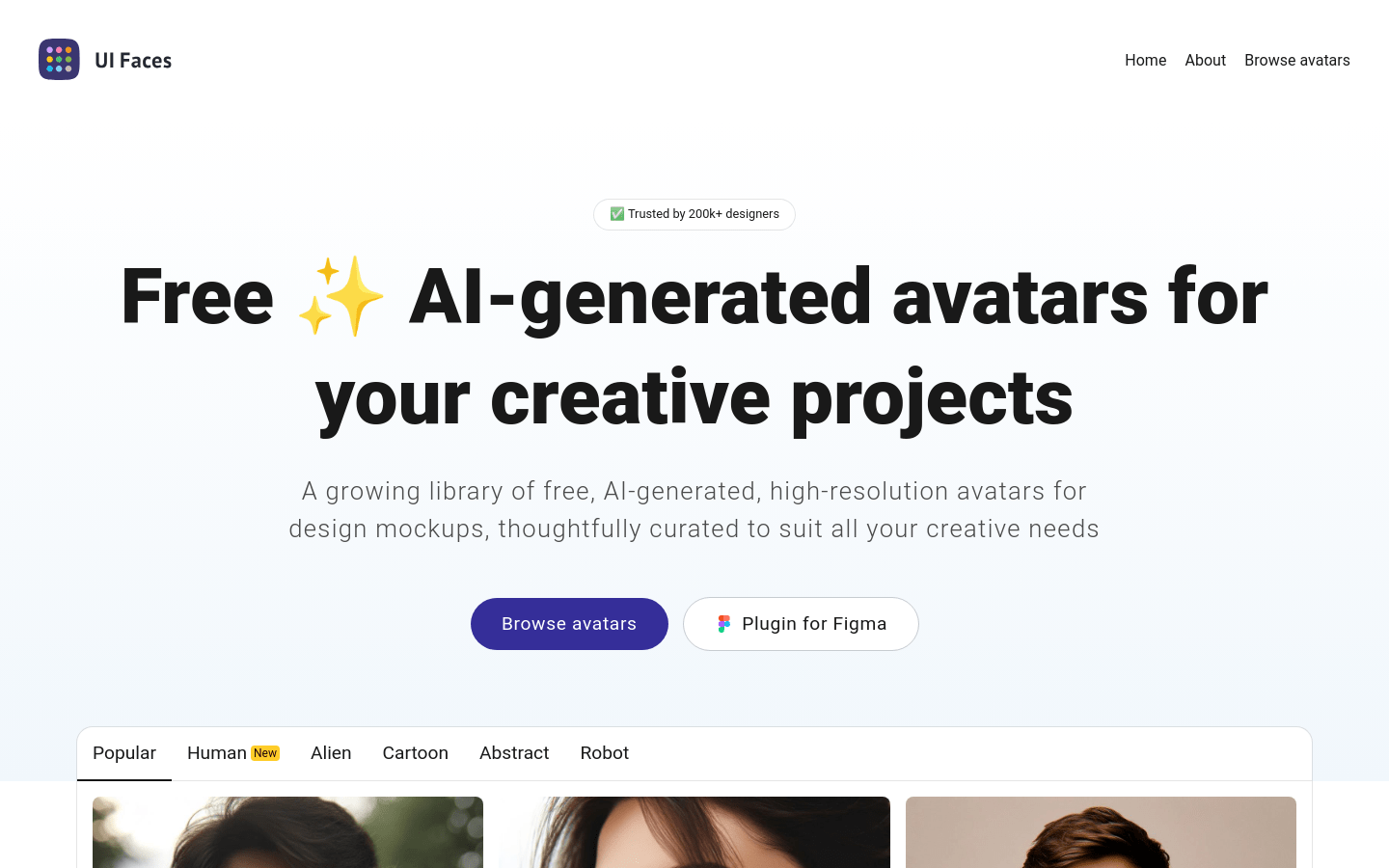
Screenshot archived from the listing page, for preview only.











