
Unpixelate AI
Free online AI image depixelation and sharpening tool.Turn pixelated photos into clear, sharp images, no registration needed.
Highlights
What you can do with it
- Upscale a 144x144 avatar to 1024x1024 with clear skin and hair detail
- Restore old family photos, recovering faces, woodwork, and fabric patterns
- Make blurry text in screenshots readable again
- Enlarge game screenshots and pixel art for wallpapers or printing
How to use it
- 1 Drag a pixelated image in JPG, PNG, or WebP format into the upload area, up to 10MB
- 2 Choose the standard level, which is free and fast, or the HD level with a stronger model
- 3 Start processing and let the diffusion network reconstruct the details
- 4 Compare before and after using the sliding comparison view
- 5 Download the clear high resolution result
Who it is for
Pros
- Standard level is free and needs no account
- Special attention to faces restores textures and details convincingly
- Strong privacy stance: uploads are not used for training and are deleted automatically
Limitations
- The HD level requires logging in to get daily credits or paying as needed
- Maximum file size is 10MB, which limits very large source files
- Free rules and credit policies may change over time, so verify current terms
What Unpixelate AI is
Unpixelate AI is an online tool focused on image depixelation and sharpening, built on generative super resolution. Unlike traditional enlargement algorithms that simply stretch pixels, it uses a diffusion network to generate the most likely matching high resolution clear image based on the pixelated input. That network has learned the high resolution appearance of edges, fabrics, leaves, and skin from hundreds of millions of photos, which is why its reconstructions look believable rather than artificially smooth. Standard quality processing is free and can be used without registration, while the HD level, which uses a stronger model, is available by logging in to get daily credits or paying as needed. Face enhancement is included in both processing levels, and the platform emphasizes privacy: uploaded images are processed in memory and automatically deleted without being used for training.
What you can do with it
- Convert blurry, pixelated, or low resolution photos, such as face photos, old photos, and screenshots, into clear sharp images.
- Enlarge images by 4 times while keeping details and avoiding blurring or blocky artifacts.
- Restore old photos that have faded or suffered scratches, bringing back faces, details, and colors.
- Make text in blurry screenshots clearly readable, and even pixelate images yourself to hide details or create pixel style art.
Who it is for
- Social media users whose avatars and thumbnails look soft at low resolution and want them crisp.
- Old photo collectors dealing with fading, scratches, and low resolution scans.
- Gamers and developers who want to enlarge game screenshots and pixel art for wallpapers or walls.
- Office workers handling compressed JPEG downloads with blocky distortion or needing readable screenshot text.
What to watch out for
The free tier covers standard quality only; HD level processing requires an account with daily credits or payment, and free rules and credit policies may change over time, so check the current terms. File uploads are capped at 10MB, so very large originals must be resized first. Because the model generates plausible detail rather than recovering the true original, reconstructions of faces or text are approximations and should not be treated as forensic evidence. That generative nature also means results can occasionally invent details that were never present, so review important images carefully.
FAQ
Is Unpixelate AI free?
Standard quality processing is free and available without registration. The HD level is accessed by logging in for daily credits or paying as needed.
What happens to my uploaded images?
Images are processed in memory and automatically deleted, and they are not used for training, according to the platform's privacy description.
What file formats and sizes are supported?
JPG, PNG, and WebP are supported, with a maximum file size of 10MB.
Why it is free
What the official page says: 免费无需注册
Free limits, trial length and features are decided by the official site and can change at any time.
Product preview
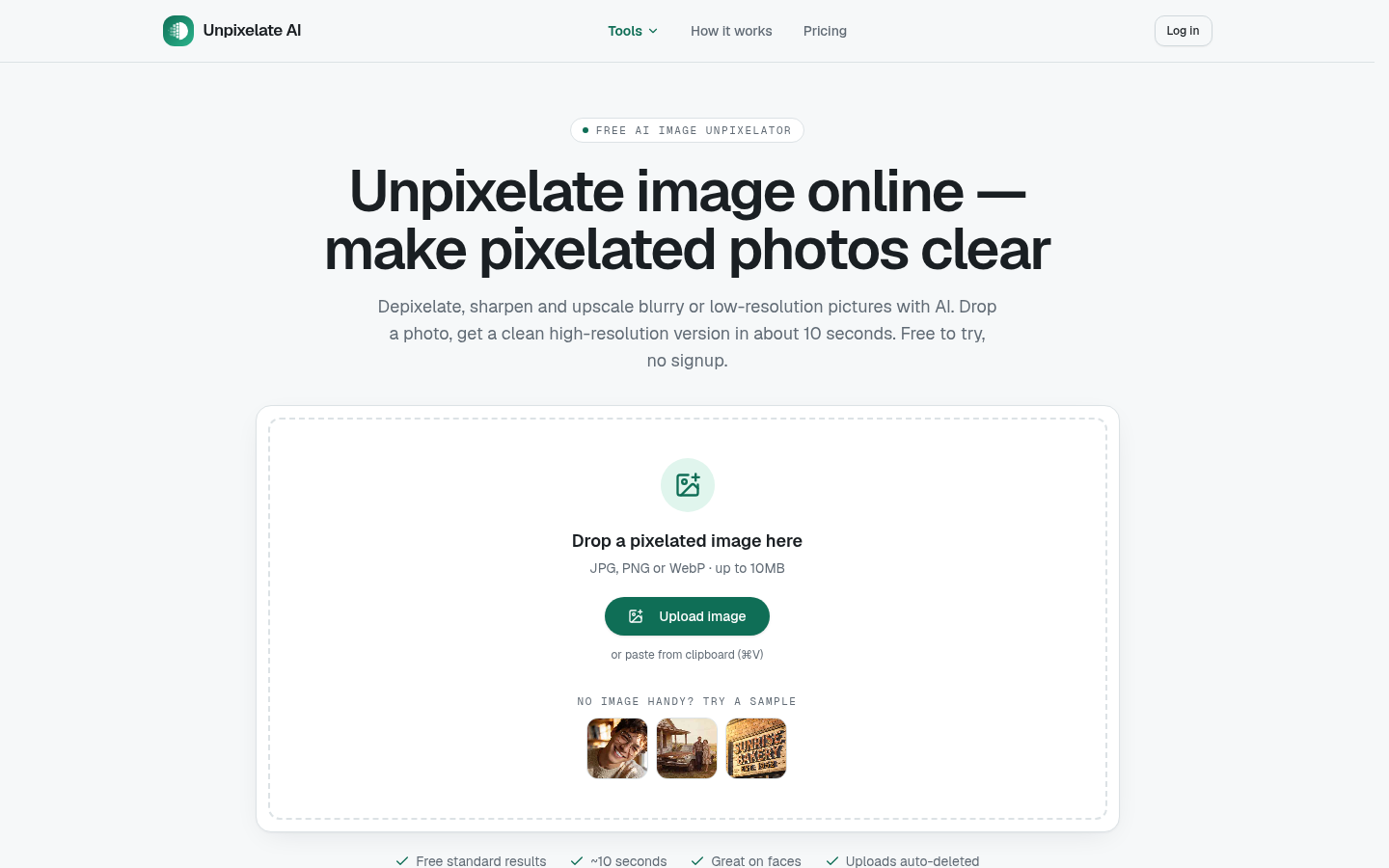
Screenshot archived from the listing page, for preview only.











