
Unvent
Chrome extension for one-click tone rewritesRewrite any text box in the tone you need
Highlights
What you can do with it
- A customer email in Gmail gets a Polished rewrite before sending
- A Slack message becomes Direct when a decision is needed
- A LinkedIn outreach message is rewritten Warm to build rapport
How to use it
- 1 Add Unvent to Chrome from the official site.
- 2 Open any editable text box on a supported site.
- 3 Type your idea however roughly it comes out.
- 4 Pick a tone: Polished, Direct, or Warm.
- 5 Press the shortcut to rewrite, then check and send.
- 6 Use the voice shortcut if you would rather speak than type.
Who it is for
Pros
- Free plan with daily rewrites
- Works in the tools you already use, no copying between windows
- Three tones cover most everyday situations
- Voice input with local transcription saves typing
Limitations
- Free rewrites are capped per day
- Rewrites can flatten your voice if you accept them blindly
- Shortcut-driven editing needs a little practice
- Paid tiers were not launched when this was recorded
What Unvent is
Unvent is a Chrome extension that rewrites the text you are typing, in place, in a different tone. You type your idea however it comes out, press a shortcut, and the content is rewritten as Polished for formal writing, Direct for a quick decision, or Warm for building rapport. It works in the text boxes of common tools such as Gmail, Slack, Linear, LinkedIn, Notion, and Discord, so there is no copying between windows. There is also a voice input mode that transcribes locally in the browser and then rewrites the result. A free plan includes a daily allowance of rewrites, with paid tiers described as coming soon, and the listing says drafts are not stored.
What you can do with it
- Rewrite any text box with a keyboard shortcut.
- Switch between Polished, Direct, and Warm tones depending on the recipient.
- Speak an idea and have it transcribed locally, then rewritten.
- Work inside Gmail, Slack, LinkedIn, Notion, Discord, and similar tools.
- Target a specific audience such as a manager, investor, or new customer on the paid tier.
Who it is for
- Developers and operators who write fast and edit later.
- Business people messaging customers, partners, and investors.
- Students working on papers, applications, and formal emails.
What to watch out for
The free daily rewrite allowance is a trial budget, and the paid tiers were not launched when this entry was recorded, so do not build a workflow around features that may change or arrive late. Rewrites are also a double-edged tool: if you accept every suggestion, your writing starts to sound like everyone else's, and the small inconsistencies that make a message feel human get smoothed away. Read the output and keep what is actually yours. Shortcut-driven editing needs a few days of practice before it is faster than editing by hand, and the local voice transcription will still mishear names and technical terms, so proofread before you send anything that matters.
FAQ
Is Unvent free?
There is a free plan with a daily allowance of rewrites. The paid tiers were described as coming soon.
Where does it work?
In text boxes on common platforms such as Gmail, Slack, Linear, LinkedIn, Notion, and Discord.
Are my drafts stored?
The listing says drafts are not stored, which is the privacy argument for the extension.
Why it is free
What the official page says: free plan
Free limits, trial length and features are decided by the official site and can change at any time.
Product preview
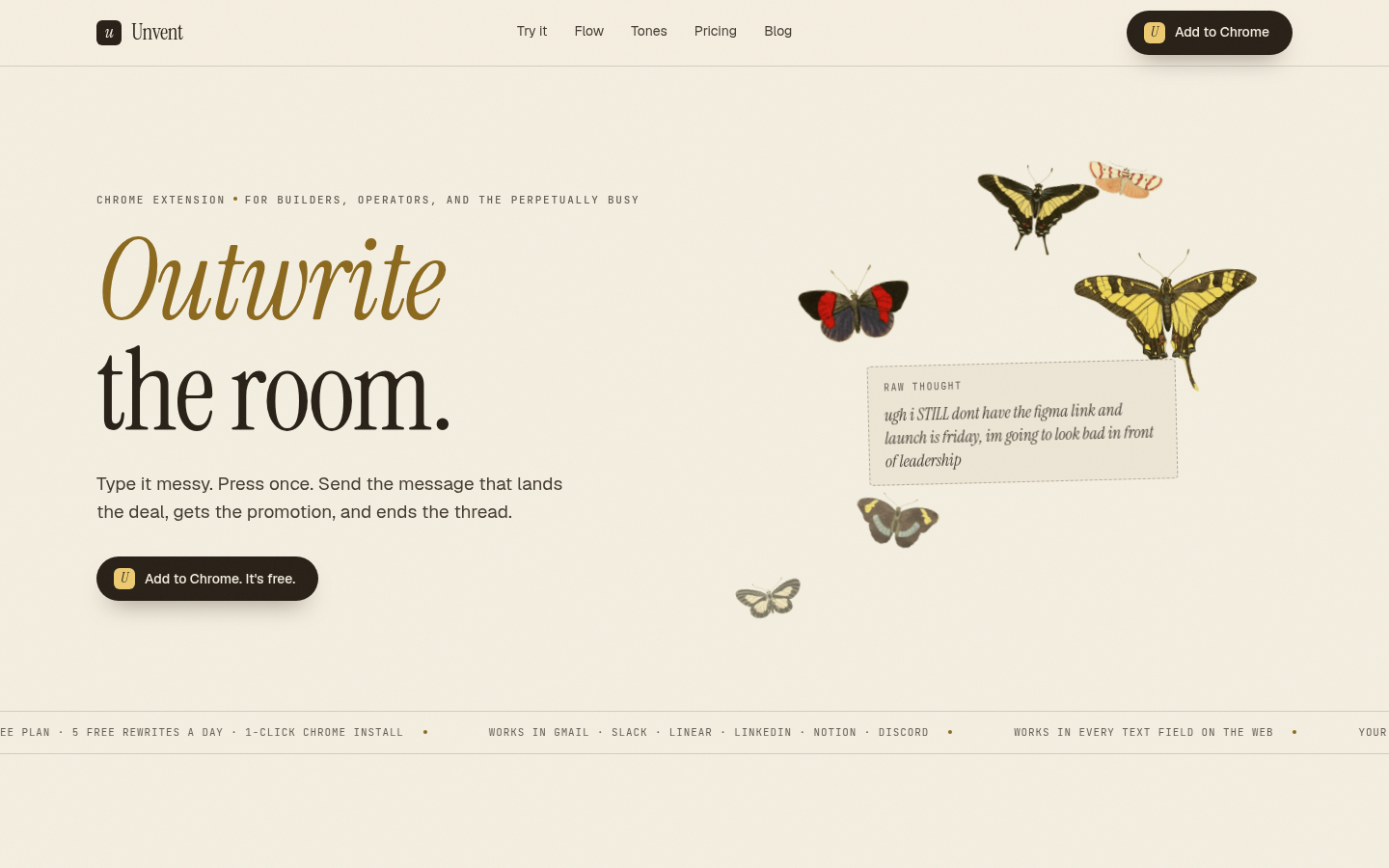
Screenshot archived from the listing page, for preview only.











