
Upscale Media
AI image upscaler and enhancerEnlarge images 2x or 4x with detail
Highlights
What you can do with it
- Enlarge a photo for print
- Improve a low-resolution image
- Upscale images for business use
How to use it
- 1 Open the Upscale Media site
- 2 Upload the image you want to enlarge
- 3 Choose 2x or 4x upscaling
- 4 Process and download the result
Who it is for
Pros
- Free tier available
- 2x and 4x upscaling with detail
- Suits individual and business use
Limitations
- Higher resolution or volume needs a paid plan
- Upscaling cannot add detail that was never captured
- Free tier limits can change over time
What Upscale Media is
Upscale Media is an AI image enlargement and enhancement tool. It uses advanced AI to upscale images to 2x or 4x their original size while keeping textures and details intact. It offers super-resolution processing, which enlarges and sharpens an image to improve its overall quality. There is a free tier available, along with various subscription packages for individual and business users. It is built for people who need larger, clearer images for print, web, or restoration and want to avoid the blur that simple resizing creates.
What you can do with it
- Enlarge an image to 2x or 4x
- Keep textures and details during upscaling
- Improve clarity with super-resolution processing
- Prepare images for print or business use
Who it is for
- People who need larger images for print
- Users improving low-resolution photos
- Businesses that need clearer image assets
What to watch out for
Higher resolution, larger files, or higher volume sit behind the paid plans, and free tier limits and pricing can change over time. Upscaling improves clarity but cannot invent detail that was never captured, so very small or blurry sources have a ceiling. Results vary by image, so test on a copy first. Check the commercial use terms before using upscaled images in client or paid work. When quality matters, export a small draft first to confirm the result before producing the final file. Generated suggestions are for reference only, so verify anything that affects professional judgment or important data. Save a backup of the original file before large batch jobs, and keep an exported copy of key results in case the page or service becomes temporarily unavailable.
FAQ
Is there a free tier?
Yes. There is a free tier, along with subscription packages for individuals and businesses.
How much can it enlarge images?
It can upscale images to 2x or 4x their original size while preserving textures and details.
What is super-resolution?
It is processing that enlarges and sharpens an image to improve its clarity and quality.
Why it is free
What the official page says: free tier
Free limits, trial length and features are decided by the official site and can change at any time.
Product preview
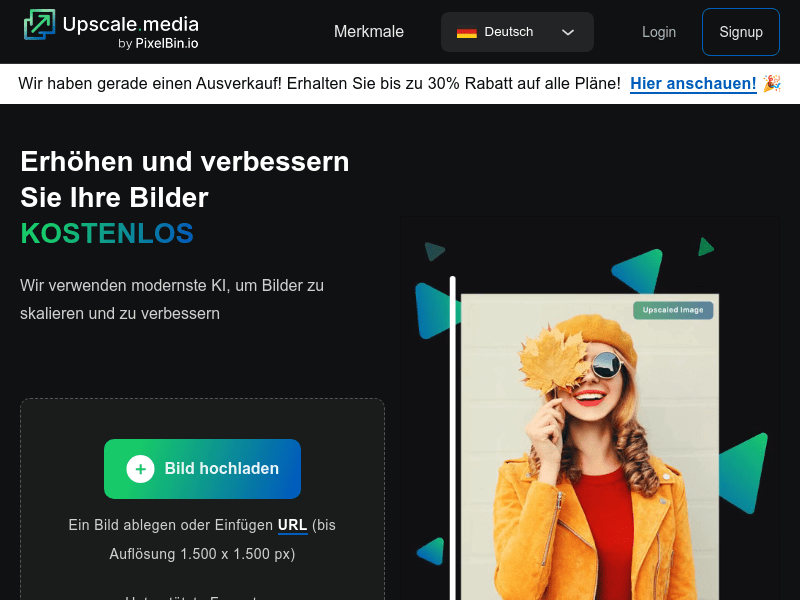
Screenshot archived from the listing page, for preview only.











