
Upscayl
Open source image upscalerEnlarge photos with AI, free
Highlights
What you can do with it
- Enlarge an old photo to a high definition version
- Improve the detail of an image before printing
- Raise the quality of a low resolution picture
How to use it
- 1 Download Upscayl for your operating system
- 2 Install and open the application
- 3 Load the image you want to enlarge
- 4 Choose the upscale settings
- 5 Save the enlarged image
Who it is for
Pros
- Free and open source
- It runs locally on the desktop across three systems
- It targets both clarity and detail, not just size
Limitations
- Very low quality sources stay limited no matter the settings
- Large images take time and system resources
- Results depend on your hardware
What Upscayl is
Upscayl is a free and open source AI image enlarger that supports Linux, macOS, and Windows. It uses advanced artificial intelligence to upscale low resolution images to higher resolutions, with the goal of improving both clarity and detail. The site presents it as user friendly while still powerful, so it is aimed at regular users rather than only specialists. Because it is a desktop application, the work happens on your own machine.
What you can do with it
- Enlarge an old photo toward a high definition version.
- Improve the detail and clarity of an image.
- Raise the usable quality of a low resolution picture.
- Prepare images for printing or larger displays.
Who it is for
- People digitizing and enlarging old photos.
- Designers who need bigger assets from small files.
- Anyone holding a low resolution image they want to improve.
What to watch out for
Upscaling cannot invent detail that was never captured, so a very small or blurry source will stay limited. Large images take time and system resources, and performance depends on your hardware. Keep your originals safe, since an enlarged file should never replace the master. When quality matters, export a small draft first to confirm the result before producing the final file. Generated suggestions are for reference only, so verify anything that affects professional judgment or important data. Save a backup of the original file before large batch jobs, and keep an exported copy of key results in case the page or service becomes temporarily unavailable. Save a backup of the original file before large batch jobs, and keep an exported copy of key results in case the page or service becomes temporarily unavailable.
FAQ
Is Upscayl free?
Yes, it is described as a free and open source AI image enlarger.
Which systems does it support?
Linux, macOS, and Windows are listed.
Does it work offline?
It is a desktop application, so processing happens on your own machine.
What kind of images work well?
The site lists enlarging old photos and improving low resolution images.
Why it is free
What the official page says: 免费
Free limits, trial length and features are decided by the official site and can change at any time.
Product preview
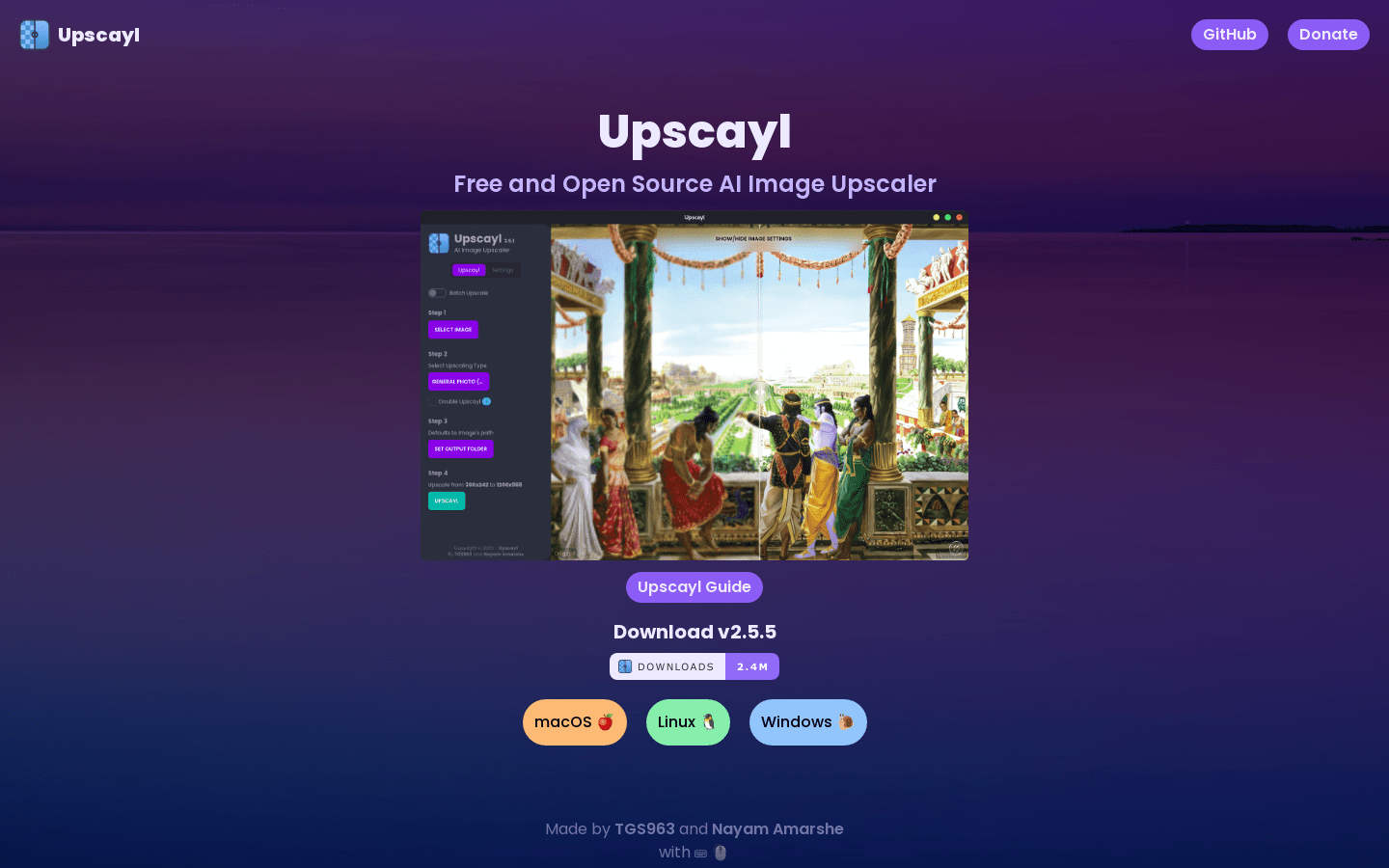
Screenshot archived from the listing page, for preview only.











