
Upscayl AI
Free AI image upscalerUpscale photos to 4K in seconds
Highlights
What you can do with it
- Restoring a blurry old family photo to 4K with clear facial detail
- Raising the resolution of low-light event photos for print
- Enlarging product images for a promotional poster without a reshoot
How to use it
- 1 Upload a JPG, PNG, or WEBP image up to 10MB by dragging or clicking
- 2 Let the AI analyse and enhance resolution, detail, and noise
- 3 Choose an output resolution from 1K, 2K, 4K, 6K, or 8K
- 4 Optionally turn on facial enhancement or background removal
- 5 Download the finished high-definition image
Who it is for
Pros
- The basic plan is completely free after registration
- Output goes up to 8K, covering most commercial and print needs
- Facial enhancement and background removal are included alongside upscaling
- Processing is described as taking seconds
Limitations
- Free plan features are limited; batch processing and advanced modes sit behind paid plans, and those rules can change
- Files are capped at 10MB, which rules out some large originals
- Upscaling invents plausible detail rather than recovering what was never captured
- Very low-quality sources can only be improved so far, and artefacts may remain
What Upscayl AI is
Upscayl AI is a free online image upscaler. You upload a photo in JPG, JPEG, PNG, WEBP, or BMP format, up to 10MB, and machine learning analyses the image, removes blur, reduces noise, and reconstructs detail that a low-resolution original lost. The result is a larger, cleaner file rather than a stretched version of the same pixels. Output resolution options run from 1K through 2K, 4K, 6K, and 8K, so one source can serve a print job or a social post. Two extra passes are worth knowing about: a facial enhancement step using GFPGAN, which makes the people in a portrait clearer and more natural, and an AI background removal feature that exports a clean transparent PNG. The basic plan is completely free and available after registration, while paid plans add batch processing and advanced enhancement modes for heavier work.
What you can do with it
- Upscale a small or blurry photo to 1K, 2K, 4K, 6K, or 8K
- Reduce noise and sharpen detail while keeping the image looking natural
- Run GFPGAN facial enhancement on portraits
- Remove the background and download a transparent PNG
- Prepare low-resolution product or archive images for print and reuse
Who it is for
- Everyday users cleaning up personal and family photos
- Photographers working with ageing or low-resolution material
- Designers who were handed source images too small for the job
- Businesses preparing product imagery and print material
What to watch out for
The basic plan is free, but the features that matter for volume work, such as batch processing and advanced enhancement modes, sit behind paid plans. Those rules can change, so confirm current limits before you commit to a deadline. Uploads are capped at 10MB, which rules out some large originals, so you may need to crop or compress first. Most importantly, upscaling reconstructs plausible detail; it does not recover information that was never captured. A heavily compressed or very small source has a hard ceiling, and pushing it further can introduce artefacts that look worse than the original noise. Compare the result at full size before you use it, especially for print.
FAQ
Is Upscayl AI free?
The basic plan is completely free and available after registration. Paid plans add batch processing and advanced enhancement modes.
What files can I upload?
JPG, JPEG, PNG, WEBP, and BMP are supported, with a 10MB size limit per image.
What resolutions can I output?
1K, 2K, 4K, 6K, and 8K.
Will it fix a very blurry photo?
It will improve clarity, but upscaling reconstructs detail rather than recovering it, so heavily degraded images have a limit.
Why it is free
What the official page says: completely free
Free limits, trial length and features are decided by the official site and can change at any time.
Product preview
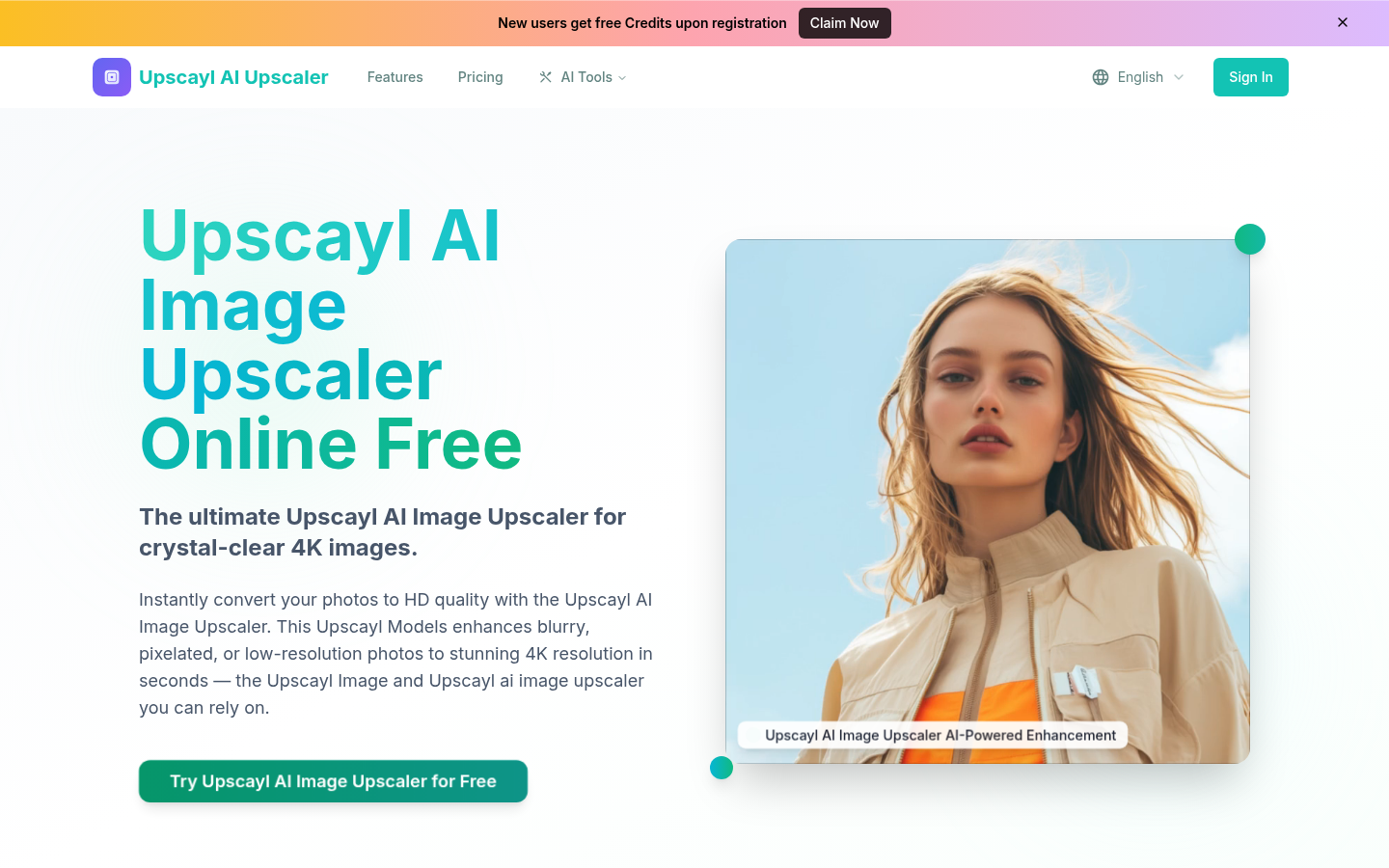
Screenshot archived from the listing page, for preview only.











