
UpSynth
AI image enhancement and upscaling toolEnlarge, restore, and edit photos with control
Highlights
What you can do with it
- Restore a blurry old poster to clear print quality.
- Repair damaged old photos by rebuilding missing areas.
- Enhance anime, cartoon, or pencil-style images for better quality.
How to use it
- 1 Visit the UpSynth site and register an account.
- 2 Upload the image you want to process.
- 3 Choose enlarge, restore, or modify.
- 4 For restore or modify, mark the area and enter a prompt.
- 5 Adjust the magic value to control AI creativity, then save.
Who it is for
Pros
- One editor for enlarging, restoring, and editing
- Selective control reduces unexpected changes
- Magic value tunes how close output stays to the original
- First enlargement is free to test
Limitations
- Free trial and first-free-enlargement terms can change
- Large or very damaged images can still produce uneven results
- AI edits need review, since content changes can look artificial
- Heavy use likely needs a paid plan
What UpSynth is
UpSynth is an AI tool for enhancing, enlarging, and restoring images in one editor. Its focus is control: instead of letting the AI change everything, you decide what to fix. It can enlarge images without distorting them, and it removes the artifacts and detail loss that build up when a JPEG is saved many times. For areas that came out wrong, you mark them and UpSynth rebuilds them from the original. You can also change content by marking an area and typing a prompt, and a magic value lets you dial how far the AI goes, from staying very close to the original to taking more creative freedom. A free trial is offered, and the first enlargement is free.
What you can do with it
- Enlarge images with refinement instead of simple stretching.
- Restore damaged or misread areas by marking them for rebuild.
- Change selected content by marking an area and adding a prompt.
- Remove JPEG artifacts and control AI creativity with the magic value.
Who it is for
- Photographers who need to fix quality and recover detail.
- Designers who optimize and edit source materials.
- Everyday users restoring old photos or improving personal shots.
What to watch out for
Free trial and first-free-enlargement terms can change, so confirm current details. Very large or heavily damaged images can still produce uneven results, so set expectations. AI edits need review, since content changes can look artificial if pushed too far. Ongoing or heavy use will likely require a paid plan. Start with a small sample to confirm the output meets your expectations before processing the full batch. Free tiers and usage limits can change, so check the current rules on the official page before relying on it long term.
FAQ
What does UpSynth do?
It enhances, enlarges, and restores images with AI in a single editor.
Can I control the changes?
Yes. You mark areas and use a magic value to control how creative the AI gets.
Is the first enlargement free?
Yes. The page states the first enlargement is free, with a free trial offered.
Who is it for?
It suits photographers, designers, and anyone restoring or improving images.
Why it is free
What the official page says: free trial
Free limits, trial length and features are decided by the official site and can change at any time.
Product preview
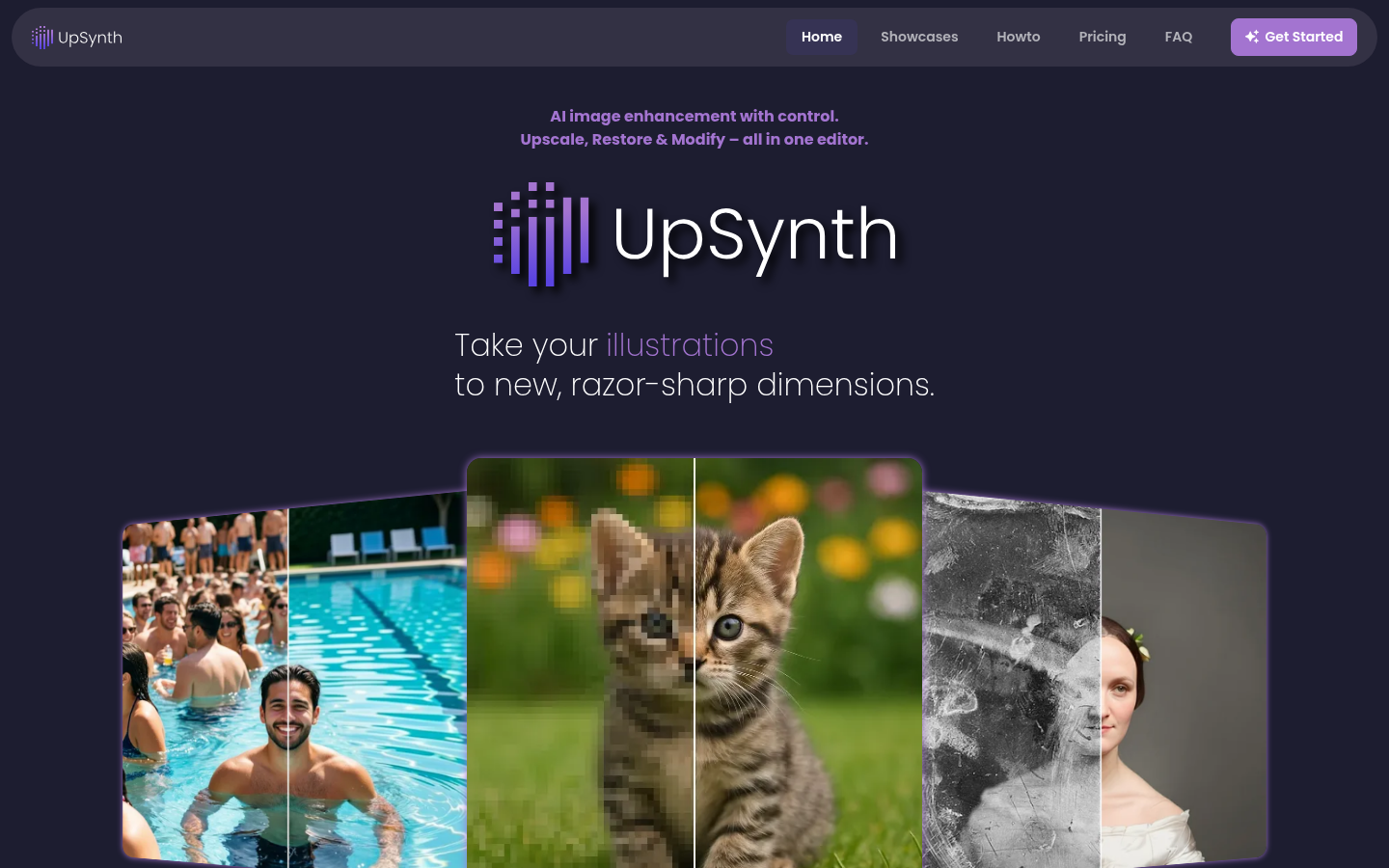
Screenshot archived from the listing page, for preview only.











