
UseScraper Crawler
Web crawler and scraping APIScrape the web into clean text
Highlights
What you can do with it
- Scrape site content and feed it to AI tools
- Collect data from multiple sites into storage
- Gather web data for analysis projects
How to use it
- 1 Register for an account without a credit card.
- 2 Send a scraping request with the target URL.
- 3 Choose the output format such as Markdown or HTML.
- 4 Use webhooks to track task status.
- 5 Store or export the extracted data.
Who it is for
Pros
- Free credit of $25 to start
- Multiple clean output formats
- Handles JavaScript-heavy sites with rendering
Limitations
- Free credit is limited, so larger volume needs paid usage
- Scraping must respect site terms and laws; users bear responsibility
- Complex pages may still need selector tuning
What UseScraper Crawler is
UseScraper is a fast web crawler and data extraction API. It retrieves page content and returns it as HTML, plain text, or Markdown, supports browser rendering for JavaScript-heavy sites, and can scrape multiple websites at once. You can exclude specific URLs, use CSS selectors to remove duplicate content, and receive task status updates through webhooks. Stored data expires automatically. New users can register without a credit card and receive a free credit of $25 to test the service before paying for larger volumes.
What you can do with it
- Scrape pages into clean Markdown, plain text, or HTML
- Render JavaScript-heavy sites before extraction
- Run multiple scraping jobs at the same time
- Track jobs with webhooks and keep data until it expires
Who it is for
- Developers feeding web content into AI or data pipelines
- Analysts who collect data from many sites
- Teams that need automated content extraction
What to watch out for
The free credit is limited, so heavier volume means paid usage, and pricing can change. Scraping must respect website terms of service and applicable laws, and you are responsible for how you use the data you collect. Some complex pages still need selector tuning to get clean results, so plan for setup and testing time before you rely on the output. For best results, start with a small test file and review the output carefully before working on anything important. Free tiers can change over time, so it is worth checking the current limits on the official page before you rely on the tool daily. If the result is not quite right, try adjusting your input description or settings and run the task again.
FAQ
Is there a free credit?
The site says you can register without a credit card and get a free credit of $25 to start.
What output formats does it return?
It extracts clean Markdown, plain text, or HTML from the pages you scrape.
Can it scrape JavaScript-heavy websites?
Yes. The site says it supports browser rendering, so it can scrape complex sites that need JavaScript to display content.
Why it is free
What the official page says: 免费使用免费
Free limits, trial length and features are decided by the official site and can change at any time.
Product preview
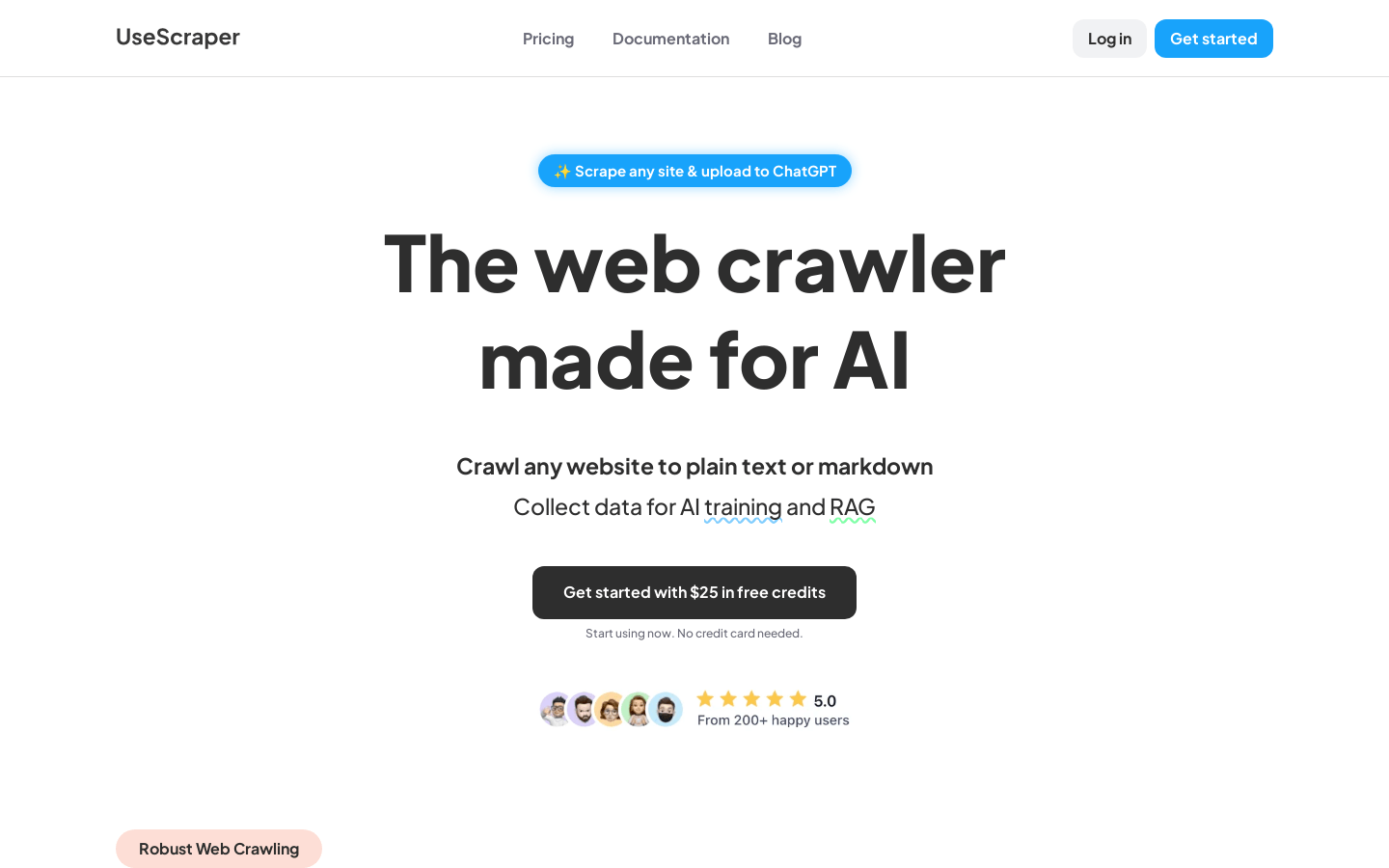
Screenshot archived from the listing page, for preview only.











