
VanceAI
AI photo enhancement toolkitSharpen, upscale, and clean up photos
Highlights
What you can do with it
- Bring out detail in a soft or flat photo
- Create a transparent background for a product shot
- Restore an old family photo and add color
How to use it
- 1 Open the VanceAI site or download the software
- 2 Upload the photo you want to process
- 3 Pick the tool you need, such as enhancement or background removal
- 4 Adjust the settings and run the process
- 5 Download the finished image
Who it is for
Pros
- A wide tool set covers most common photo problems
- The company says its models are trained on millions of images
- Works both in the browser and as a local download
Limitations
- The free trial has limits, and heavy use needs a paid plan
- Aggressive processing can make images look artificial
- Online tools depend on the service being reachable
What VanceAI is
VanceAI is an AI photo enhancement and editing provider with a wide tool set. It covers enhancement, enlarging to 4K, sharpening, noise reduction, and background removal, and it also offers old photo restoration and coloring, portrait retouching, and photo coloring. Every tool can be used online or through a free download of the software. The company says its models are built on deep convolutional neural networks trained on millions of images, which is why it claims better handling of real photo detail than traditional math based tools.
What you can do with it
- Bring out detail in soft, flat, or noisy photos.
- Remove a background and create a clean cutout.
- Upscale a small image to a higher resolution.
- Restore an old photo and add color to it.
Who it is for
- Photographers who want a quick fix before delivery.
- Online sellers who need tidy product images.
- Families and archivists bringing old photographs back to life.
What to watch out for
The free trial has limits, so plan around that if you process many images. Strong settings can push a photo too far and make it look artificial, so keep the adjustments moderate. Online processing depends on the service being reachable, and heavy use generally means moving to a paid plan. Name and archive exported files consistently so you can find and reuse them, and keep a backup copy of key data. When quality matters, export a small draft first to confirm the result before producing the final file. Save a backup of the original file before large batch jobs, and keep an exported copy of key results in case the page or service becomes temporarily unavailable.
FAQ
Is there a free option?
The tools can be used online or through a free download, with paid plans for larger or more advanced use.
What resolution can it reach?
The site lists AI image upscaling to 4K among its features.
Can it restore old photos?
Yes, it includes AI old photo restoration and coloring features.
Do I need design skills?
No, the tools are built for direct upload and processing without editing experience.
Why it is free
What the official page says: 免费
Free limits, trial length and features are decided by the official site and can change at any time.
Product preview
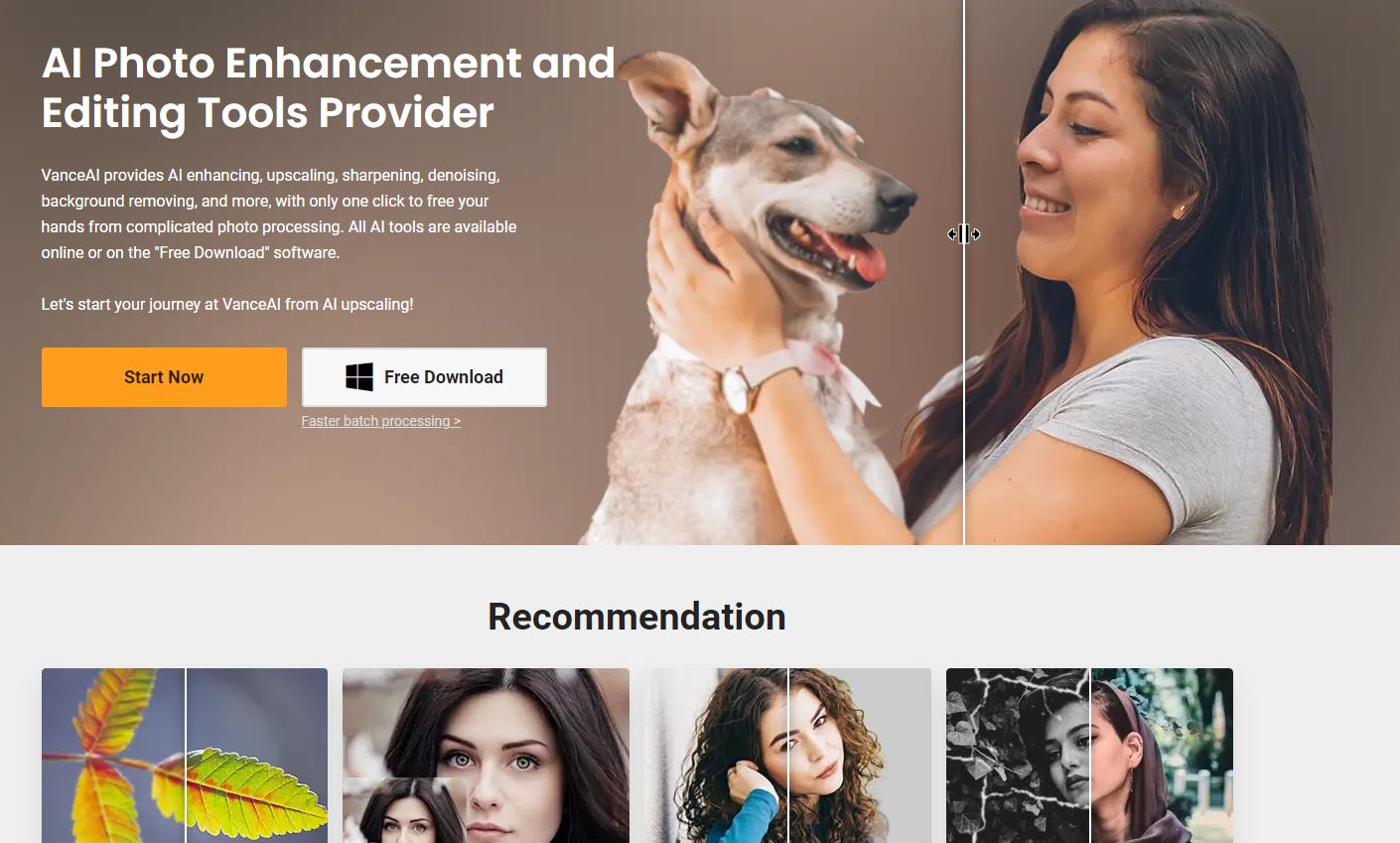
Screenshot archived from the listing page, for preview only.











