
Variant
Productivity app for creative explorationExplore ideas and stay in deep work
Highlights
What you can do with it
- A designer explores several directions before choosing
- Writers co-author and adjust ideas together
- A project manager runs a team brainstorm
How to use it
- 1 Install Variant and create an account
- 2 Set your work goals and preferences
- 3 Start a focus session
- 4 Sketch and record ideas as you go
- 5 Share the session for feedback
Who it is for
Pros
- Encourages experimentation without pressure
- Focus sessions are built in
- Collaboration features for feedback
- Free trial available
Limitations
- Only a free trial; full use requires payment
- Creative tools are general purpose, not specialized design software
- Collaboration works well only when your team also adopts it
What Variant is
Variant is a productivity application built around free exploration and creative discovery. The idea is that good ideas rarely come from the first answer, so the app encourages you to try several directions without fear, keep multiple paths open, and experiment in a low-pressure space. Alongside that it provides deep work sessions for focus, built-in tools for recording and sketching ideas while you think, collaboration so you can share a session with friends and get feedback, and data analysis of your own work to help optimize the process. A free trial is offered so you can try the workflow before paying.
What you can do with it
- Explore ideas freely and keep several directions open.
- Run focused deep work sessions.
- Sketch and record thoughts with built-in creative tools.
- Share sessions with others and get real-time feedback.
- Review data on your own work patterns.
Who it is for
- Designers exploring several solutions before committing.
- Writers and teams co-authoring and adjusting ideas together.
- Professionals who want structure around deep, focused work.
What to watch out for
The free trial is a trial, not a permanent free plan, so plan for a purchase if the workflow sticks. The creative tools are general purpose: they are good for capturing and shaping ideas, but they are not a replacement for dedicated design or video software. Collaboration only pays off if the people you work with also use the app, so a solo user will not get much from that side. And like any productivity tool, the value comes from habit; a few sessions will not tell you whether it fits how you actually work.
FAQ
What is Variant for?
It is a productivity app that supports free exploration of creativity, deep work sessions, and collaboration.
Is there a free trial?
Yes, Variant offers a free trial so you can experience the features before purchasing.
Can I work with others?
Yes, it supports collaboration with friends, sharing ideas and inspiration, and getting real-time feedback.
Why it is free
What the official page says: free trial
Free limits, trial length and features are decided by the official site and can change at any time.
Product preview
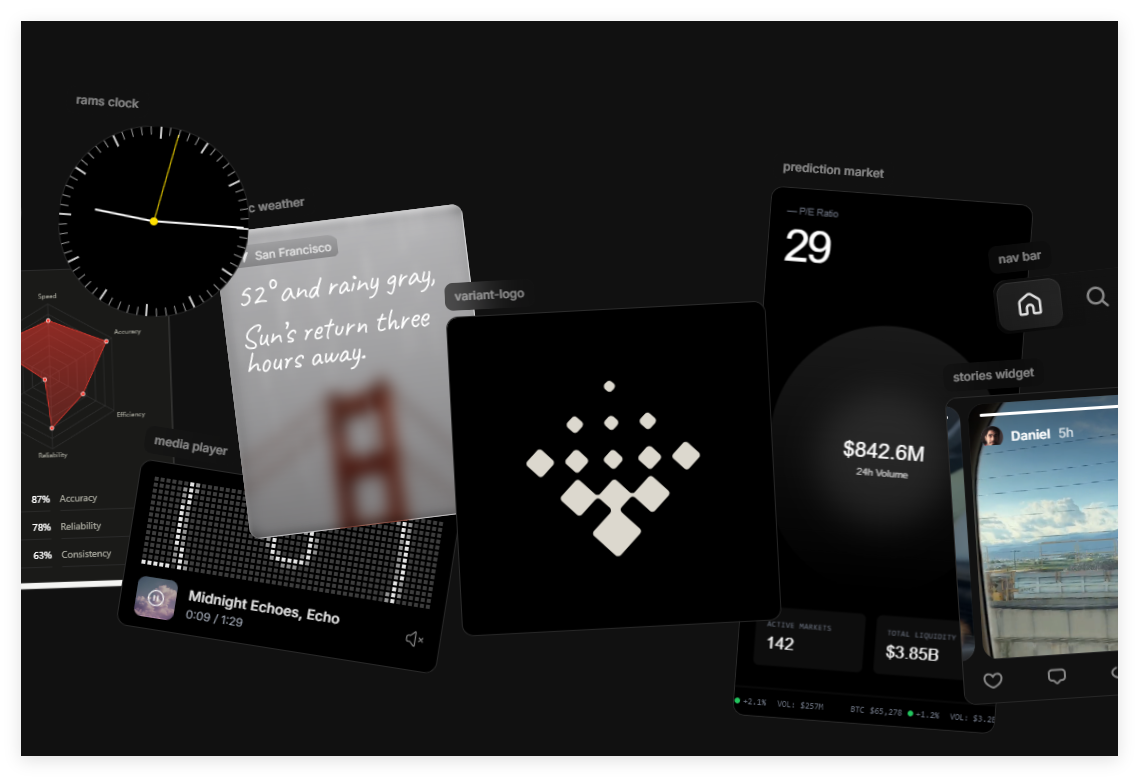
Screenshot archived from the listing page, for preview only.











