
Venice
Privacy-first AI chat and image toolText, image, and code with local storage
Highlights
What you can do with it
- Turn ideas into visual images using style templates
- Generate or debug code to speed up development
- Summarise and analyse research literature
How to use it
- 1 Register a free or paid account on Venice
- 2 Log in and choose text, image, or code generation
- 3 Enter your prompt or requirement
- 4 Generate and review the result
- 5 Adjust the prompt or the output and regenerate
Who it is for
Pros
- Free account tier is available
- Data is stated to stay on your own device
- Three generation types in one interface
- Over 70 image style templates to pick from
Limitations
- Free accounts are limited on resolution, watermarks, and prompt volume
- Uncensored output means you are responsible for what you generate and publish
- Local storage means you manage your own data and backups
What Venice is
Venice is an AI platform built around privacy. It combines three generation types in one interface: text, images, and code. The claim that distinguishes it is about data handling, since the platform states that user data is stored only on your own device and is not uploaded to a server. Underneath, it uses open-source AI technology, and it describes its output as unbiased and uncensored, framing the whole thing as a free space to explore ideas. Accounts come in free and paid tiers, with the paid side adding higher-resolution images, watermark-free output, and unlimited prompts.
What you can do with it
- Generate creative text, summaries, and edited drafts
- Turn ideas into images using more than 70 style templates
- Generate code and debug existing code
- Connect the API to other applications if you are a developer
Who it is for
- People who want AI generation without their data leaving the device
- Developers who need code generation plus API access
- Researchers and writers producing and condensing text
What to watch out for
The free tier is deliberately limited: resolution, watermarks, and prompt volume are all held back for paid accounts, so heavy image work pushes you toward a subscription. Uncensored output is a double-edged property, since nothing filters what you generate and you carry full responsibility for how it is used or published, including any platform rules or laws that apply. Local storage also means local consequences: if the device is lost and there is no backup, the data goes with it, so treat your own backups as part of the setup. Name and archive exported files consistently so you can find and reuse them, and keep a backup copy of key data.
FAQ
Is Venice free?
There is a free account option. Paid accounts add higher-resolution images, watermark-free results, and unlimited prompts.
Where is my data stored?
The platform states that user data is stored only on your device and is not uploaded to a server.
What can it generate?
Text, images with over 70 style templates, and code.
Why it is free
What the official page says: 免费
Free limits, trial length and features are decided by the official site and can change at any time.
Product preview
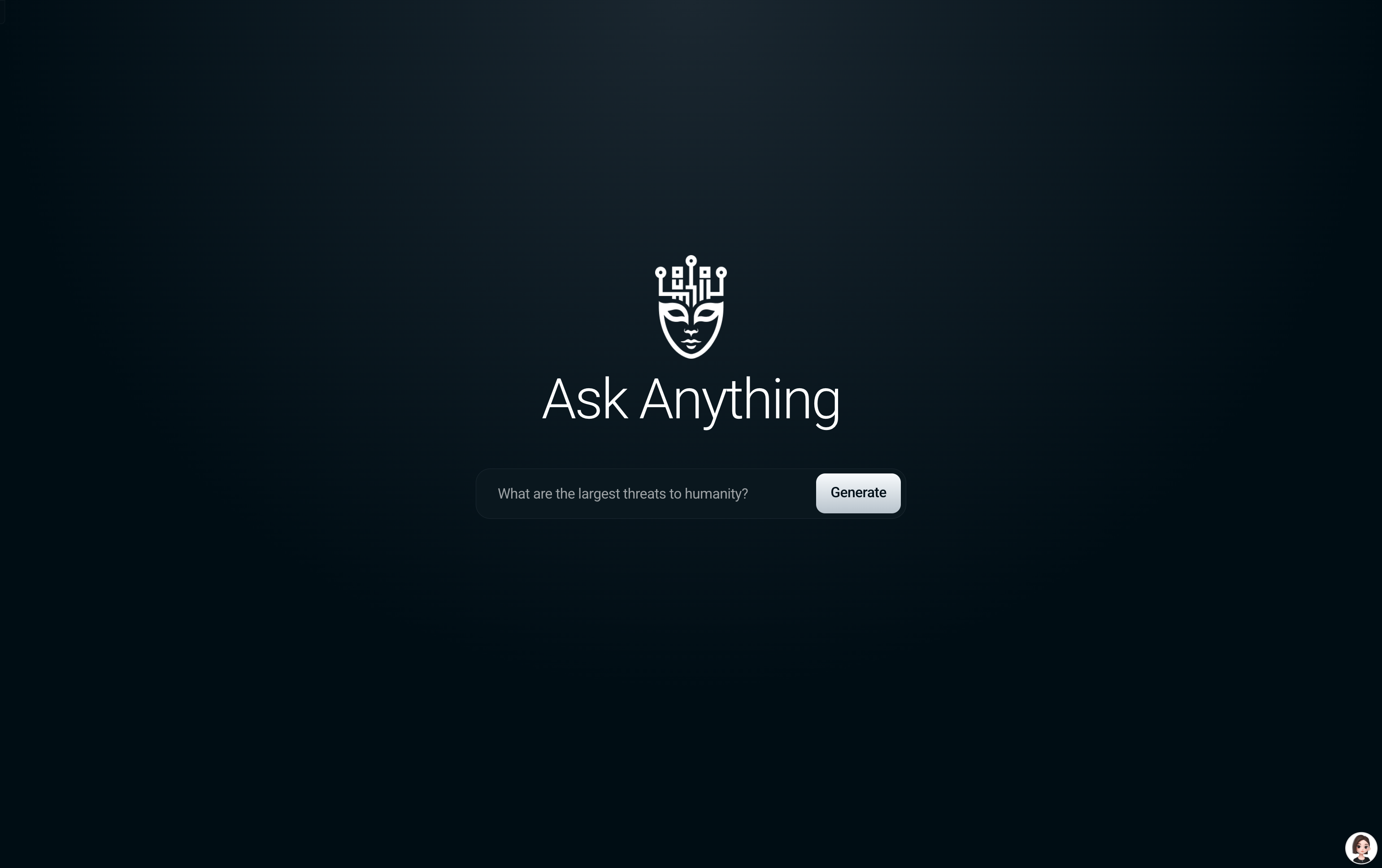
Screenshot archived from the listing page, for preview only.











