
Vexis
AI grading system for teachersUpload, grade, and share answer sheets
Highlights
What you can do with it
- Grading a batch of scanned answer sheets in one pass
- Returning personalized written feedback to students
- Organizing classes and tracking grading work in one place
- Using reports to plan what to reteach in class
How to use it
- 1 Register an account on the Vexis site
- 2 Upload the student answer sheets you need graded
- 3 Let the OCR step convert the sheets into digital data
- 4 Review the grading and the personalized feedback reports
- 5 Share the results with students and use the reports to plan lessons
Who it is for
Pros
- OCR handles scanned sheets instead of retyping answers
- Free-writing recognition goes beyond simple keyword checks
- Feedback reports give students concrete improvement points
Limitations
- Free access is presented as a trial and the rules can change
- AI grading still needs a teacher review before results go out
- OCR accuracy depends heavily on scan quality and handwriting
- Scope is grading and class workflow, not full lesson planning
What Vexis is
Vexis is an AI-powered grading system aimed at educators. You upload student answer sheets, the platform grades them, and you get personalized feedback and grading reports that can be shared back to the class. The technology behind it has two parts that matter in practice. First, OCR converts scanned answer sheets into digital data, so you are not retyping answers. Second, the system recognizes free writing and understands context instead of only checking whether a keyword appears, which is what makes it usable for open-ended questions. Around the grading itself, the platform helps you organize classes, manage grading work, and streamline the teaching workflow so that more of your time goes to curriculum planning and development. The site invites teachers to try it for free, and free terms can change, so confirm the current offer before you plan a term around it.
What you can do with it
- Upload a batch of answer sheets and grade them in one pass
- Turn scanned pages into digital data with OCR
- Generate personalized feedback and grading reports for students
- Organize classes and keep grading work in one workflow
- Use the reports to decide what to reteach in class
Who it is for
- Teachers who grade large volumes of written work
- Tutors and teaching assistants handling regular assignments
- Schools and training centers that want consistent grading
- Instructors who want more time for curriculum planning
- Educators moving away from paper-based marking
What to watch out for
Free access is presented as a trial, and the rules around it can change, so check the site before you depend on it for a whole term. Grading accuracy is the second thing to watch. OCR quality depends on how clean the scans are, and free-writing recognition will still make mistakes on messy handwriting or ambiguous answers, so a teacher review step before results go out is not optional. The tool is also scoped to grading and class workflow rather than full lesson planning, which means it fits alongside your existing materials instead of replacing them. Treat the reports as a draft of your feedback rather than the final word.
FAQ
Is Vexis free for teachers?
The site invites teachers to try it for free. Treat that as a trial and check the current plan terms before you rely on it for a whole term.
How does it read handwritten answers?
OCR converts scanned answer sheets into digital data, and the system recognizes free writing and context rather than only checking keywords.
Can I use it for open-ended questions?
That is the main design target. It aims to understand context in free writing, though accuracy still varies with handwriting and scan quality.
Does it replace teacher judgment?
No. It speeds up first-pass grading and drafting feedback, but a teacher should review results before they reach students.
Why it is free
What the official page says: for free
Free limits, trial length and features are decided by the official site and can change at any time.
Product preview
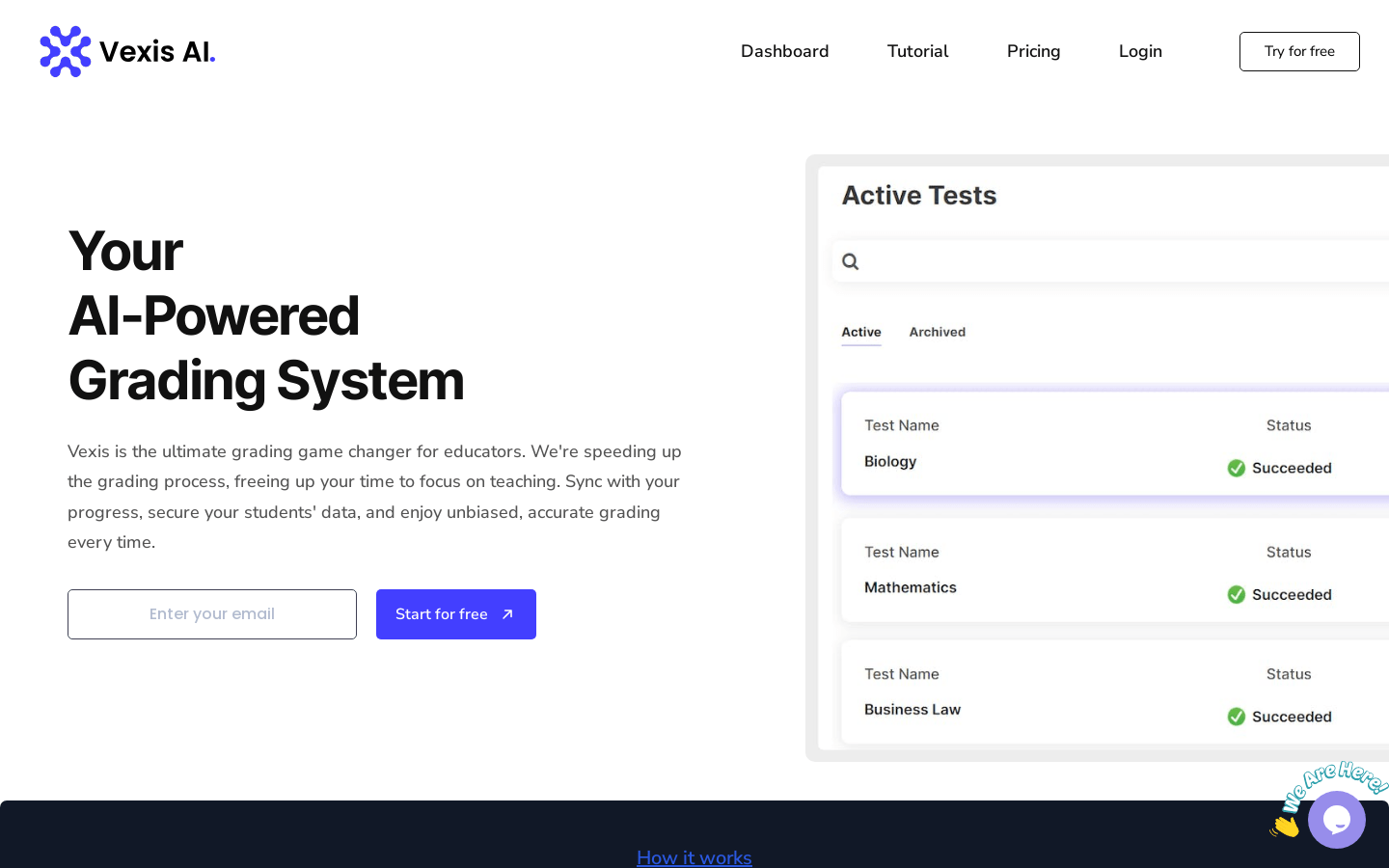
Screenshot archived from the listing page, for preview only.











