
Video Editor AI
AI video editing by describing the editTell the AI your edit and let it clip
Highlights
What you can do with it
- Individuals editing personal or social videos
- Small businesses making promo clips
- Creators who want quick edits
How to use it
- 1 Open the Video Editor AI site
- 2 Upload your video
- 3 Describe the edit you want
- 4 Apply filters, text, and music
- 5 Export the finished clip
Who it is for
Pros
- Editing through simple instructions
- No timeline skills required
- Free trial to test it
Limitations
- Free access is a trial; paid plans follow
- Instruction based editing is less precise
- Advanced edits still need a real editor
What Video Editor AI is
Video Editor AI is an AI video editing tool. Instead of learning a timeline, you tell the AI what kind of edit you want and it applies changes such as intelligent clipping, filters, text overlays, and background music. The service targets individual users and small businesses, and it offers a free trial alongside paid subscriptions. The pitch is simple editing through plain instructions rather than manual trimming.
What you can do with it
- Clip footage by describing the edit you want
- Add filters, text overlays, and background music
- Finish simple edits without learning complex software
- Try the tool before paying for a subscription
Who it is for
- Individuals editing personal or social videos
- Small businesses making promo clips
- Creators who want quick edits without a big tool
What to watch out for
Free access is limited to a trial, and continued use requires a paid subscription, with prices not shown on the page. Instruction based editing is less precise than manual control, so expect to redo some steps. Results depend on the source footage and how clearly you describe the edit. Advanced work such as color grading or multicam still needs a traditional editor. Name and archive exported files consistently so you can find and reuse them, and keep a backup copy of key data. When quality matters, export a small draft first to confirm the result before producing the final file. Start with a small sample to confirm the output meets your expectations before processing the full batch. Free tiers and usage limits can change, so check the current rules on the official page before relying on it long term.
FAQ
How does Video Editor AI work?
You tell the AI the edit you want, and it applies clipping, filters, text, and music.
Is there a free trial?
Yes, it supports free trials alongside paid subscriptions.
Who is it for?
Individual users and small businesses that need quick edits.
Why it is free
What the official page says: free trial
Free limits, trial length and features are decided by the official site and can change at any time.
Product preview
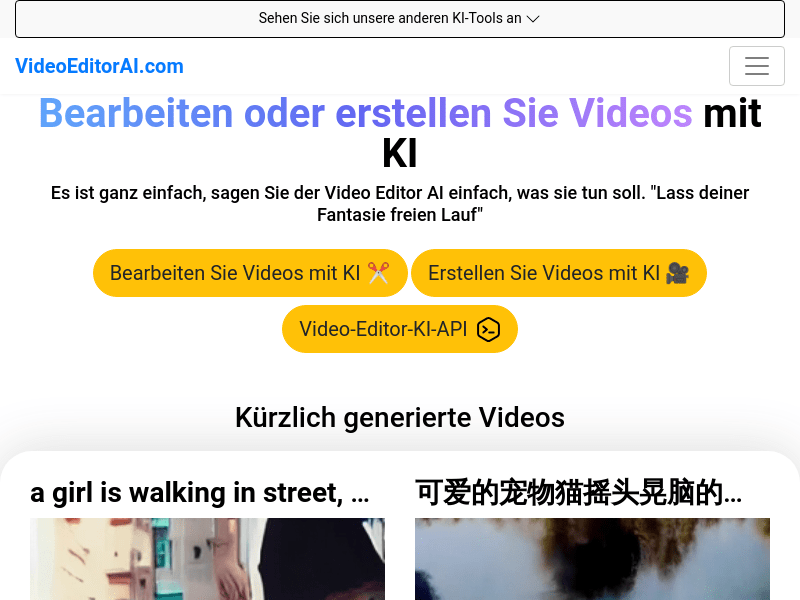
Screenshot archived from the listing page, for preview only.











