
VideoWeb AI
AI video, image, and music makerGenerate video, images, and music
Highlights
What you can do with it
- Generate a dance or performance clip for social media.
- Create product promotion images for a campaign.
- Make background music to sit under a video.
How to use it
- 1 Open the VideoWeb AI website and register or log in.
- 2 Pick the video, image, or music generator.
- 3 Enter the prompt or set the parameters it asks for.
- 4 Generate, wait for processing, then download the file.
Who it is for
Pros
- Three media types are handled in one place.
- Downloads are watermark free.
- Free users can try the basic functions before paying.
Limitations
- The free tier only covers basic functions, and that split can change.
- Model choice and parameter settings take trial and error to learn.
- Results vary by model, so output may need regeneration to be usable.
What VideoWeb AI is
VideoWeb AI is an online tool for generating video, images, and music. Video generation runs on several leading AI models, and the same account also covers image generation and background music, so a single idea can turn into a clip with its own soundtrack. The site states processing uses GPU acceleration, downloads are watermark free, and uploaded or created content is not collected. Free users can try the basic functions, and paid plans unlock more advanced features, with the pricing page listing the current options.
What you can do with it
- Generate video clips from prompts using several AI models.
- Create images for product shots, posts, and campaigns.
- Produce background music to sit under a video.
- Download finished work without a watermark.
Who it is for
- Creators who need quick video, image, and audio assets.
- Social media users producing short form content.
- Small businesses making simple promotional material.
What to watch out for
The free tier covers basic functions only, so the models and settings you want may sit behind a paid plan, and that split can change. Getting usable output takes trial and error across models and parameters, and not every prompt lands on the first try. The site names specific models for particular use cases, which means availability can shift if the vendor changes its lineup. Check the pricing page before you build a workflow around it, and keep expectations modest on your first few generations. For best results, start with a small test file and review the output carefully before working on anything important. Free tiers can change over time, so it is worth checking the current limits on the official page before you rely on the tool daily.
FAQ
What does VideoWeb AI make?
AI video, AI images, and AI music, using several models.
Are downloads watermark free?
The site states users can download their creations without a watermark.
Is there a free option?
Free users can try the basic functions, and paid plans unlock more features.
Why it is free
What the official page says: 免费使用免费免费用户
Free limits, trial length and features are decided by the official site and can change at any time.
Product preview
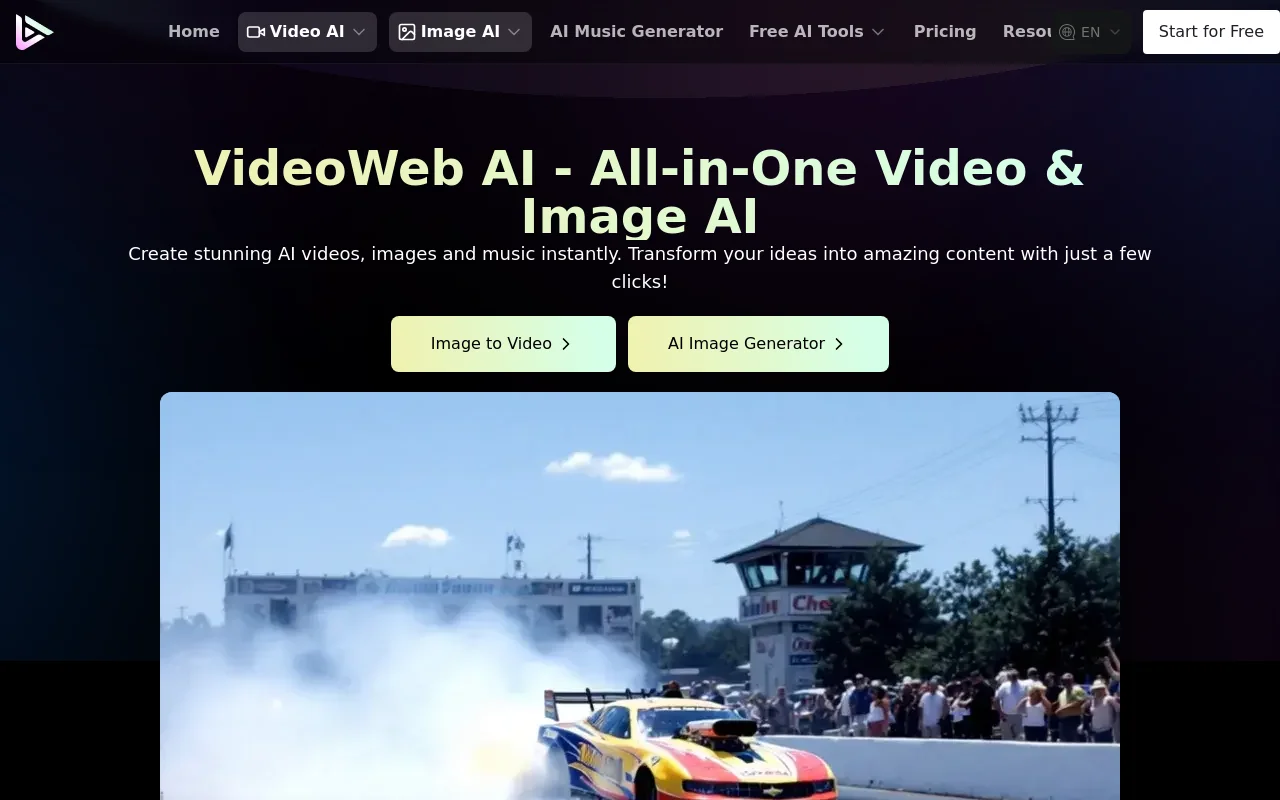
Screenshot archived from the listing page, for preview only.











