
VIDIO
Conversational AI video editor with automatic captionsEdit video by talking to an assistant
Highlights
What you can do with it
- Cutting a rough edit by describing the changes
- Adding automatic captions to a video
- Cleaning background noise and long silences
How to use it
- 1 Open VIDIO and import your video
- 2 Describe the edit you want in plain language
- 3 Let the assistant apply cuts, captions, and cleanup
- 4 Preview the result and adjust as needed
- 5 Export, upgrading if you want no watermark
Who it is for
Pros
- Conversational editing lowers the learning curve
- Automatic captions and noise cleanup included
- Free version to test the workflow
Limitations
- Free version output carries a watermark
- Conversational edits may be less precise than manual
- Free version limits and pricing may change over time
What VIDIO is
VIDIO is a next-generation video editing platform that uses artificial intelligence to simplify and streamline editing. Instead of learning a complex timeline, you describe the edit you want in natural language and an AI assistant guides the process. It also brings automatic caption generation, background noise removal, silent detection, automatic transition effects, size adjustment, and audio extraction into one place. A free version is available, while the paid version removes watermarks from the output, which makes the free tier best suited to testing the workflow and producing drafts.
What you can do with it
- Describe an edit in plain language and let the assistant apply it
- Generate automatic captions for your video
- Remove background noise and detect long silences
- Add automatic transitions and adjust the frame size
- Export the finished video, upgrading to drop the watermark
Who it is for
- Beginners who find traditional timeline editing intimidating
- Creators who want fast captions and audio cleanup
- Anyone who prefers describing edits over dragging clips
- People who need a quick, guided first cut
What to watch out for
The free version puts a watermark on your output, so anything you plan to publish or share professionally will need the paid version. Conversational editing is convenient but can be less precise than manual control, so expect to describe changes more than once for exact results. Automatic captioning and noise removal are helpful but not perfect, and you should review them for errors, especially with names and technical terms. Free version limits and pricing may also change over time. When quality matters, export a small draft first to confirm the result before producing the final file.
FAQ
How is VIDIO different from other editors?
It uses conversational AI so you can describe the edit you want in natural language, with automatic guidance and features like captions and noise removal.
Is there a free version?
Yes. A free version is available, while the paid version provides watermark removal for the output.
What automatic features does it have?
It offers automatic caption generation, background noise removal, silent detection, transition effects, and size adjustment.
Why it is free
What the official page says: free version
Free limits, trial length and features are decided by the official site and can change at any time.
Product preview
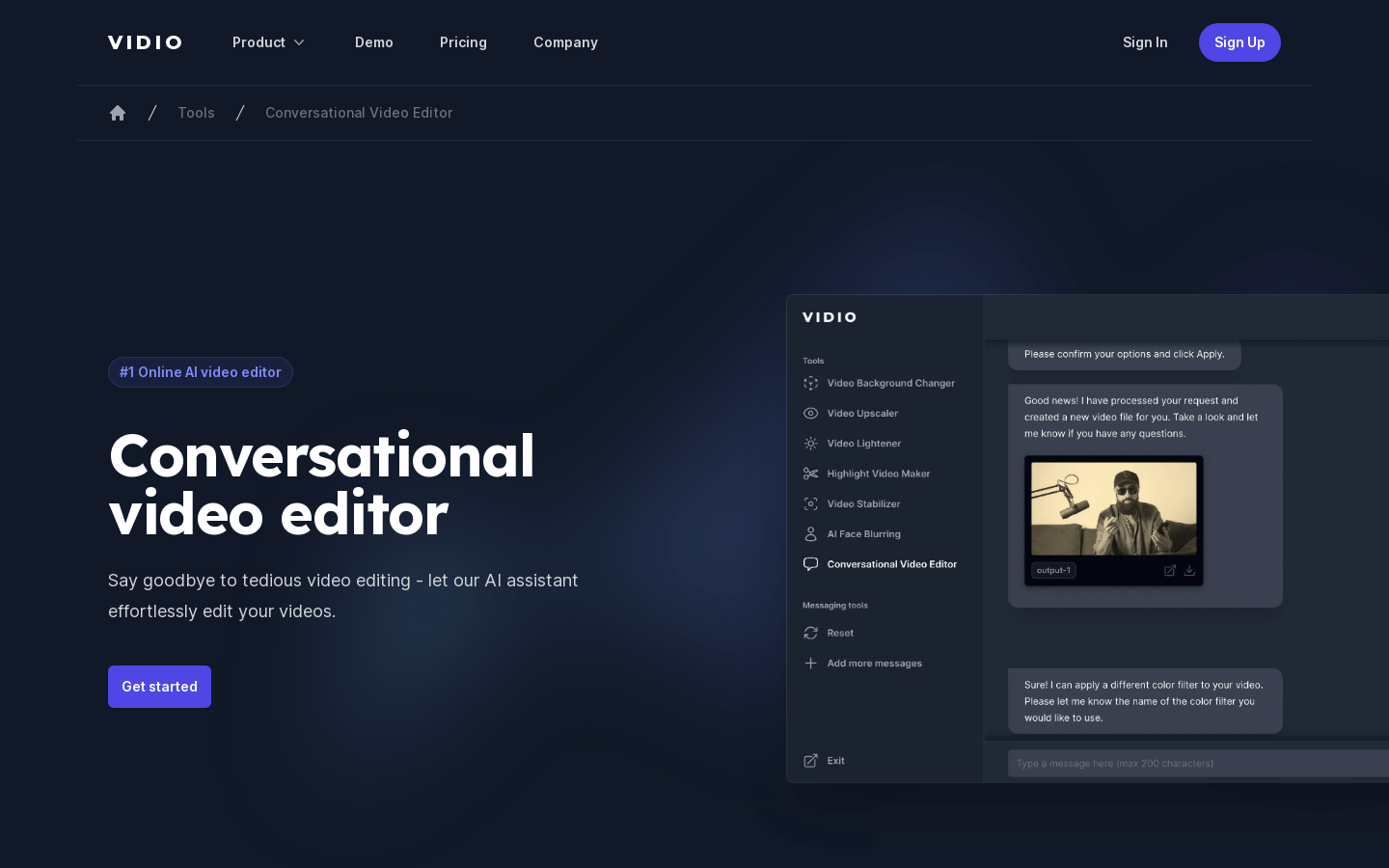
Screenshot archived from the listing page, for preview only.











