
Vidu Official Website
AI video generation from text or imagesTurn a prompt or a picture into a short video
Highlights
What you can do with it
- A video blogger turns travel log text into a travel video
- A marketing company creates promotional video for a brand
- An educational institution produces course introduction video
How to use it
- 1 Visit the Vidu official website and register an account
- 2 Select the video generation feature and input or upload text or images
- 3 Choose a video template that suits your needs
- 4 Use the built-in editing tools to adjust the video
- 5 Generate, preview the result, then download and share it
Who it is for
Pros
- Both text and images work as a starting point
- Templates and built-in editing reduce the tool count
- Cloud processing and preview make iteration quick
Limitations
- Free trial limits apply and paid use is needed for regular output
- Generated video still needs review for detail and timing
- Cloud processing means uploads depend on the service staying available
What Vidu is
Vidu is an AI video generation model that turns text or images into high quality video content. Its technology is based on deep learning, which means it analyses what you give it and builds a video from that input rather than following a fixed template path. The feature set covers text to video, image to video, a range of video templates, built-in editing tools for fine adjustment, real-time preview, cloud based processing, multilingual support and team sharing for collaborative production. It is aimed at both individual and corporate users who want to raise content production efficiency, and the site states that a free trial is currently offered so the workflow can be tested first. The appeal is going from an idea or a still image to a moving clip without a video editing suite.
What you can do with it
- Convert text into a dynamic video
- Turn an uploaded image into a creative short video
- Start from a template and customise it
- Edit the generated video and preview changes in real time
- Share projects with a team for collaborative production
Who it is for
- Content creators and bloggers who need video quickly
- Marketing professionals producing promotional clips
- Educators making course introduction and teaching videos
- Social media managers generating short form content
What to watch out for
The free trial is limited and paid use is needed for regular output, so check the current plans before you commit to a schedule. Generated video still needs a human pass for detail, pacing and text, because small artefacts are easy to spot once a clip is moving. Cloud processing means your uploads and projects depend on the service staying available, and large files take time to transfer. Multilingual support helps with reach, but on-screen text in generated video is often where errors appear first, so check every caption.
FAQ
What does Vidu generate?
It generates high quality video content from text or images using deep learning.
Is there a free trial?
Yes. The site states that a free trial is currently offered.
Can a team use it together?
The feature list includes team sharing for collaborative video production.
Why it is free
What the official page says: free trial
Free limits, trial length and features are decided by the official site and can change at any time.
Product preview
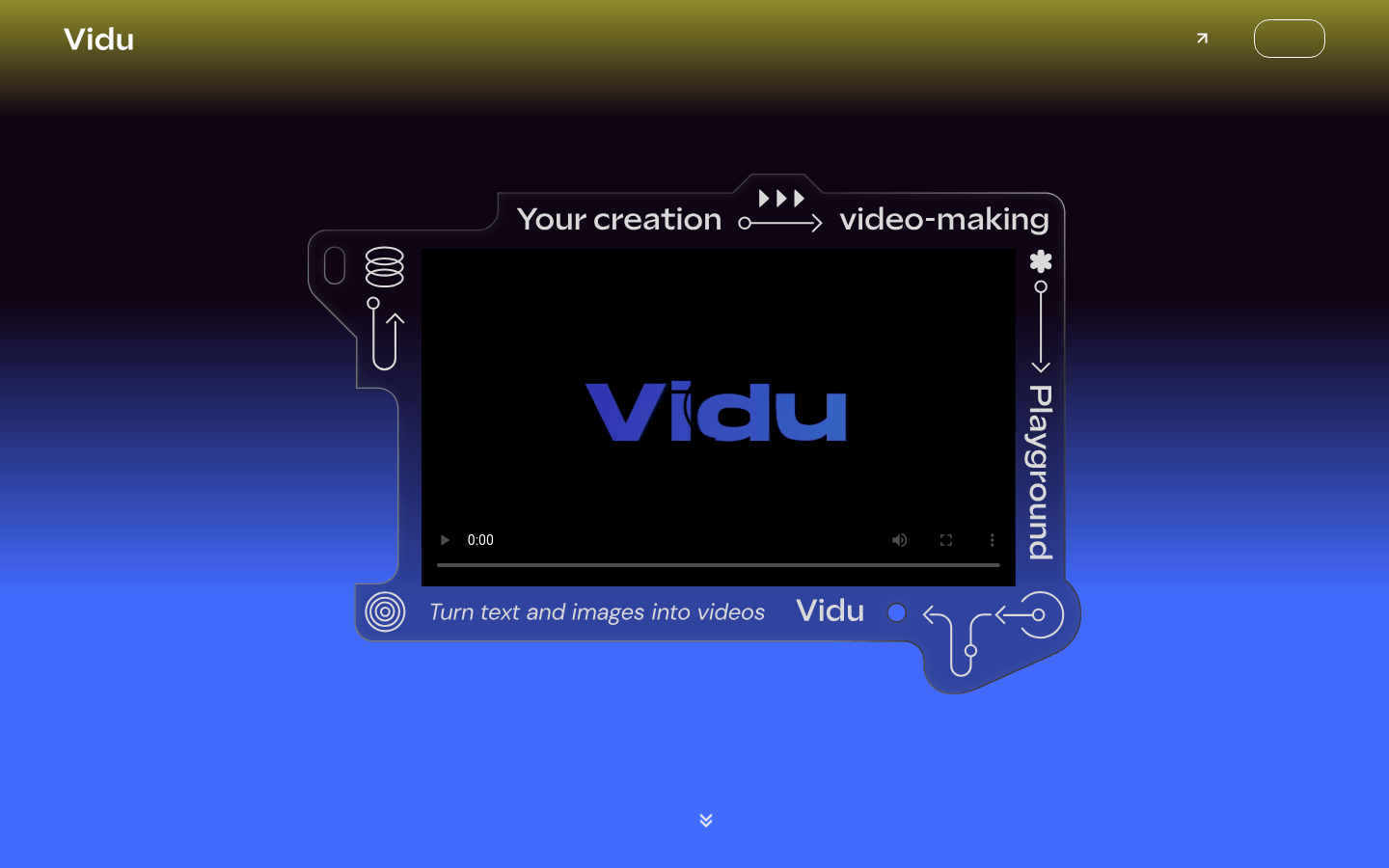
Screenshot archived from the listing page, for preview only.











