
ViralHeadline
AI headline generator for social postsTurn an article summary into scroll stopping titles
Highlights
What you can do with it
- Generate several headline options for a blog post before publishing
- Rewrite a video title for YouTube or Instagram
- Test different angles on a LinkedIn article
How to use it
- 1 Open the ViralHeadline website
- 2 Paste in a summary of your article or video
- 3 Pick the platform you are posting to
- 4 Review the generated titles and choose the one that fits
Who it is for
Pros
- Fast way to get several angles on one piece of content
- Free quota means you can try it without paying
- Platform awareness keeps titles roughly in the right register
Limitations
- Free quota is limited and paid plans kick in after that
- Generated titles can feel formulaic and still need a human pass
- No guarantee that a headline performs, since clicks depend on the audience
What ViralHeadline is
ViralHeadline is an online tool that writes headlines for you. You give it a summary of the article, post, or video you are about to publish, and it returns several title options instead of a single suggestion. The tool is aimed at the major social platforms, including Twitter, Facebook, YouTube, Instagram, and LinkedIn, and it offers more than one title style so you can pick a tone rather than accept one fixed formula. There is a free usage quota to start with, and paid options once you run past it. It is positioned as a practical writing assistant rather than a full content generator.
What you can do with it
- Generate multiple headline options from one article summary.
- Tailor titles for a specific social platform.
- Compare different styles and angles for the same piece.
- Save time on the last step before publishing.
Who it is for
- Bloggers and writers who publish on a schedule.
- Social media managers who need title variations for the same content.
- Marketers testing which angle gets attention.
What to watch out for
The free quota is a trial amount, and pricing beyond it can change, so check before you rely on it for daily work. Output can lean formulaic: strong headlines usually need a human edit for accuracy and tone, and a title that overpromises will cost you trust. There is also no promise of performance. A generated headline is only a starting point, and what actually works depends on your audience and the platform. For best results, start with a small test file and review the output carefully before working on anything important.
FAQ
Is ViralHeadline free?
There is a free usage quota. Once you pass it, paid options are available.
Which platforms does it support?
Twitter, Facebook, YouTube, Instagram, and LinkedIn.
What do I need to give it?
A summary of your article. The tool uses that to produce several title options in different styles.
Why it is free
What the official page says: 免费使用免费
Free limits, trial length and features are decided by the official site and can change at any time.
Product preview
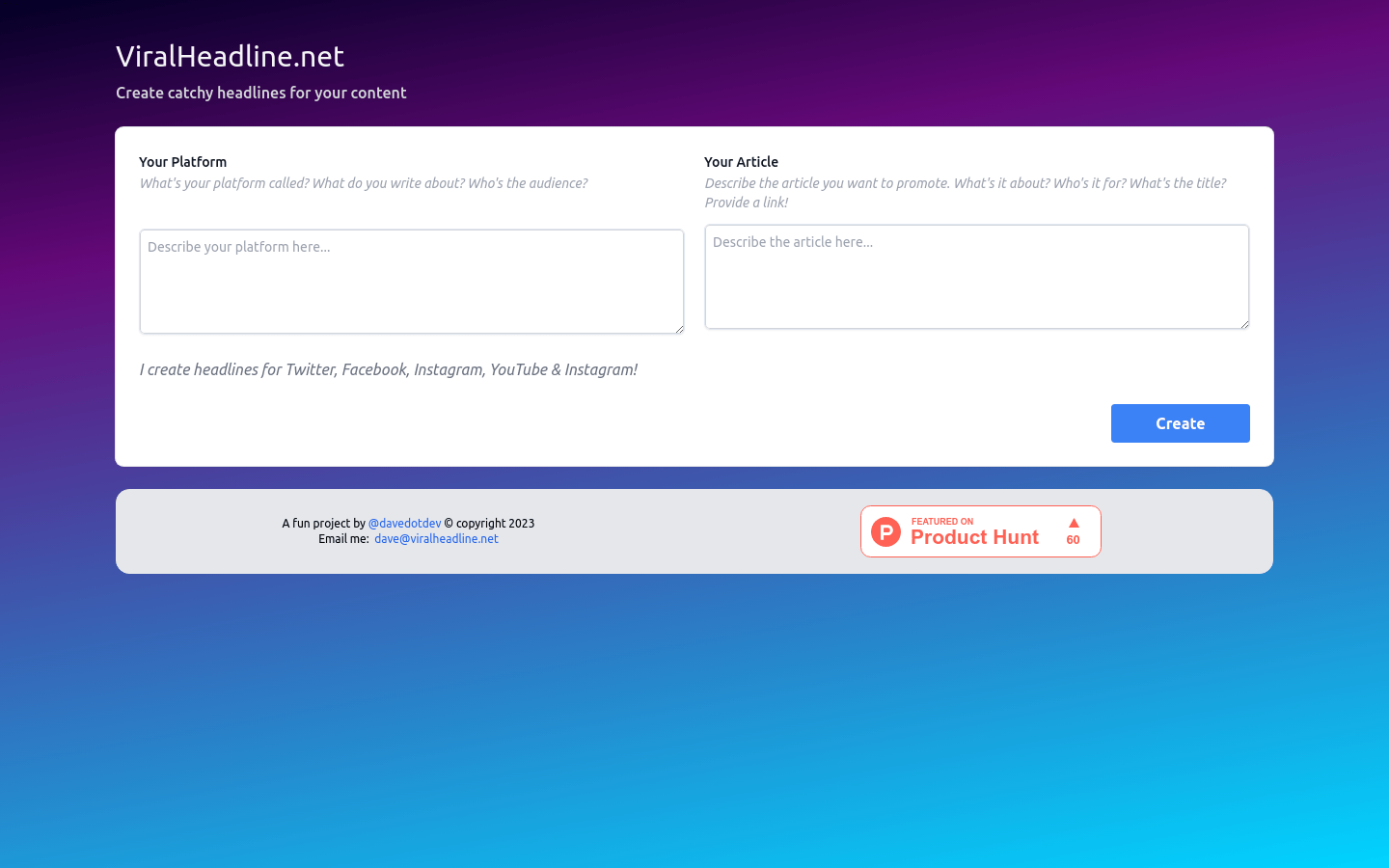
Screenshot archived from the listing page, for preview only.











