
Voicy
Voice typing that works in any appSpeak in 50 languages, type far less
Highlights
What you can do with it
- Drafting emails in Gmail or Outlook by voice instead of typing
- Writing long documents in Word or Google Docs straight from speech
- Sending chat messages in WhatsApp, Slack, or ChatGPT hands-free
- Taking notes in class or in meetings without breaking eye contact
How to use it
- 1 Download the build for your system, with options for Windows, Mac, Ubuntu Debian, Fedora, and AppImage
- 2 Spend about two minutes on setup and pick a keyboard shortcut to start and stop recording
- 3 Start dictating in any application or website on the machine
- 4 Use the AI writing assistance to clean up the text before sending
Who it is for
Pros
- Works system-wide rather than in one locked-in editor
- Privacy stance is explicit: no stored recordings or transcripts
- Automatic punctuation and formatting reduce cleanup time
Limitations
- The free trial needs no card, but post-trial pricing is not stated in the source
- Accuracy claims depend on your microphone, room noise, and speaking pace
- Setup takes about two minutes and a shortcut has to be chosen
- Long dictation sessions still need review for names and technical terms
What Voicy is
Voicy is an AI voice-to-text application for Mac and Windows, with a Chrome extension on top. You press a shortcut, speak, and the text appears in whatever app you are already using, whether that is a browser, an email client, or a document editor. The listing claims accuracy above 99% across more than 50 languages, with automatic punctuation and automatic formatting applied as you dictate. It also carries an AI writing assistance feature for polishing the output. A free trial is offered without asking for a credit card, though the source does not describe the paid terms that follow.
What you can do with it
- Dictate emails in Gmail or Outlook instead of typing them out.
- Write documents in Word or Google Docs straight from speech.
- Send chat messages in WhatsApp, Slack, or ChatGPT hands-free.
- Take notes in class or meetings without looking away from the room.
- Let the AI writing assistance clean up phrasing before you send.
Who it is for
- Writers and copywriters who think faster than they type.
- Business people carrying heavy email and document loads.
- Students drafting papers or capturing lecture notes.
- Programmers and anyone who wants time away from the keyboard.
What to watch out for
The free trial needs no card, but the source does not state what the paid plans cost or what limits apply afterward, so check current pricing before you depend on it daily. Accuracy claims rest on your microphone, room noise, and speaking pace, so a noisy office will not reach the same numbers as a quiet room. Setup takes about two minutes and you have to choose a keyboard shortcut, which is quick but worth planning if you switch machines. Long dictation sessions still need a read-through for names, jargon, and technical terms, and any stored audio policy should be reconfirmed on the site since privacy terms can change.
FAQ
Where can I use Voicy?
On Mac and Windows desktops and through a Chrome extension, across more than 20,000 websites and applications.
Does it keep my recordings?
The listing states that voice records and transcribed text are not stored in the database, so only you can see them.
Which languages are supported?
More than 50, with English, German, French, Spanish, Portuguese, and Mandarin named as examples.
Is the free trial really card-free?
The source says the free trial does not require a credit card, but it does not describe what happens after the trial ends.
Why it is free
What the official page says: free trial
Free limits, trial length and features are decided by the official site and can change at any time.
Product preview
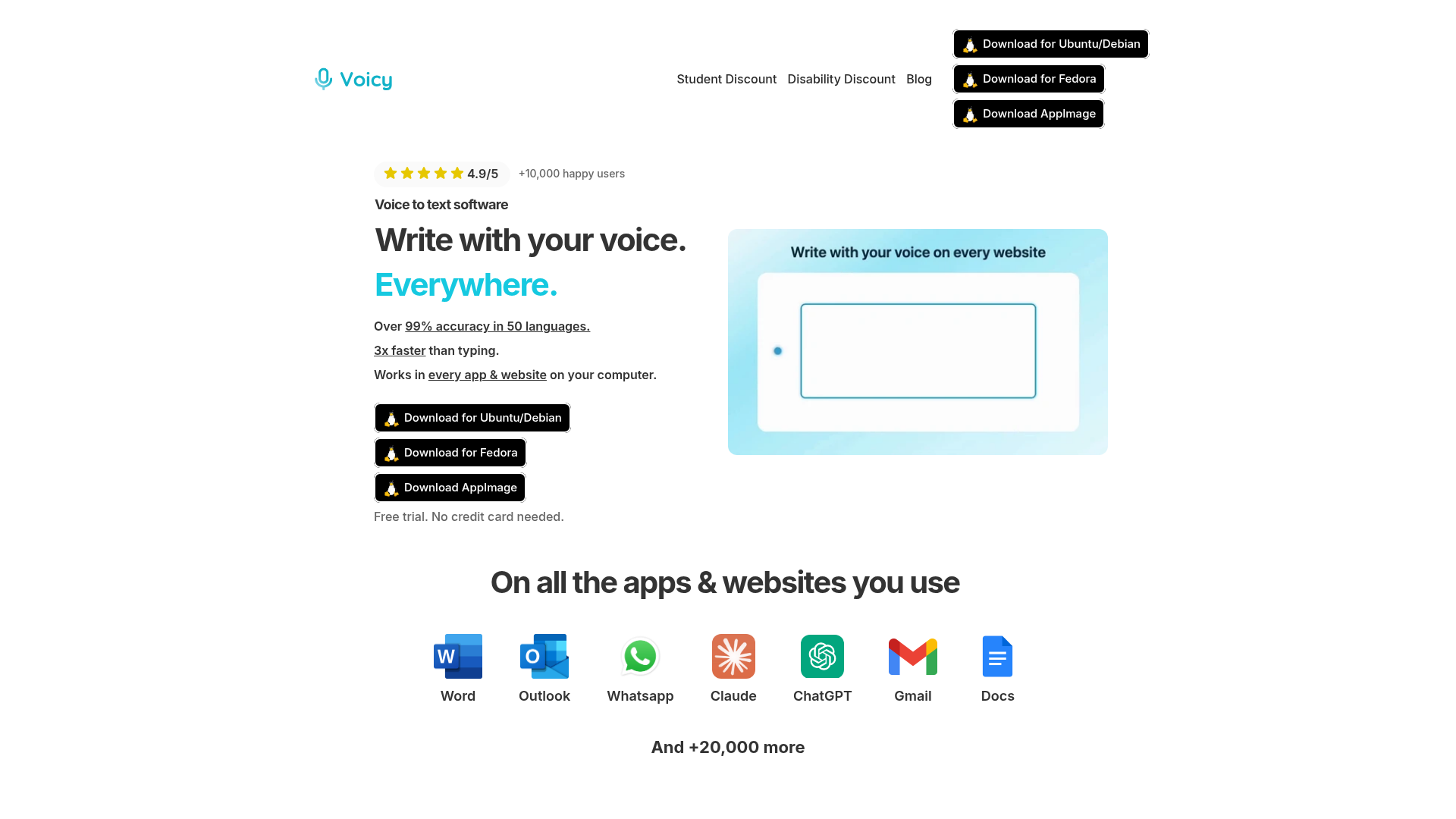
Screenshot archived from the listing page, for preview only.