
Vooka
Free AI virtual try-on for fashion e-commerceFlat clothing photos to realistic model shots
Highlights
What you can do with it
- Create model-worn product photos from a flat clothing image
- Show the same item on models of different body types and skin tones
- Cut product photography costs for fast-fashion listings
How to use it
- 1 Upload a clear clothing photo or pick an example
- 2 Choose an AI model from the library
- 3 Click to generate the try-on image
- 4 Download and use it on product pages or social media
Who it is for
Pros
- No shooting cost, no models or studios needed
- Fast generation of model-worn images
- Flexible model switching across body types and styles
Limitations
- Free use covers basic needs, and advanced features may require payment that can change
- AI try-on results may not always reflect real fabric fit and drape
- Final quality depends on the clarity of the input photo
What Vooka is
Vooka is an AI virtual try-on platform made for fashion e-commerce. Instead of booking models and renting a studio, you upload a flat clothing photo and the AI generates a realistic image of a model wearing that item. It supports one-click outfit mixing and lets you switch the same clothing across models of different body types, genders, skin tones, and styles. Basic virtual try-on is offered for free, which makes it a low-cost way to produce product images. Sellers report that the results can look close to professional studio shots without the usual cost or wait.
What you can do with it
- Turn a flat clothing photo into a model-worn product image
- Switch one outfit across many model looks with one click
- Mix and match multiple clothing items automatically
- Generate images without models, studios, or heavy editing
Who it is for
- Multi-channel e-commerce operators who need images quickly
- Amazon and online clothing sellers who want studio-quality photos
- Fast-fashion manufacturers trying to cut photography budgets
What to watch out for
Free use is aimed at basic try-on needs, so heavier or commercial-scale use may require payment, and the exact free limits can change. AI try-on is not perfect: fabric drape, fit, and small details may not reflect the real garment, so check the output before publishing. The final result also depends heavily on the clarity of your uploaded photo. Since the site showed a redirect status when last checked, confirm current availability and features on the official site before relying on it. For best results, start with a small test file and review the output carefully before working on anything important.
FAQ
Is Vooka free?
It offers free use for basic virtual try-on needs, with paid options beyond that.
Do I need a real model?
No, the AI generates model-worn images from a flat clothing photo.
Can I show one outfit on different models?
Yes, you can switch between models of different body types, genders, and skin tones.
Why it is free
What the official page says: 免费使用免费
Free limits, trial length and features are decided by the official site and can change at any time.
Product preview
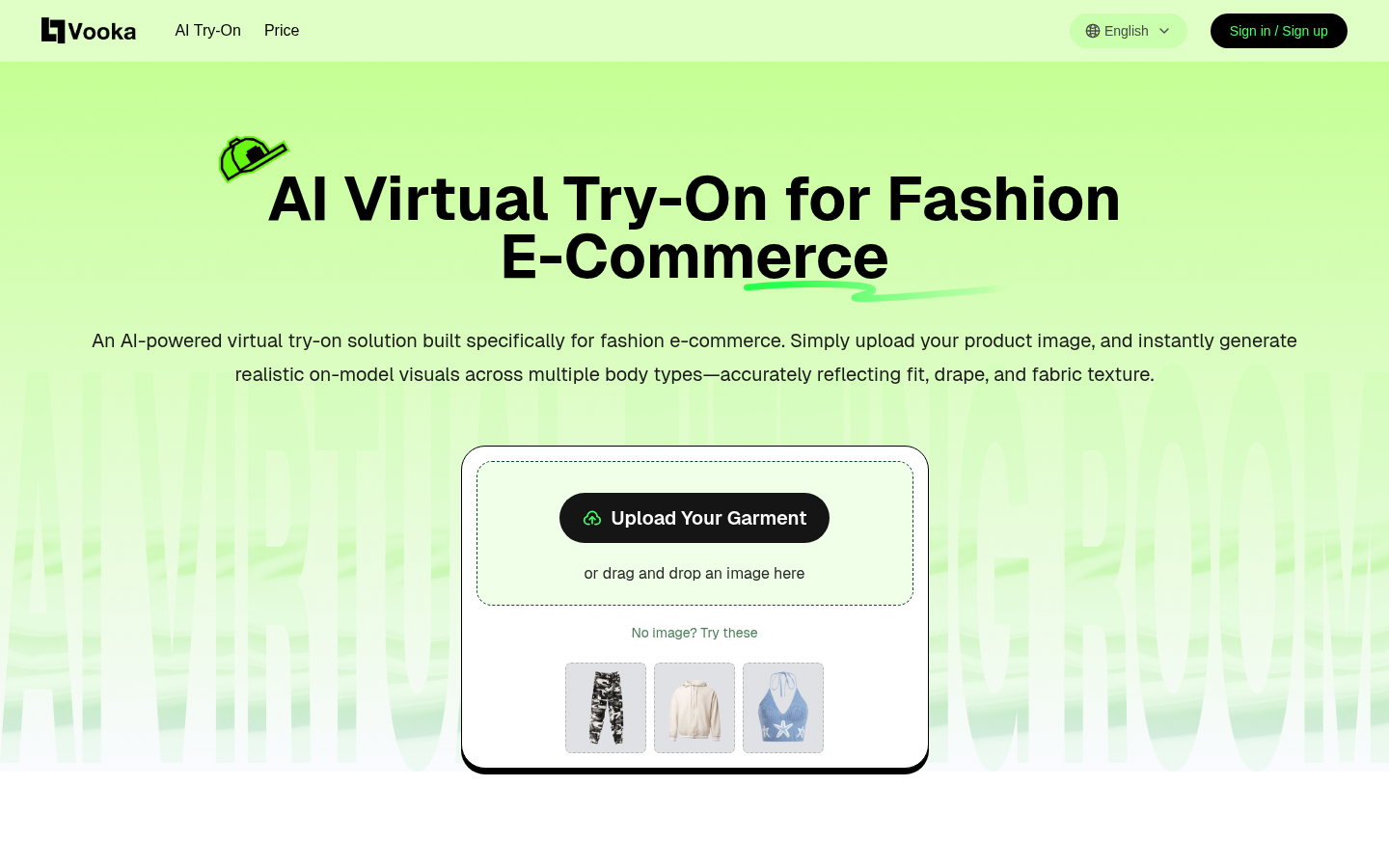
Screenshot archived from the listing page, for preview only.











