
Wan 3.0
Online AI video studioCinematic AI video from prompts
Highlights
What you can do with it
- Animate product images for e commerce promos.
- Turn ad scripts into storyboard shots before filming.
- Make vertical short videos for social channels.
How to use it
- 1 Open the video studio with Wan 3.0 selected.
- 2 Write a prompt and optionally upload a reference image.
- 3 Set duration and resolution, then generate.
- 4 Preview the clip, reuse prompts, and download the video.
Who it is for
Pros
- Free starter points and daily rewards to try it.
- No install, runs fully in the browser.
- Both text to video and image to video.
- Reuse prompts and history for fast iteration.
Limitations
- Free points are limited, and heavy use needs a paid point plan.
- Pricing and point rules can change over time.
- Clip length and resolution are capped by the tool settings.
- Generated motion may not match your intent, so expect revisions.
What Wan 3.0 is
Wan 3.0 is an online AI video generator that runs in your browser. You describe a scene in plain language, covering the subject, action, camera movement, lighting, and mood, and it converts that prompt into a short video clip. You can also upload a still frame, product image, or character concept and give it controllable motion. Because it runs online, there is no local install or deployment. In the same editor you can adjust clip duration and output resolution to fit different platforms. New users get a small amount of free starter points and daily sign in rewards to try it, while heavy use moves to a paid point plan.
What you can do with it
- Turn written prompts into short cinematic video clips.
- Animate still images with controllable motion.
- Adjust duration and resolution for different channels.
- Reuse prompts and history for fast creative iteration.
Who it is for
- Social media marketers producing short video content.
- Video creators pre visualizing scripts and shots.
- E commerce practitioners animating product images.
- Creators who want browser based video without installs.
What to watch out for
Free use is limited to starter points and daily rewards, so sustained generation needs a paid point plan, and pricing and point rules can change over time. Clip length and resolution are bounded by the tool settings, so very long or high resolution video may not be possible. Generated motion may not match what you pictured, so plan for revisions and re rolls. Check the current free and paid terms on the site before you plan a campaign around it. For best results, start with a small test file and review the output carefully before working on anything important.
FAQ
Can I try Wan 3.0 for free?
New users get a small amount of free points and daily sign in rewards to test it.
Do I need to install anything?
No. It runs in the browser with no local deployment.
Can I animate a photo?
Yes. The image to video mode adds controllable motion to still frames.
What if I run out of free points?
Heavy users can choose a paid point plan to keep generating.
Why it is free
What the official page says: for freefree trial
Free limits, trial length and features are decided by the official site and can change at any time.
Product preview
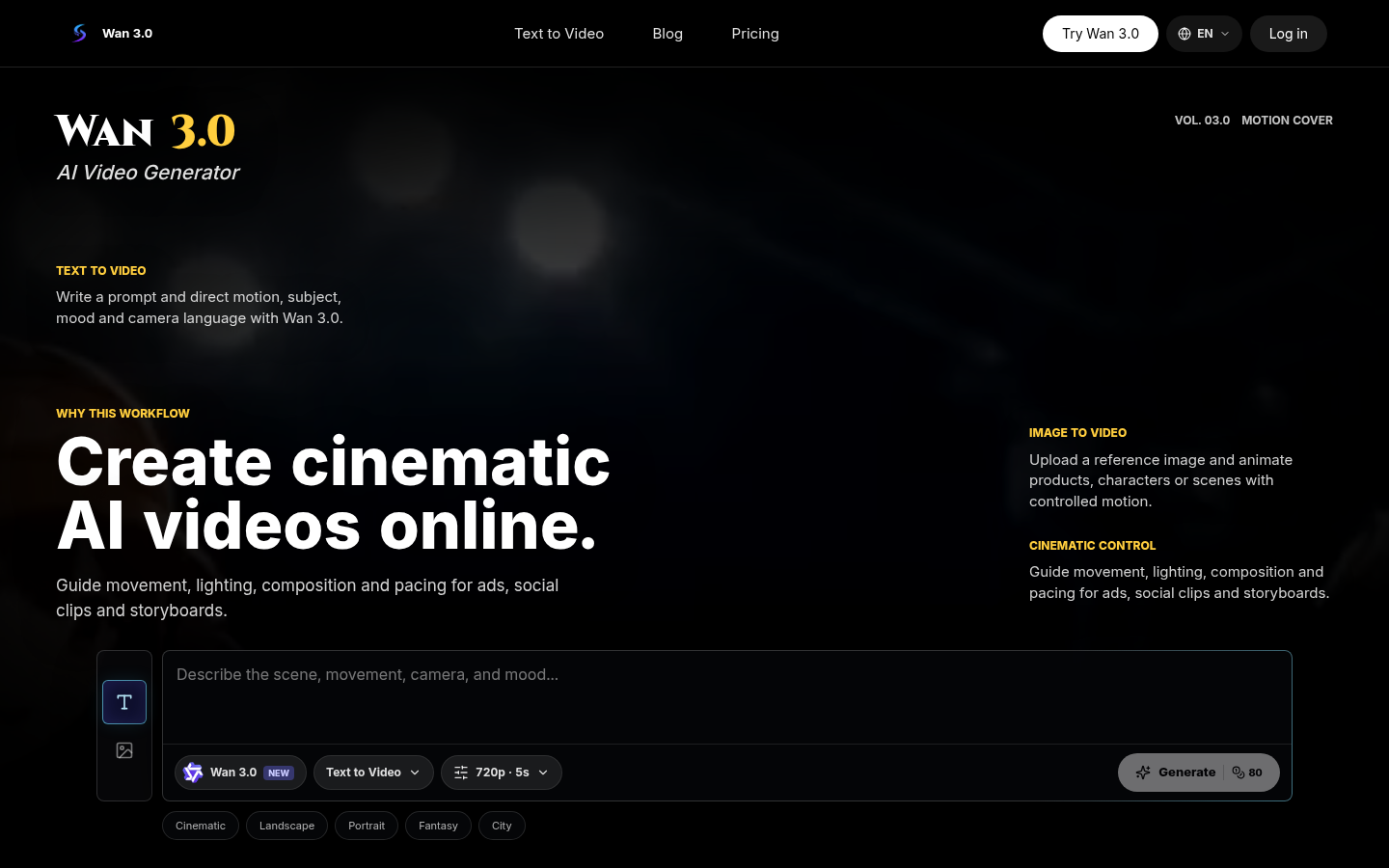
Screenshot archived from the listing page, for preview only.











