
Warden
Security AI assistantArchitecture diagrams and risk fixes
Highlights
What you can do with it
- Reviewing the security of a new financial product
- Checking a medical data system for gaps
- Speeding up architecture documentation
How to use it
- 1 Start the 14 day free trial
- 2 Connect or describe your project
- 3 Let Warden generate the architecture diagram
- 4 Read the risk findings and mitigation suggestions
- 5 Apply the fixes and re run the review
Who it is for
Pros
- Automates diagram drafting and risk spotting
- Free trial to test on a real project
- Useful across finance, health and product work
Limitations
- Paid at 500 dollars per account per month, so it is an enterprise buy
- Only a 14 day trial, no free tier
- AI findings need expert review before you act on them
What Warden is
Warden is an AI collaborative assistant built for security engineers. It does three main things: it generates technical architecture diagrams, it identifies risks in a project, and it proposes risk mitigation strategies. The stated purpose is to help teams discover and resolve security issues faster so that a product launch does not have to wait on a slow review cycle. Pricing is listed at 500 dollars per account per month with a 14 day free trial, which places it firmly in enterprise territory rather than as an individual purchase. Named use cases include reviewing a new financial product and checking a medical data system.
What you can do with it
- Draft technical architecture diagrams without drawing them by hand.
- Surface risks in a project you are reviewing.
- Get suggested mitigation strategies to work from.
- Run through a security review faster than a manual pass.
Who it is for
- Security engineers reviewing system designs.
- Teams that need architecture documentation quickly.
- Companies that want an extra check on risk before launch.
What to watch out for
At 500 dollars per account per month this is a serious purchase, and there is no free tier beyond the 14 day trial, so evaluate against a real project during that window. AI findings are a starting point, not a verdict: a missed risk or a wrong mitigation suggestion can create false confidence, so a qualified engineer needs to review the output. It also performs better when it can see your actual architecture, which raises the usual questions about what project data leaves your environment. Behavior may vary across browsers and devices, so test before production use and consult the help docs if errors appear.
FAQ
How much does Warden cost?
The listed price is 500 dollars per account per month, with a 14 day free trial.
Who is it for?
Security engineers and teams doing architecture and risk review.
Can I rely on its findings?
Treat them as a starting point. AI identified risks still need expert review before you act.
Why it is free
What the official page says: free trial
Free limits, trial length and features are decided by the official site and can change at any time.
Product preview
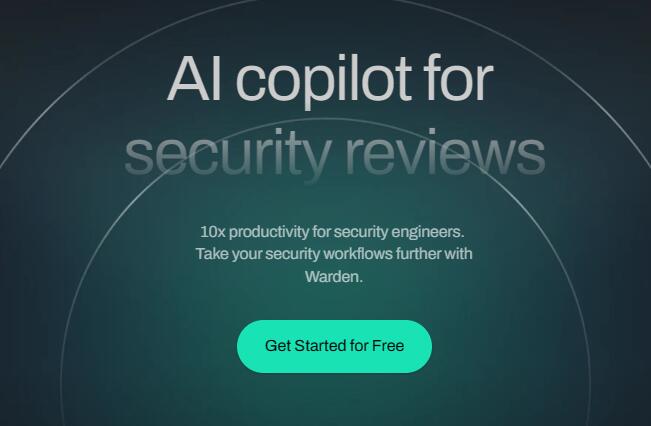
Screenshot archived from the listing page, for preview only.











