
WeShop AI
AI image and video studio for e-commerceProduct photos, try-on, and ads in one place
Highlights
What you can do with it
- Generate product photos and videos for online listings
- Create advertising posters and promo videos
- Produce social media content quickly
How to use it
- 1 Register an account to get 200 free credits
- 2 Upload the image you want to work on
- 3 Pick a tool, such as virtual try-on or product photography
- 4 Follow the prompts to set models and parameters
- 5 Wait for processing and download the result
Who it is for
Pros
- Wide set of image and video tools in one place
- 200 free credits to start, plus a free trial
- Saves the cost of a full product photo shoot
Limitations
- Free credits run out, and continued use needs payment whose rules can change
- AI results may need review before publishing
- Some tools, like hand and foot repair, are still imperfect
What WeShop AI is
WeShop AI is an AI image and video studio made for e-commerce, design, and marketing. It brings together tools like AI virtual try-on, AI product photography, a pose generator, an outfit creator, background removal, and a magic eraser, so you can build product images and ads without booking a full shoot. It handles several input types and aims to keep visual style consistent across a set of images. New accounts receive 200 free credits and professional benefits, and there is a free trial to test the tools. The listing says it is trusted by a large global user base.
What you can do with it
- Create product photos and virtual try-on images
- Change model poses and build new outfits
- Remove backgrounds and erase unwanted elements
- Produce short videos and advertising creative
Who it is for
- E-commerce sellers who need a steady stream of product images
- Designers creating posters, ads, and promo videos
- Marketing teams and brands making social media content
What to watch out for
The 200 free credits are a starting allowance, not unlimited, so regular use will require payment and the credit rules can change. AI output is not always perfect, so review images before you publish, especially details like hands and feet that repair tools may still get wrong. Results also depend on the quality of your input photos, and a free trial may not show every feature at full strength. Check the current credit costs and plan details on the site before you plan a large batch of work. For best results, start with a small test file and review the output carefully before working on anything important.
FAQ
Do I get anything free?
Yes, new accounts get 200 free credits and professional benefits, plus a free trial.
What can I make with it?
Product photos, virtual try-on images, ads, and short videos.
Who is it for?
E-commerce sellers, designers, marketers, and brands that need regular visuals.
Why it is free
What the official page says: free creditsfree trial
Free limits, trial length and features are decided by the official site and can change at any time.
Product preview
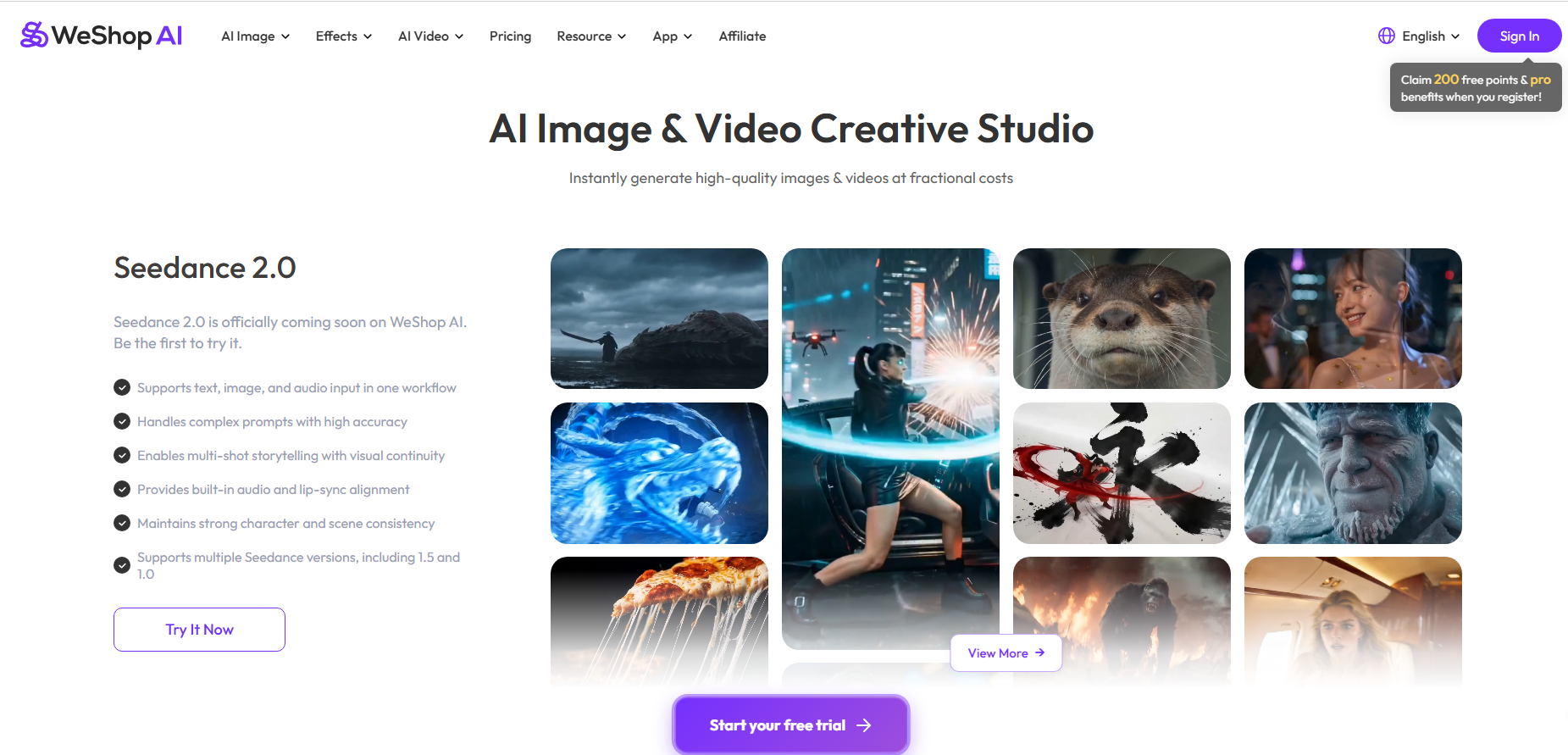
Screenshot archived from the listing page, for preview only.











