
What The Product
One click product reports in ChromeProduct insight on any page
Highlights
What you can do with it
- Size up a competitor's product page while browsing.
- Check consumer reaction to a new product launch.
- Read a quick product summary before buying.
How to use it
- 1 Install the What The Product extension for Chrome.
- 2 Visit the product or website you want to look at.
- 3 Click the extension icon in the toolbar.
- 4 Read the generated report and decide what to do next.
Who it is for
Pros
- No account and no signup required.
- Works on any site you visit in the browser.
- Output is a readable report rather than raw data.
Limitations
- Results depend on what the page exposes, so quality varies.
- It relies on the ChatGPT integration staying available.
- Free access rules can change at any time.
What What The Product is
What The Product is a Chrome extension that gives you a fast read on any website or product page. It uses OpenAI's ChatGPT to analyse the page you are on and produce a product report in one click, so instead of scrolling through a whole site or a stack of reviews you get a summary in the sidebar while you are still looking at the page. The idea is to help you evaluate something new quickly, whether that is a competitor's product, a launch you have heard about, or something you are considering buying. The extension is free to use, needs no registration or login, and works as soon as it is installed, which makes it one of the lower friction options for quick product research. There is nothing to configure and no dashboard to learn, which suits occasional use better than a heavy research platform.
What you can do with it
- Generate a product report on any site you visit in one click.
- Get an analysis of a new product page or landing page.
- Compare competitors quickly while you are already browsing.
- Check a product before buying without opening a new tab.
Who it is for
- Product managers sizing up competing products in a hurry.
- Market researchers studying consumer reaction to new launches.
- Shoppers who want a short summary before spending money.
What to watch out for
The report depends on what the page actually exposes. A thin landing page or a site that loads most of its content through scripts can produce a shallower result, so treat the output as a first impression rather than a full analysis, and verify anything important against the source itself. Because the extension relies on ChatGPT, its behaviour depends on that integration staying available, and changes on either side can affect what you get. Free access with no account also means there is no history or saved report library to return to, and free terms can change, so copy out anything worth keeping.
FAQ
Do I need an account for What The Product?
No. It is free to use, needs no registration or login, and works as soon as the extension is installed.
What does it produce?
A one click product report analysing the website or product page you are currently viewing.
Who built the analysis on?
The extension uses OpenAI ChatGPT technology to generate its product insights.
Why it is free
What the official page says: no registrationfree to use
Free limits, trial length and features are decided by the official site and can change at any time.
Product preview
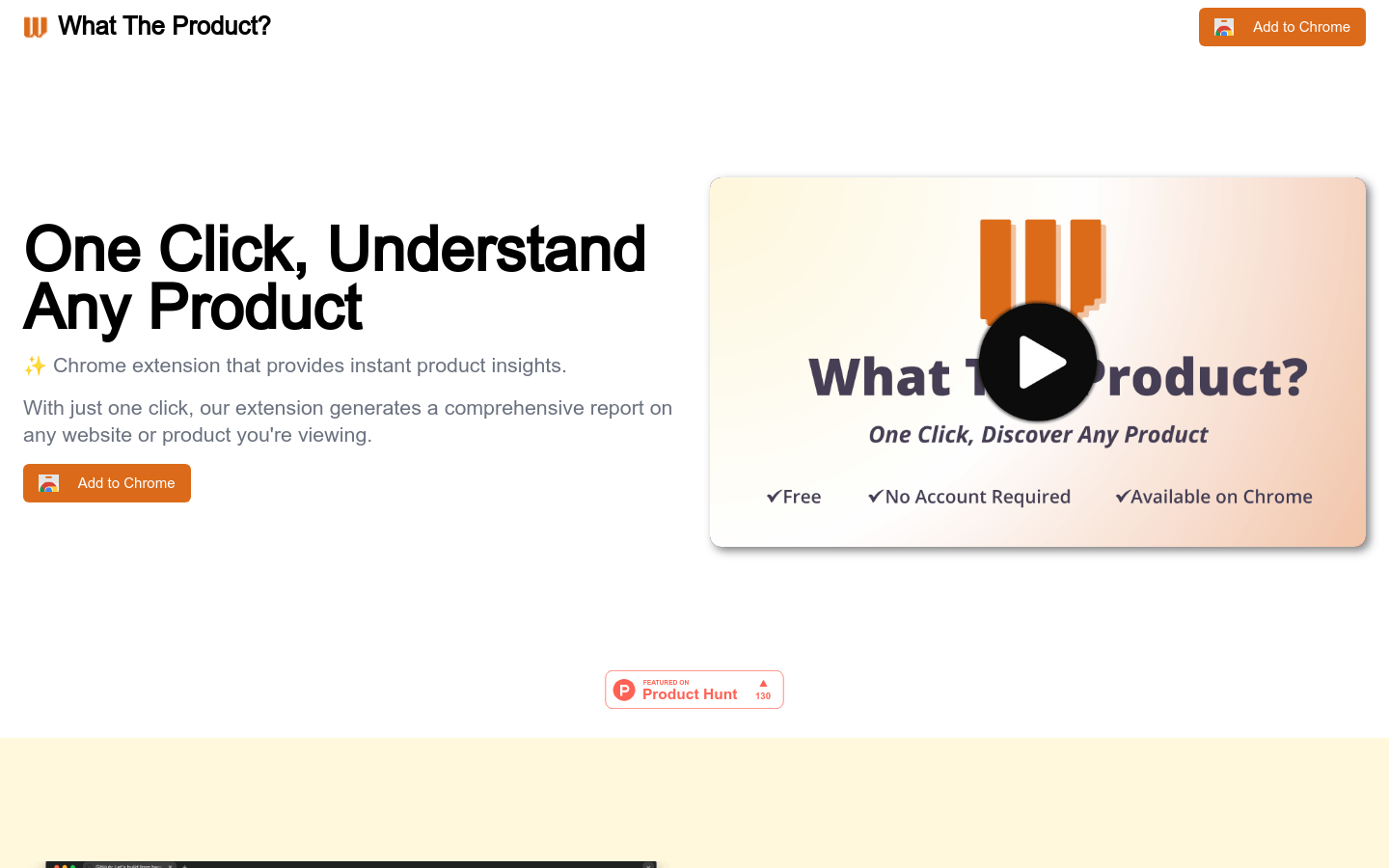
Screenshot archived from the listing page, for preview only.











