WhatsMyName
Username footprint search across the webFind where a username appears online
Highlights
What you can do with it
- Find unused accounts across platforms so you can clean them up
- Check a candidate's public username information during hiring
- Analyze online footprints to assess information security risk
How to use it
- 1 Open the WhatsMyName website
- 2 Enter your commonly used username in the input box
- 3 Click Email Leak Checker at the top if you want to check email exposure
- 4 Run the search and wait for results
- 5 Review the account matches per platform
- 6 Check the OpenAI and Gemini analysis for deeper insight
Who it is for
Pros
- Free of charge with multi-language support
- Covers many platform types in one search
- Email leak check adds a practical security angle
- AI analysis gives more than a raw list of hits
Limitations
- Results depend on what public platforms are indexed
- Searching another person's username raises privacy and consent issues
- AI analysis is advisory, not a verdict on risk
- Free status and platform coverage can change at any time
What WhatsMyName is
WhatsMyName is an online application that searches for the footprint of a username across the internet. It covers mainstream social media, forums, and code hosting platforms, and uses an efficient algorithm to return results quickly. Beyond usernames, it also handles email addresses and nicknames. A dedicated email leak check tells you whether an address appears exposed, and an AI analysis layer built on OpenAI and Gemini gives deeper reading of the results. The interface supports several languages and the tool is free of charge.
What you can do with it
- Search a username across many platform types at once
- Check email addresses and nicknames as well as usernames
- Run the email leak checker for exposure risk
- Read AI analysis of the results for more context
- Use the interface in your preferred language
Who it is for
- Ordinary users who want to know where their accounts exist
- Information security enthusiasts tracking personal exposure
- Recruiters and enterprise staff reviewing public profile information
What to watch out for
Results depend on which public platforms the tool can reach, so absence of a hit is not proof that an account does not exist. Searching another person's username touches privacy and consent, especially in hiring or background checks, so stay within local rules and company policy. The AI analysis is advisory rather than a verdict, and platform coverage plus free status can change at any time. Use findings as a starting point for your own review. Behavior may vary across browsers and devices, so test before production use and consult the help docs if errors appear. Features and interface details may change between versions, so review the latest notes on the page before you start.
FAQ
Is WhatsMyName free?
Yes, the tool is described as free of charge.
What can I search for?
Usernames, email addresses, and nicknames, across social media, forums, and code hosting platforms.
What does the email leak check do?
It checks whether your email address appears to be at risk of exposure.
Can I use it on someone else?
You can search public information, but respect privacy and local rules, especially in hiring or background checks.
Why it is free
What the official page says: free of charge
Free limits, trial length and features are decided by the official site and can change at any time.
Product preview
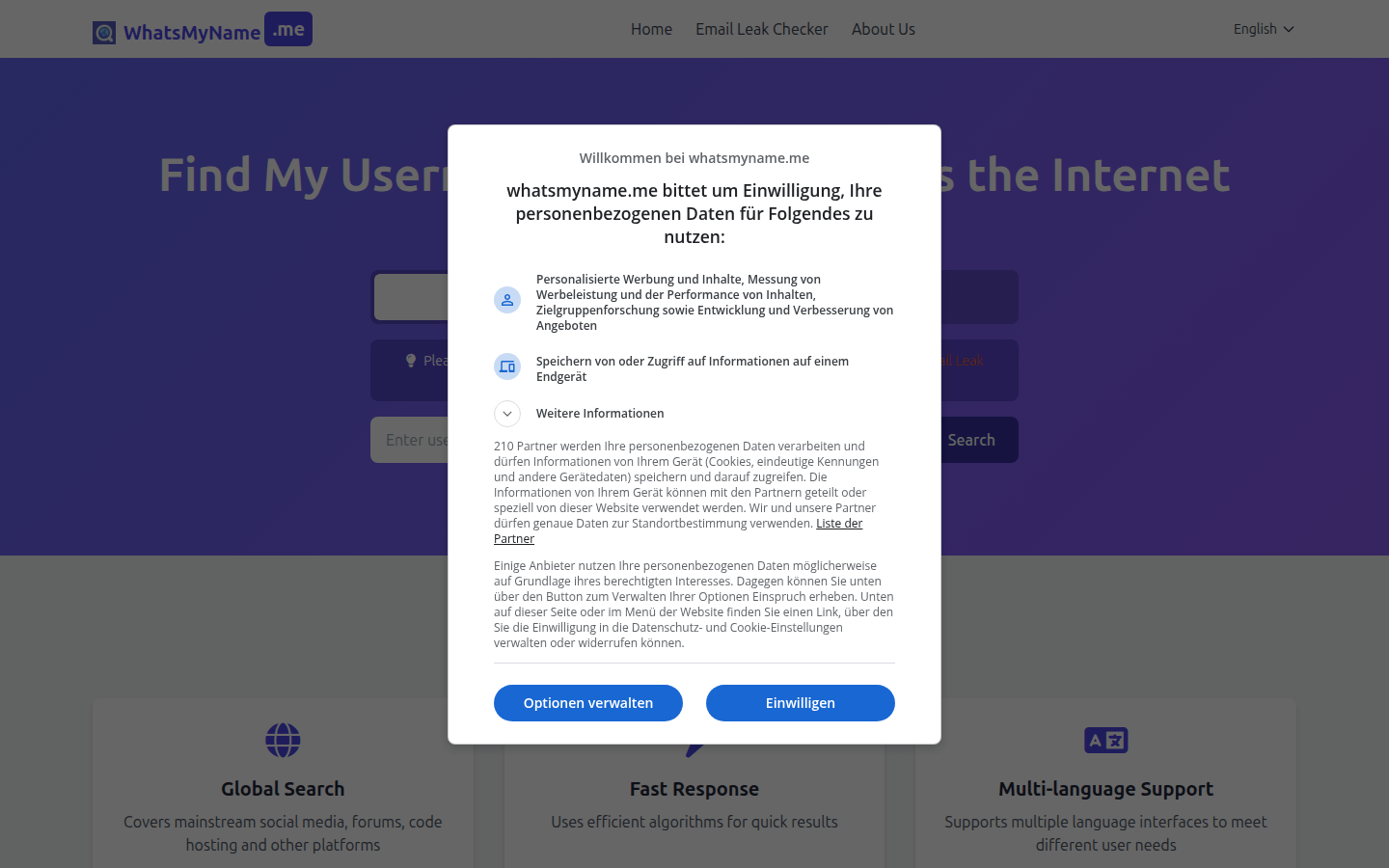
Screenshot archived from the listing page, for preview only.