
Wipe BG
Browser-based background removerRemove image backgrounds locally, free
Highlights
What you can do with it
- Removing backgrounds from product photos
- Cleaning up character artwork
- Editing selfies before posting to social media
How to use it
- 1 Open Wipe BG in your browser.
- 2 Load the image you want to edit.
- 3 Use the one-click background removal.
- 4 Review and adjust the cutout.
- 5 Save the result.
Who it is for
Pros
- Free to use
- Processes images locally for privacy
- No upload required
Limitations
- Accuracy can vary with complex edges
- Runs in the browser, so it depends on your device
- Availability and features can change over time
What Wipe BG is
Wipe BG is a free online background remover that runs directly in your browser. It keeps user privacy by processing images locally without uploading them, and it delivers high-precision background removal across various scenarios. Because everything happens in the browser, there is no image upload step, which the tool positions as both fast and privacy-friendly.
What you can do with it
- Remove backgrounds with one click.
- Process images locally without uploading them.
- Clean up product photos, artwork, and selfies.
Who it is for
- Businesses removing backgrounds from product photos.
- Artists isolating the subject in character artwork.
- Users editing selfies before sharing on social media.
What to watch out for
Wipe BG is free, but accuracy can vary with complex edges like hair or fine details, so some images may need manual touch-ups. Because it runs in your browser, performance depends on your device. As an online tool, its availability and features can change over time. Generated suggestions are for reference only, so verify anything that affects professional judgment or important data. Start with a small sample to confirm the output meets your expectations before processing the full batch. Save a backup of the original file before large batch jobs, and keep an exported copy of key results in case the page or service becomes temporarily unavailable. Save a backup of the original file before large batch jobs, and keep an exported copy of key results in case the page or service becomes temporarily unavailable. Save a backup of the original file before large batch jobs, and keep an exported copy of key results in case the page or service becomes temporarily unavailable.
FAQ
Is Wipe BG free?
Yes, Wipe BG is a free online background remover.
Does it upload my images?
No, it processes images locally in your browser without uploading them.
What can I use it for?
You can remove backgrounds from product photos, artwork, and selfies.
Why it is free
What the official page says: 免费
Free limits, trial length and features are decided by the official site and can change at any time.
Product preview
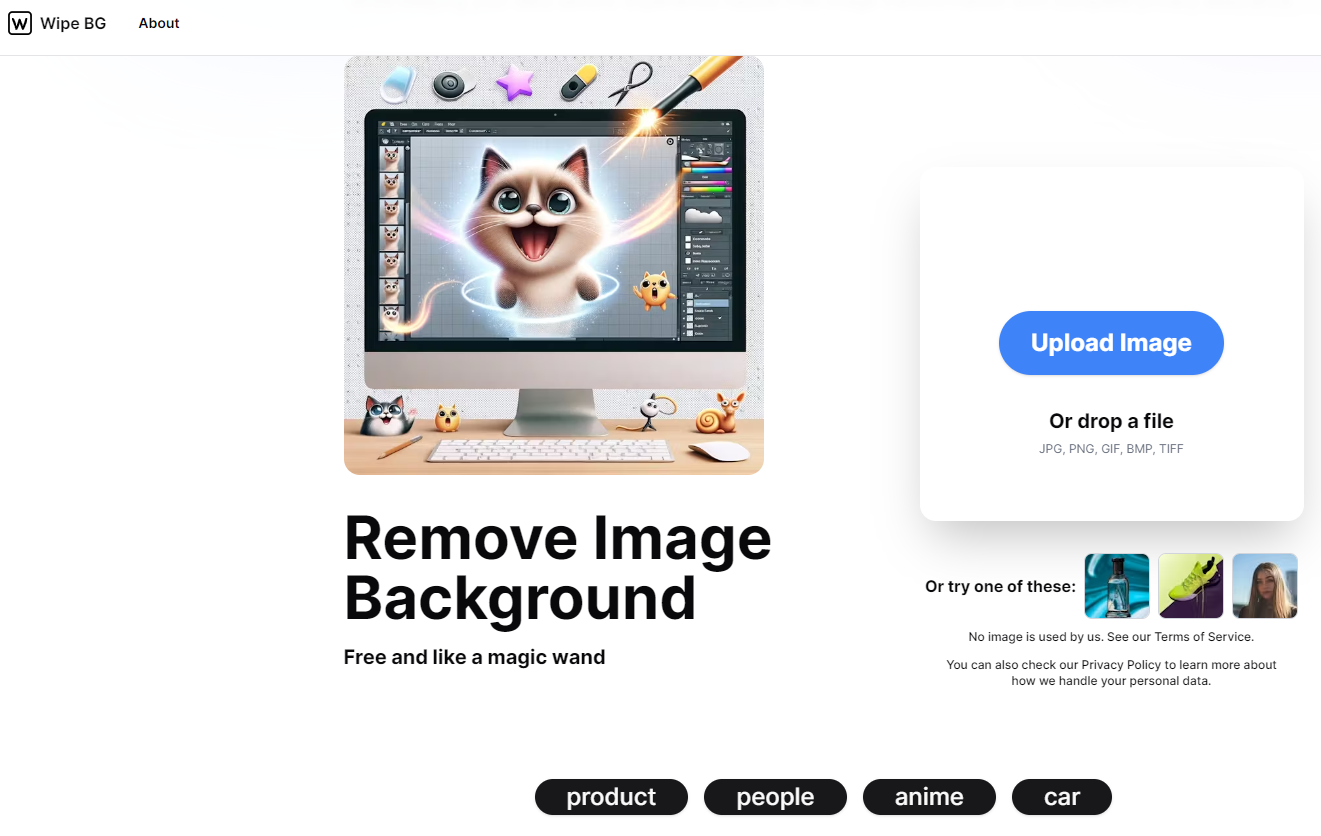
Screenshot archived from the listing page, for preview only.











