
Wittro
Live desktop AI assistant for interviews and meetingsReal-time answers and notes on your desktop
Highlights
What you can do with it
- Prepare for a programming interview by practicing common questions
- Get help drafting a self-introduction and answering questions before a job interview
- Record key points and pull answers across multiple meetings
How to use it
- 1 Download and install the Wittro desktop application
- 2 Drag Wittro into the application folder and launch it
- 3 Allow it to view your screen so it can answer questions
- 4 Customize the model's personality and tone
- 5 Start using it to support interviews and meetings
Who it is for
Pros
- Real-time assistance with clear, easy-to-follow answers
- Choice of about 100 models to fit the situation
- Free monthly allowance of 100 uses
Limitations
- The undetectable design raises rule concerns; using it to answer interview questions may violate school or employer policies, and consequences fall on the user
- Free allowance is limited to 100 uses per month, so heavier use needs a paid package
- Screen and audio access requires trust in the app and a stable desktop setup
What Wittro is
Wittro is a desktop AI assistant that works alongside you during interviews and meetings. It is designed to run in real time, listen to the conversation through audio, and give you clear answers you can use on the spot. The free plan includes 100 uses per month, and paid packages are available if you need more. Because the app is marketed as undetectable, it is important to understand that using it to supply answers in a live interview or exam may break school or employer rules, and any consequences rest with you.
What you can do with it
- Get real-time answers during interviews and meetings
- Practice common programming and job interview questions beforehand
- Record important meeting information and pull answers when needed
- Adjust the assistant's personality and tone for different situations
Who it is for
- Job candidates who want practice and live support during interviews
- Professionals who sit through many meetings and need quick notes
- Anyone preparing for a technical interview who wants a study companion
What to watch out for
The biggest concern is ethical and rule-related. Wittro is built to be undetectable so it can answer questions for you during interviews and meetings, but using it to misrepresent your own knowledge may violate school or employer policies, and the consequences are yours to carry. The free plan is also limited to 100 uses per month, so regular use will push you toward a paid package. It needs permission to view your screen and hear audio, so make sure your desktop setup is stable and you are comfortable with that level of access. For best results, start with a small test file and review the output carefully before working on anything important.
FAQ
Is Wittro free to use?
It offers 100 free uses per month, with paid packages for more.
Which models can it use?
It can access about 100 popular models, including ChatGPT, Claude, and Gemini.
Is it safe to use in a real interview?
Using an undetectable assistant to answer for you may break interview or school rules, and any consequences are your responsibility.
Why it is free
What the official page says: 免费使用免费
Free limits, trial length and features are decided by the official site and can change at any time.
Product preview
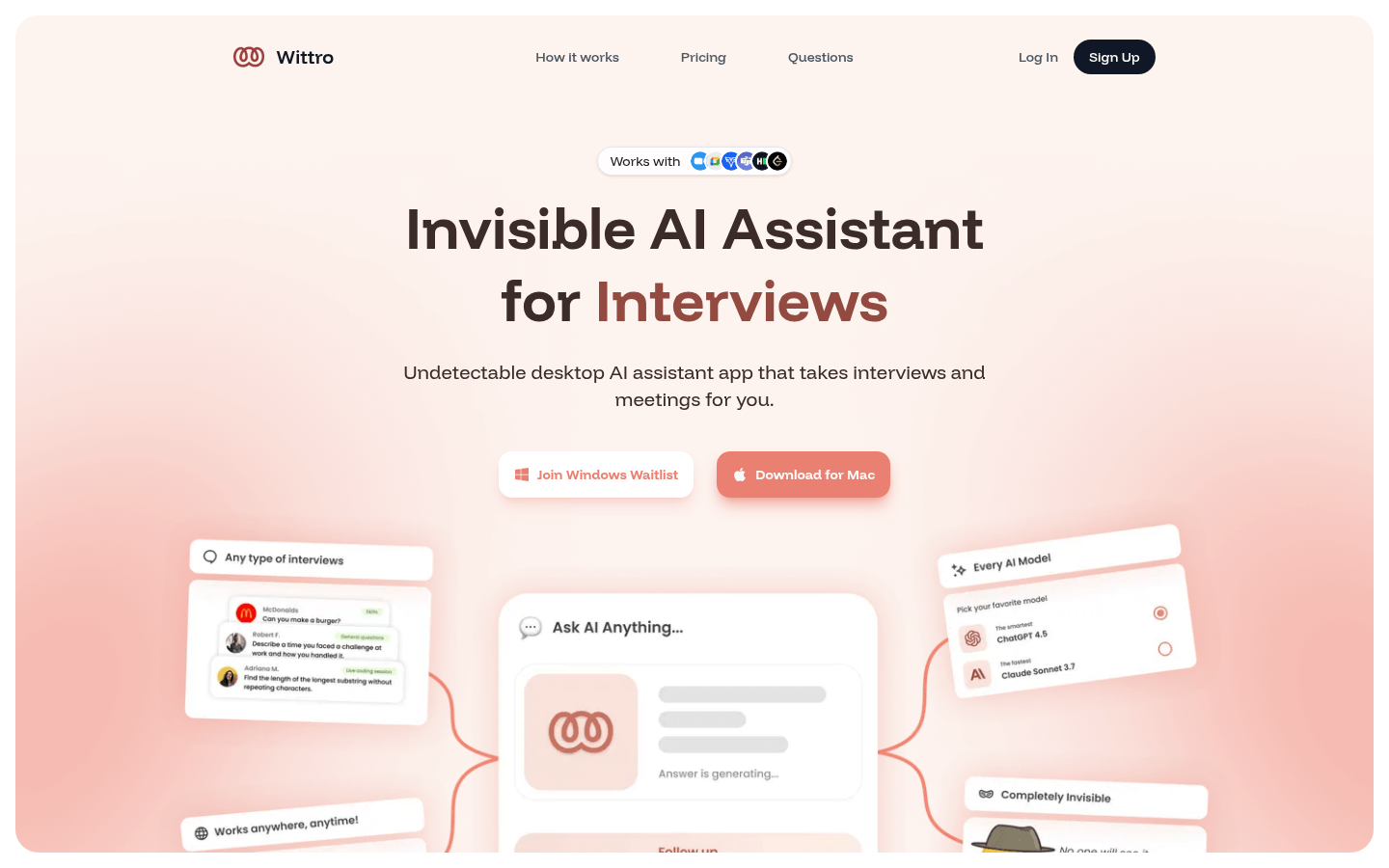
Screenshot archived from the listing page, for preview only.











